
Restaurant Wine List OCR: Why Reading Wine Menus Is So Hard for Apps


Download App: restaurant wine list OCR
Quick answer: Restaurant wine list OCR lets a phone camera convert a printed wine menu into searchable, structured text that can be matched to real bottles, prices, ratings, and tasting notes. It is significantly harder than standard document OCR because wine menus combine multilingual names, inconsistent layouts, decorative fonts, and dim restaurant lighting. Apps like DiVino layer wine-specific databases and AI matching on top of raw OCR to bridge this gap.
Definition: Restaurant wine list OCR is optical character recognition applied specifically to printed wine menus, extracting producer names, vintages, regions, and prices so a wine app can identify and recommend bottles at the table.
TL;DR
- Standard OCR can hit 98%+ accuracy on clean text but drops sharply on stylized, dimly lit wine menus.
- Wine list OCR requires wine-specific post-processing, database matching, layout parsing, and multilingual handling, beyond what generic OCR APIs provide.
- Even state-of-the-art systems produce errors, so production apps rely on confidence scoring, user corrections, and fallback methods like label scanning.
- DiVino combines menu OCR with taste profiles and food pairing logic to turn raw text into sommelier-level recommendations.
- Over 80% of restaurants now use digital tools, creating a growing opportunity for menu-scanning technology.
What Restaurant Wine List OCR Means
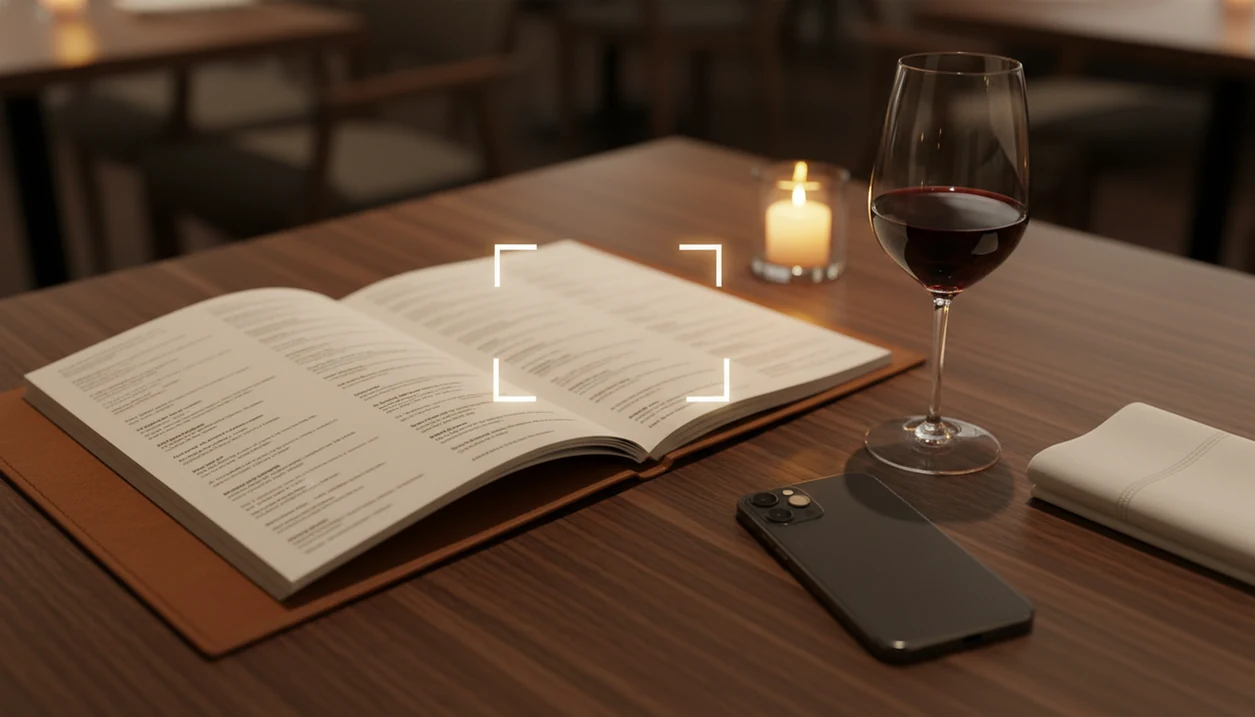
Restaurant wine list OCR is the process of photographing a wine menu, extracting its text, and turning that text into likely wine matches. The useful part is not just “reading” the page. It is connecting “Chianti Classico Riserva 2019” to a producer, region, grape style, price, and food context.
A book page usually has steady lines and one language. A receipt has predictable totals. A wine list may place Burgundy, Rioja, Etna Rosso, and Napa Cabernet in the same column, sometimes with prices floating far to the right. I’ve seen a server hover with a corkscrew while someone whispers, “Is Rioja the grape or the place?”
Start with the label, or in this case, the menu line.
Tools like Wine Identifier App use this technology as part of a sommelier app workflow. The goal is to move from blurry menu text to a bottle you can actually understand.
Five Facts About Wine Menu OCR Every Diner Should Know
- Wine names are unusually dense. A single line may include producer, cuvée, appellation, grape, vintage, format, and price, often in French, Italian, Spanish, and English.
- Good apps do more than read letters. Leading systems combine OCR engines with wine databases, so “Montepulciano” can be treated as a grape, place, or part of a producer name depending on context.
- Restaurant conditions lower accuracy. Low light, angled photos, glossy paper, and script fonts can turn “Bourgogne” into something unusable. The date-night table near the window helps less than you’d think.
- Matching is as hard as reading. Correct text still needs disambiguation. “Sancerre 2022” is not enough when several producers and bottlings share that broad description.
- Production systems expect mistakes. They use confidence scores, user corrections, and fallback methods such as label scanning or manual entry when a menu line stays uncertain.
For most diners, a structured scan is often easier than typing wine names by hand because accents, vintages, and producer spacing are easy to miss.
How Restaurant Wine List OCR Works Behind the Scenes
Restaurant wine list OCR works by cleaning the photo, recognizing characters, parsing wine fields, and matching those fields to a wine database. According to NIST OCR evaluation work, OCR can exceed 98% character accuracy on clean printed text, but performance drops on unusual fonts, low contrast, and complex layouts (https://www.nist.gov/itl/iad/image-group/optical-character-recognition-ocr).
Image Capture and Preprocessing
The system first deskews the photo, boosts contrast, reduces noise, and tries to flatten perspective. In plain terms, it makes a crooked, dim menu look more like a document scanner image. Blur and skew are widely reported by OCR providers as major causes of mobile recognition errors.
Text Extraction and Wine-Specific Parsing
An OCR engine, such as ABBYY, Tesseract, or a cloud API, extracts raw text. Then wine-specific NLP separates producer, vintage, region, grape, and price. That parsing matters when “Brunello di Montalcino” appears beside “2018” and “$145.”
Database Matching and Confidence Scoring
The app compares parsed text against wine records, then scores likely matches. Layout analysis also keeps by-the-glass listings separate from bottles. If you want the practical version, the how to scan wine menu with phone guide focuses on capture habits that reduce bad reads.
Why Wine Menu OCR Is Harder Than Standard Document Scanning
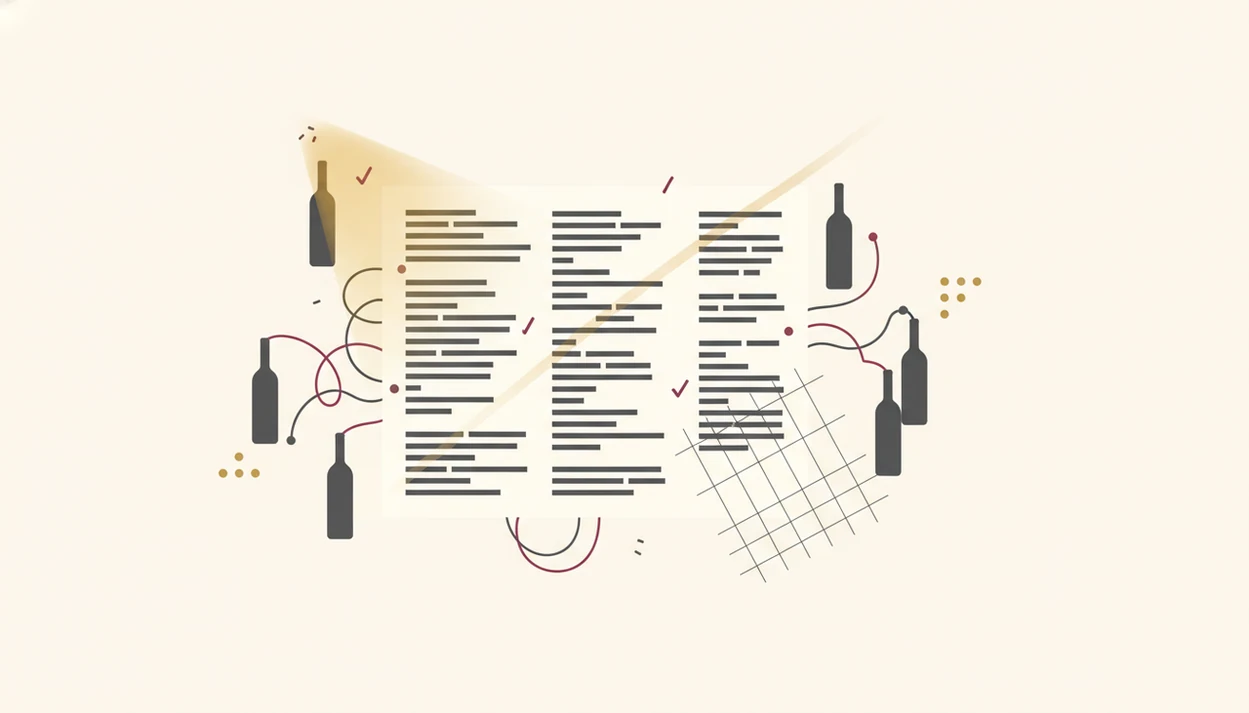
Wine menu OCR is harder because menus are designed for atmosphere, not machine reading. A 2020 Pattern Recognition review noted that OCR performance degrades on camera-captured documents with perspective distortion and poor lighting, which describes many restaurant menus neatly (https://doi.org/10.1016/j.patcog.2020.107407).
The page may mix “Chablis,” “Barolo,” “Rías Baixas,” and “California” within six inches of paper. Decorative fonts look elegant to guests but confusing to character recognition models. Columns can place a price closer to the wrong bottle than the right one.
Then the tasting notes arrive.
A menu might tuck “tart cherry on the tongue” under one Sangiovese, then list three more bottles below it. Without layout analysis, the system may treat that note as part of the next wine. Restaurant menus are small puzzles, not flat documents.
Menu Scanning Technology vs. Wine Label OCR
Menu scanning technology reads many possible wines at once, while wine label OCR usually focuses on one bottle. That difference changes the difficulty.
A label scan has a controlled target: one producer, one front label, one vintage if you’re lucky. You can turn a bottle under a kitchen pendant light and hunt for the tiny appellation line. A restaurant menu gives you dozens of entries, missing details, and prices that may drift across the page.
Menus often omit producer, sub-region, or vintage, so disambiguation gets harder. Wine Identifier App handles both modes and can fall back to label scanning when menu OCR confidence is low. For choosing from a full list, an app that scans restaurant wine list is solving a broader problem than a label reader.
How to Use Restaurant Wine List OCR at the Table
Use restaurant wine list OCR by giving the app the cleanest possible view of the menu, then treating the result as a shortlist to verify. The goal is not to scan secretly under the table; it is to reduce guesswork before the server returns.
- Flatten the menu on the table and angle it away from candle glare, glossy reflections, or hard overhead light. A steady, square photo gives the OCR model fewer excuses.
- Capture the full wine section first so the app can understand headings, columns, bottle sizes, and by-the-glass groupings before you zoom into one tempting line.
- Review the key fields before trusting a match. Producer, region, vintage, and price should all make sense together; one wrong digit can point to a different bottle.
- Use confidence signals as a cue for action. If the app shows low certainty, rescan from a flatter angle, crop the relevant section, or ask the staff to confirm the listing.
- Scan the label when the bottle arrives if the menu match still feels uncertain. The front label often resolves producer, cuvée, and vintage more cleanly than the printed list.
Common Misconceptions About Wine List OCR Accuracy
“Shouldn’t menu OCR be as accurate as scanning a book?” Not usually. NIST-style clean text evaluations show very high accuracy under controlled conditions, but complex layouts, low contrast, and unusual fonts create a different task.
Another myth is that any generic OCR API can power a sommelier app. Raw text is only the first layer. Wine menu OCR also needs wine-specific NLP, layout grouping, and bottle matching.
A third misconception is that scanning means the app automatically knows the right wine to order. It doesn’t. A scan can identify options, but recommendation quality depends on correct matching, your taste, food, budget, and availability.
Good divino ai wine identification and sommelier app tools deliver structured wine choices from messy menus, not instant certainty from every blurry photo.
OCR alone reads characters; wine understanding starts after that.
How DiVino Uses Wine Menu OCR for Sommelier-Level Picks
A wine menu OCR system typically uses a scan, parse, and match pipeline tailored to restaurant wine lists. The scan captures the menu, parsing separates producer, region, vintage, and price, then matching connects likely entries to wine records.
The recommendation layer adds what OCR cannot know by itself: your taste profile, budget, and food order. Pair the sauce, not only the protein. Roast chicken resting on a cutting board may point toward bright Chardonnay, aged Rioja, or cru Beaujolais depending on herbs, fat, and price.
Restaurant adoption of digital tools is now above 80% in industry analyses, which makes wine menu OCR more relevant for changing lists and beverage programs. The matching layer also needs continuous curation because producers update cuvées, vintages sell through, and by-the-glass lists rotate. For pairing-specific decisions, a best wine pairing app comparison can help separate scanning from recommendation quality.
Limitations
Restaurant wine list OCR is useful, but it is not a promise that every menu will scan cleanly. The failure points are practical and familiar if you’ve ever tried reading a creased back label at the dinner table.
- Handwritten menus remain difficult. Current OCR struggles with personal handwriting and heavily stylized chalkboard lists.
- Missing details cause weak matches. “Pinot Noir, Oregon” may be too broad without producer, appellation, or vintage.
- Multilingual lists confuse parsing. French appellations, Italian producers, and Spanish regions can appear in one section.
- Rotating lists age quickly. By-the-glass bottles and sold-out vintages may change before the database catches up.
- Low connectivity can limit matching. Basic text capture may work, but database lookup often needs a connection.
- Photography rules matter. Some venues discourage phone photos of menus, especially in formal dining rooms.
- Confidence thresholds are necessary. Advanced systems still need user feedback, manual correction, or label scanning when certainty is low.
The safer answer is a ranked shortlist, not a single unquestioned bottle.
Read more
FAQ
How accurate is wine menu OCR?
Wine menu OCR can exceed 98% accuracy on clean printed text, but restaurant menus are harder. Fonts, lighting, glare, camera angle, and layout can reduce accuracy significantly.
Can OCR read handwritten wine lists?
Handwritten wine lists are extremely difficult for current OCR systems. Most apps need manual correction or staff confirmation for those menus.
Does wine list OCR work offline?
Some apps may capture basic text offline. Most need connectivity for wine database matching, prices, tasting notes, and recommendations.
Why does my wine app misidentify bottles?
Wine apps often misidentify bottles when menus omit producer, vintage, sub-region, or cuvée. Several wines can share the same short menu description.
Is menu scanning better than label scanning?
Menu scanning shows the full list at once, but it is harder to parse. Label scanning is usually more reliable for one specific bottle.
What languages does wine OCR support?
Wine menus often mix French, Italian, Spanish, German, and English. Multilingual support varies by app and by the OCR model behind it.
Can a wine app scan restaurant wine lists?
Yes. Some wine apps use restaurant wine list OCR to identify bottles and suggest options based on the menu, food context, budget, and user preferences.