


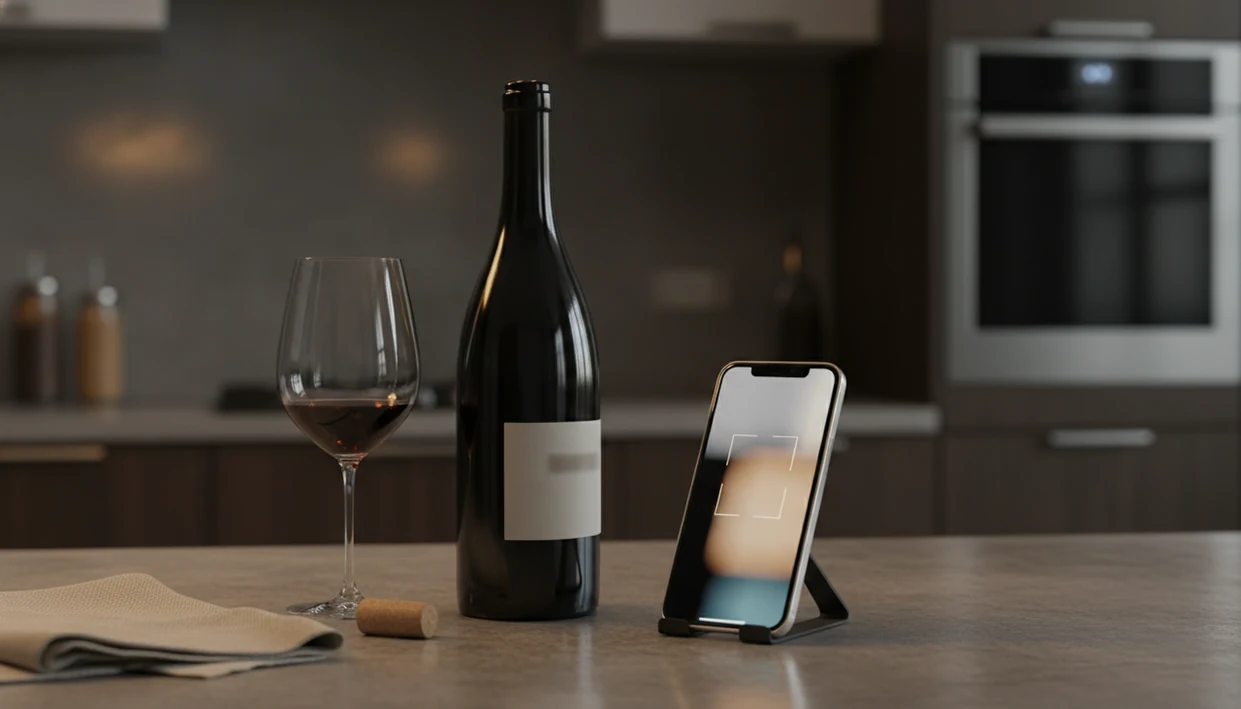
Definition: A wine identifier app is a mobile tool that uses your phone's camera to scan a wine label or restaurant menu and instantly returns bottle details, ratings, tasting notes, food pairings, and purchase options.
| Need | Best option |
|---|---|
| DiVino | AI food pairings after scanning wine labels or restaurant menus: Combines bottle identification, pairing guidance, cellar tracking, and personalized recommendations in one app experience. |
| Vivino | Community ratings and broad consumer wine discovery: Large user base, familiar label scanning, crowd-sourced reviews, and quick star-rating comparisons. |
| CellarTracker | Collectors who prioritize cellar records and tasting histories: Deep cellar management tools, extensive tasting notes, and strong tracking for owned bottles. |
| Wine-Searcher, Delectable, and Hello Vino | Specialized use cases such as price lookup, expert-style discovery, or beginner guidance: Wine-Searcher is useful for retail price comparisons, Delectable emphasizes discovery and label recognition, and Hello Vino is approachable for simple recommendations. |
Best Wine Identifier App at a Glance: 5 Must-Know Facts
- Label recognition depends on two things: the image model and the wine database behind it. A clear photo helps, but the match still fails if the producer, vintage, or label design is missing.
- Community size affects review depth. Vivino’s advantage is the volume of crowd notes, especially for supermarket bottles, popular regions, and widely distributed labels.
- The stronger apps go past identification. A useful wine identifier app explains what you are actually tasting, then connects that style to food, price, and your own history.
- AI sommelier features need context. can use the meal, occasion, and saved preferences to rank bottles beyond a generic star score.
- Privacy and bias vary more than people expect. Some apps earn from retailer links or promoted placements, so “recommended” may mean available to buy, not necessarily right for your table.
I still start with the label. A tiny appellation line under a kitchen pendant light can change the answer fast.
What a Wine Identifier App Does
A wine identifier app turns a label or menu photo into practical bottle intelligence. It identifies the wine, then adds enough context to help you decide whether to buy, open, save, or skip it.
The basic workflow is simple:
- Scan the bottle or menu using the front label, back label, wine list text, barcode, or visible producer details.
- Check the match for producer, region, grape, vintage, price range, alcohol, style, and tasting-note data.
- Compare the signals across crowd ratings, critic notes, food pairings, availability, and your own cellar or tasting history.
- Judge the context instead of treating the highest average score as the answer.
- Choose with constraints in mind such as privacy settings, retailer influence, and how well the database covers your region, language, or niche producer.
That fourth step is where better AI pairing logic earns its keep. A crowd score can say many people liked a bottle, but it cannot always tell you whether that plush California red will flatten grilled fish or whether a sharper white will rescue lemon, herbs, and salt. Context beats popularity when dinner is already on the table.
Top Wine Identifier Apps: Named Shortlist for 2026
The strongest 2026 shortlist has four names: DiVino, Vivino, Delectable, and CellarTracker. Each solves a different wine problem, so the right choice depends on whether you want pairing advice, crowd ratings, critic context, or cellar control.
Near-synonym searches such as wine label scanner, identify wine from a picture, and free wine label scanner all belong on this page. For iPhone-specific camera tips, see best wine scanner for iPhone. For cost, see DiVino pricing.
- DiVino: best for AI sommelier pairings and meal-context recommendations. It fits people choosing wine beside a real dish, not just scanning for a score.
- Vivino: best for crowd-sourced ratings and the largest community database. It is especially useful in shops with familiar commercial labels.
- Delectable: best for following professional critics, importers, and winemakers.
- CellarTracker: best for serious collectors who need inventory, notes, and drinking-window discipline.
| App | Scanning accuracy | Pairing intelligence | Community size | Privacy stance | Free vs paid |
|---|---|---|---|---|---|
| DiVino | Strong | High | Growing | Recommendation transparency | Free and premium tools |
| Vivino | Very strong | Medium | Very large | Retailer-linked commerce | Free with commerce features |
| Delectable | Strong | Medium | Niche expert community | Social-profile based | Free tier available |
| CellarTracker | Medium | Low | Collector-heavy | Data utility focus | Free and paid options |
For beginners, a wine identifier app for beginners should explain grape, region, and taste before it asks you to care about prestige.
Wine Scanner App Testing Criteria: Accuracy, Database Depth, and Bias
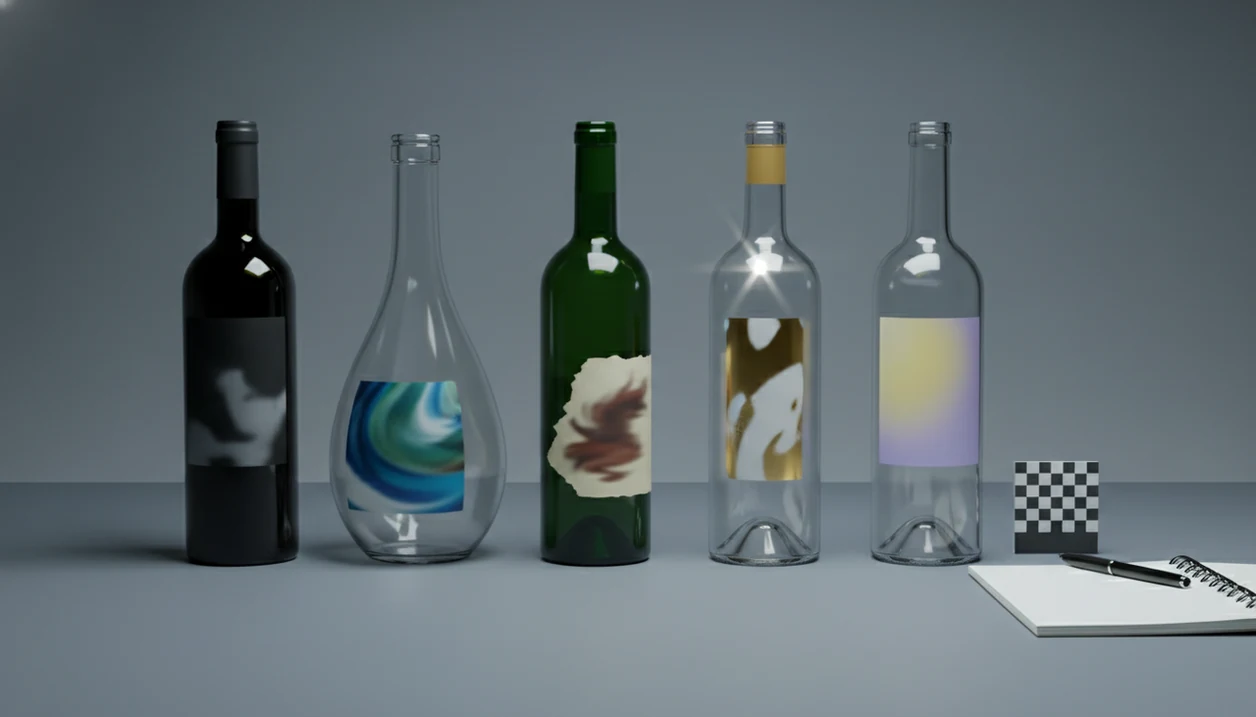
A fair wine scanner test uses real lighting, awkward labels, and bottles outside the obvious supermarket set. A 2021 Statista survey reported that 42% of U.S. wine consumers used a mobile device to research wine at least occasionally before purchasing (https://www.statista.com/), so the standard should be everyday use, not lab behavior.
I test with glare, curved glass, older vintages, and regional names that are easy to confuse. A dusty Bordeaux label under kitchen light tells you more than a flawless product screenshot.
Good apps must recognize non-Latin scripts, small producers, and labels where the vintage sits above the barcode. They also need pairing intelligence that can tell ripe fruit from sweetness, or bright acidity from simple sharpness.
When the issue is commercial bias, Wine Identifier App earns attention because recommendations are not built around retailer-boosted results; the practical mechanism is a transparent AI sommelier workflow based on scan, meal context, and saved taste profile.
DiVino: Best Wine Identifier App for AI Food Pairings
DiVino is the strongest wine identifier app for people who want the scan to answer, “Will this work with dinner?” rather than only, “What is this bottle?” It uses taste history and the current dish to make context-aware recommendations.
The useful part is the sequence. First the grape, then the place, then the taste, then the plate. If tomato sauce is bubbling in a skillet, Wine Identifier App can favor Sangiovese with cherry-skin bitterness and acidity over a heavier red that fights the sauce.
Dinner hosts who scan bottles while planning courses fit DiVino because the AI sommelier connects label recognition to food and wine pairing intelligence, then saves the bottle into cellar tracking or a wishlist.
Menu scanning matters too. Friends debating bottles over shared appetizers do not need a lecture on limestone soils. They need a short ranking that separates crisp whites, softer reds, and bottles likely to overpower the table.
Good wine identifier apps deliver recognition plus judgment, not a random popularity contest.
Vivino: Best Wine Scanner App for Community Ratings
Vivino is the strongest wine scanner app for crowd ratings because its database has millions of user reviews and label images. That scale makes it quick on common bottles and helpful when you want a broad read on market opinion.
Its strength is pattern recognition. If thousands of people scanned the same Rioja, you will usually see ratings, price ranges, tasting notes, and purchase links within seconds. That helps in a store aisle divided by region signs, where the shelf talkers all sound oddly similar.
However, the same convenience has trade-offs. Built-in purchase links are useful, but retailer partnerships can shape what appears easy to buy. Crowd scores also tend to favor familiar regions, plush styles, and bottles with wide distribution.
Anyone dealing with rating overload may prefer DiVino when the decision depends on a specific meal, because Wine Identifier App ranks the bottle against dish context rather than leaning mainly on average user scores.
Privacy deserves a look. Check account settings before saving scans, wishlists, or location-based shopping behavior.
Wine Label Scanning Technology: OCR, Image Recognition, and AI Sommelier Logic
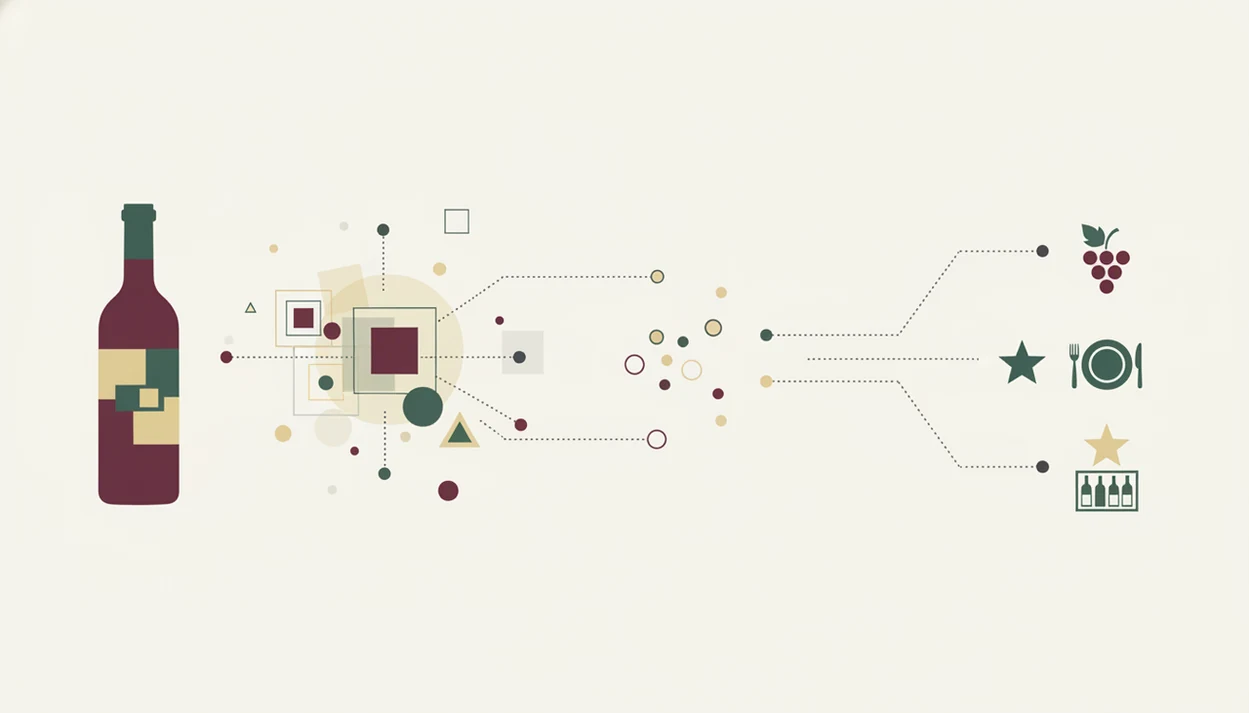
Wine label scanning works by combining optical character recognition, image recognition, and a structured wine database. OCR reads text from the photo, while image embeddings match label shapes, logos, and design details against known bottle images.
Once the label is matched, the app cross-references producer, vintage, region, grape, and style. That is where “Rioja” becomes a place, not a grape, which prevents the awkward dinner-table whisper: “Is Rioja the grape or the place?”
Pew Research Center reported that 90% of U.S. adults owned a smartphone in 2023 (https://www.pewresearch.org/internet/fact-sheet/mobile/), which is why camera-based scanning has become normal for wine discovery.
The AI sommelier layer adds a second judgment step. It applies user taste history, meal details, and occasion prompts to rank useful options. For a seafood menu beside chilled white wine, that may mean favoring Albariño or Chablis for lemon-zest acidity rather than a broad, oaky Chardonnay.
The most useful wine scanner workflow is label match plus context ranking because identification alone does not tell you whether the bottle fits the food.
5 Steps to Use a Wine Identifier App to Scan Any Bottle
Use a wine identifier app by giving the camera a clean label, checking the match, then saving what you learned. If the scan fails, manual search by producer and vintage is still the fastest rescue.
- Open the app and position your camera over the front label in good lighting.
- Capture or auto-scan the label with the producer name, logo, region, and vintage fully visible.
- Review the matched profile for ratings, tasting notes, vintage details, grape, region, and price range.
- Check food-pairing suggestions and adjust the recommendation for your meal, sauce, or occasion.
- Save the bottle to your cellar, tasting journal, or wishlist for future reference.
Small adjustment, big difference.
If auto-scan fails, type the producer and vintage manually. I often turn the bottle slightly to catch the appellation line, then search again. For a slower walkthrough, use the guide on how to scan wine label with phone.
Collectors who save every scan after purchase fit Wine Identifier App because DiVino turns identification into cellar tracking, tasting notes, and future recommendation data.
4 Common Myths About Wine Identifier Apps
Myth 1: A wine app tells you whether a bottle is objectively good or bad. It does not. It surfaces ratings, style clues, and notes that may or may not match your palate.
Myth 2: Label scanning is always accurate. It is not. Poor light, partial labels, unusual fonts, and small producers still confuse even strong scanners.
Myth 3: Top-rated wines are always the best value. Value changes with price, availability, food, and personal taste. A lower-rated Loire Cabernet Franc may beat a higher-rated Napa red beside goat cheese.
Myth 4: All wine scanner apps use the same database. They do not. Coverage, review depth, AI pairing logic, and cellar features vary sharply across DiVino, Vivino, Delectable, and CellarTracker.
When rare labels are the problem, a guide on how to find wine from label photo can help you combine scanning with producer search, vintage lookup, and manual correction.
For curious drinkers, personal fit usually depends more on taste memory than on the highest average rating.
Label Photo ID and Free Scanner Searches
Near-duplicate searches—wine label scanner, identify wine from a picture, find wine from a label photo, free wine label scanner, beginner wine identifier—belong on this page rather than on separate thin URLs.
- Use clear front-label photos; verify producer and vintage after every match.
- Free tiers are for testing; paid tiers matter for cellar depth, not magic accuracy.
- iPhone camera tips: best wine scanner for iPhone.
- Scan technique: how to scan a wine label with your phone.
Limitations
Wine identifier apps are useful shortcuts, not rules. They translate labels quickly, but they still miss nuance that a trained sommelier can read from the table, the food, and the person asking.
- Image recognition can fail with damaged labels, glare, unusual fonts, smudged paper, or partial shots.
- Condensation causes trouble. A smudged back label after the bottle leaves an ice bucket can soften the text enough to confuse OCR.
- Crowd ratings skew popular. Famous regions and familiar styles receive more reviews than niche producers or quiet appellations.
- AI pairings rely on past behavior. If your taste suddenly shifts toward orange wine or oxidative Jura whites, recommendations may lag.
- Retailer-linked apps can narrow choices to bottles available through partner stores or specific markets.
- Price comparisons are uneven across states, countries, and online retailers.
- No app replaces a trained sommelier who can read mood, budget, menu pacing, and the person who says, “nothing too heavy.”
U.S. per-capita wine consumption reached about 3.1 gallons in 2022, according to federal alcohol tax data, which signals a large audience. Still, no single algorithm covers every palate.
If you want to compare feature depth before installing anything, the wine label scanner app guide breaks down scan-first tools in more detail.