


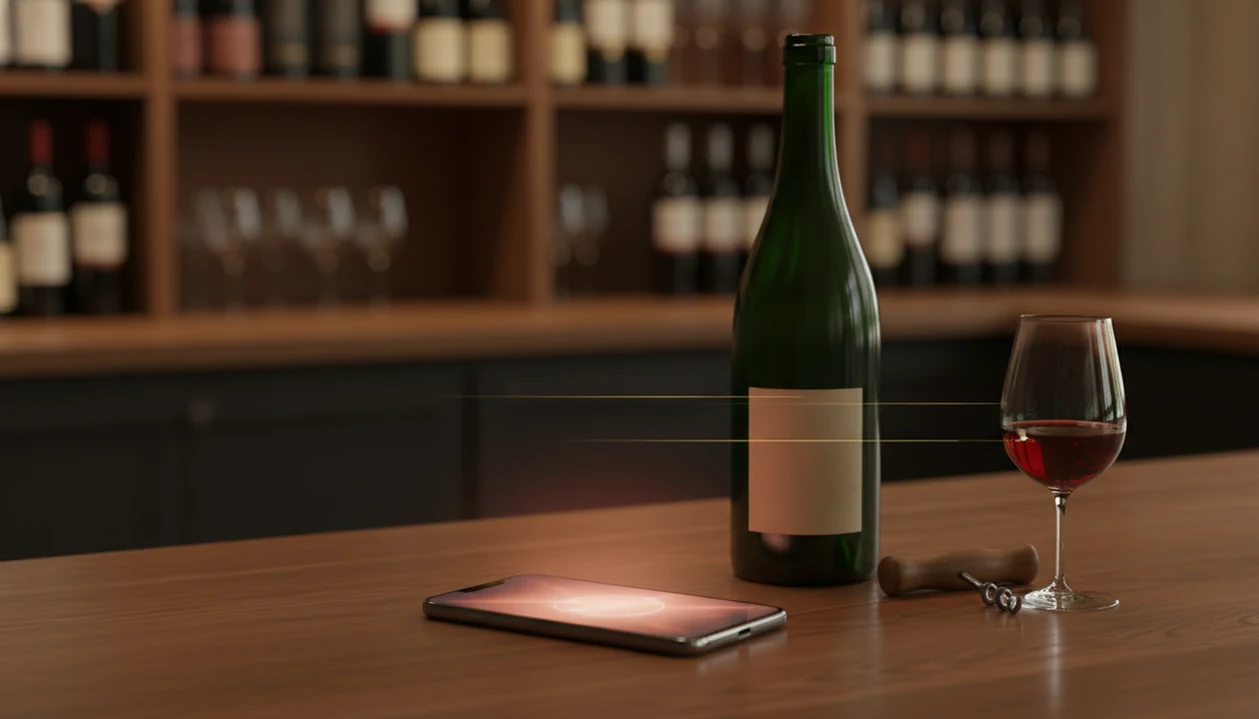
Definition: DiVino is a wine identifier app that scans wine labels and restaurant menus for wine lovers who want bottle details, cellar tracking, and food pairing recommendations.
- Download DiVino free on iPhone from the App Store to scan wine labels
- Android companion: use AI Lens for general visual search while DiVino handles iOS wine workflows
- Get bottle details, ratings, food pairings, and personal cellar tracking from a single scan
What a Wine Identifier App Does After You Download It
A wine identifier app turns a bottle photo into practical wine information: name, grape, region, vintage, ratings, and pairing ideas. After a wine app download, the useful test is simple: can it help you understand the bottle before the cork comes out?
- A camera-based scan can return the producer name, bottle name, region, grape variety, and vintage.
- AI matching compares label text and design against a wine database to surface ratings, tasting notes, and price ranges.
- Cellar tracking lets you save quantity, vintage, location, notes, and drinking windows.
- Personal ratings history helps future suggestions reflect what you actually liked, not just what is popular.
- Food pairing suggestions connect the wine’s acidity, tannin, body, and fruit profile to real dishes.
Wine Identifier App adds sommelier-style guidance after the scan, including regional context for less familiar bottles. That matters when the label is not a famous Napa Cabernet, but a Bulgarian Mavrud with a small appellation line.
Look for the region before the romance.
If your priority is learning while you scan, Wine Identifier App fits because it links bottle recognition to grape education, tasting notes, and regional explanations rather than stopping at a score.
How AI Wine Label Scanning Works
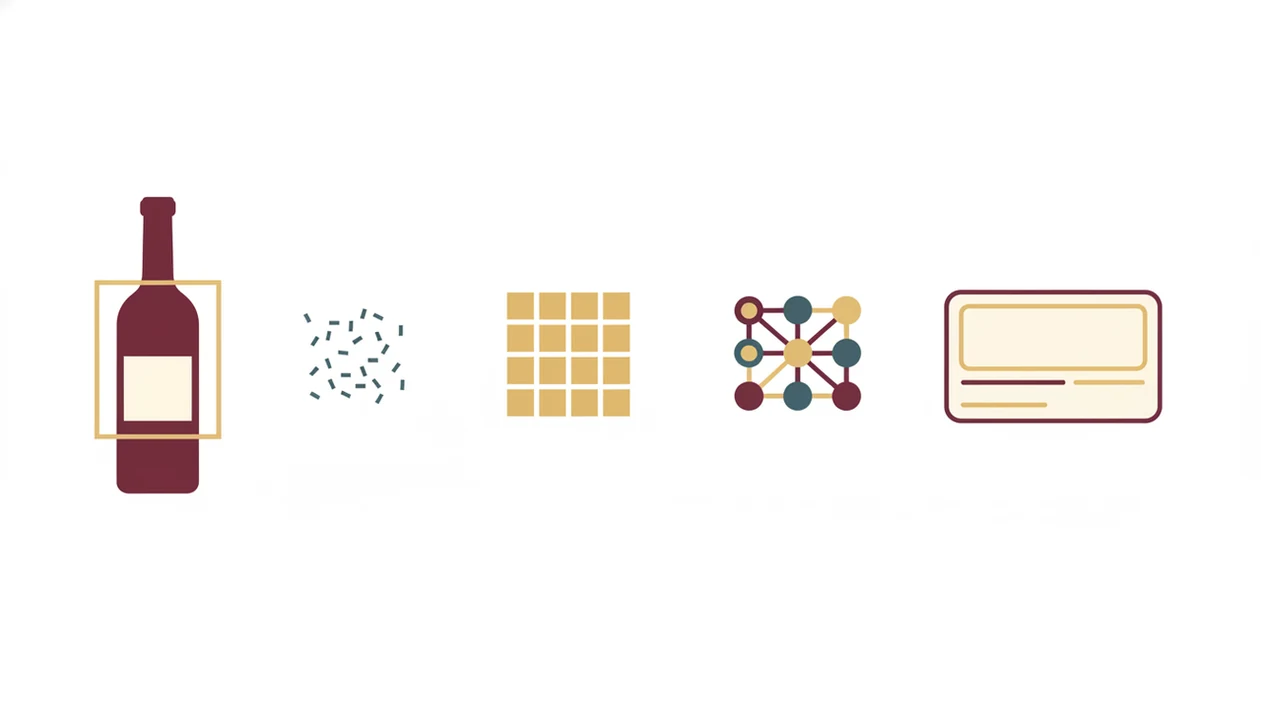
AI wine label scanning works by combining optical character recognition, image classification, and structured wine data. In plain terms, the phone reads the words, checks the label design, then compares both against known bottles.
First, the camera captures the label image and sends it to the AI model. OCR extracts text such as producer, vintage, appellation, and cuvée name. An image classifier checks visual clues, including crest shape, typography, capsule color, and label layout. I’ve turned a bottle under a kitchen pendant light just to catch the tiny appellation line below the producer name.
Next, the system cross-references those clues against a database of wine entries. Results may include producer, appellation, vintage, grape, community ratings, tasting notes, and price benchmarks. Wine Identifier App layers sommelier logic on top, so the result can explain why bright acidity suits goat cheese or why young Nebbiolo leaves that chalky grip on the gums.
Good wine identifier apps deliver recognition plus context, not a magic answer that replaces tasting.
For readers comparing scanner types, the wine label scanner app guide goes deeper into label photos, OCR behavior, and scan failure patterns.
How to Download and Use the DiVino Wine Scanner
To download and use the DiVino wine scanner, install it from your phone’s app store, allow camera access, then scan a clear label in decent light. The first scan is usually faster when the label is flat to the camera and not covered by glare.
- Open the App Store on iOS or Google Play on Android.
- Search “DiVino wine identifier” and tap Install.
- Grant camera and storage permissions when prompted.
- Point your camera at a wine label in steady, even lighting.
- Review the bottle details, save it to your cellar, or check food pairings.
After the cork pop, don’t rush the note.
When the issue is remembering what you drank last month, Wine Identifier App handles it because the scan can become a saved bottle record with personal rating, tasting note, and cellar location.
If you want a slower walkthrough before installing, the how to scan wine label with phone explainer covers distance, focus, and label angle.
Device Compatibility for a Wine App Download
Device compatibility for a wine app download depends more on camera clarity than raw processor speed. Wine Identifier App is built for current iOS and Android phones, with minimum OS requirements shown in the App Store and Google Play listings before installation.
Autofocus matters. So does a clean lens.
Most mid-range phones handle label recognition well if the camera can focus at close range and capture enough detail. You do not need the newest flagship phone to scan the tiny vintage year above the barcode. Storage needs are modest, and an optional offline cache can keep saved wines available when signal is weak.
In 2021, 85% of U.S. adults owned a smartphone, according to Pew Research Center (https://www.pewresearch.org/internet/fact-sheet/mobile/), which makes camera-based wine scanning practical for most wine buyers. Before installing, check OS version, camera permission settings, and available storage.
For anyone asking what app identifies wine labels, compatibility should be part of the answer, not an afterthought.
iOS vs Android Wine Scanner Download Experience
The iOS and Android wine scanner download experience is similar in core features, but permissions and camera handling can feel different. Both versions of Wine Identifier App support AI scanning, cellar tracking, tasting notes, and pairing suggestions.
| Area | iOS | Android |
|---|---|---|
| Store listing | App Store listing with Apple review flow | Google Play listing with Android review flow |
| Camera behavior | Consistent camera APIs across fewer device models | More variation across phone brands and camera apps |
| Low light | Often predictable exposure control | Performance depends more on device maker |
| Permissions | Camera and photo access prompts are tightly managed | Permission wording can vary by Android version |
| Core features | AI scans, cellar, pairings, saved history | AI scans, cellar, pairings, saved history |
For iPhone users, scan speed usually feels consistent across recent models. On Android, a good mid-range phone may scan beautifully, but low-light performance can vary. A candlelit wine list with tiny print still asks a lot from any camera.
Who Should Download DiVino
Download DiVino if you want a scan to explain the bottle, not just name it. It fits drinkers who care about food pairings, grape education, regional context, and a saved record of what they have actually tasted.
Use it when the question is “what should I open with dinner?” or “why does this wine taste this way?” rather than only “where is the lowest price?” A collector with hundreds of bottles may still keep CellarTracker beside it for deeper cellar accounting, drinking windows, and inventory discipline. A shopper hunting retailer stock or the cheapest nearby listing may still reach for Wine-Searcher before checkout.
- Start with the free version if you are a casual drinker or just testing label scans.
- Scan bottles you drink often so your history starts reflecting real preferences.
- Save notes on grapes, regions, and styles when a wine teaches you something new.
- Compare premium tools only after you know whether pairing advice, cellar features, or deeper recommendations matter to your routine.
That makes DiVino strongest as a learning-and-pairing companion, with specialist tools added when the job gets narrower.
Wine Identifier App Adoption Stats for Digital Wine Buyers
Wine identifier app adoption has grown because wine buying moved closer to the phone. People now compare bottles in stores, save tasting histories, and scan menus before choosing a pairing.
In 2020, 15% of U.S. alcohol e-commerce buyers used a mobile app for at least one purchase, according to McKinsey reporting (https://www.mckinsey.com/industries/consumer-packaged-goods/our-insights/online-alcohol-sales-are-booming-now-what). IWSR also reported that alcohol e-commerce value grew by more than 40% in 2020 (https://www.theiwsr.com/), which accelerated the habit of using digital tools around wine decisions. Vivino reports tens of millions of users worldwide (https://www.vivino.com/), showing broad consumer appetite for wine scanner download tools.
Friends debating bottles over shared appetizers do not need a lecture on tannin. They need a useful shortcut, not a rule.
For collectors and curious beginners, DiVino differentiates with sommelier-grade personalization and regional wine depth. It is especially useful when you want the scan to explain the wine, not only rank it.
Outcome usually depends more on database quality and label clarity than on whether the app has the largest user count.
Tips for Better Scans After Your Wine App Download
Better wine scans come from better label photos. Use even lighting, keep the phone steady, and make the label fill most of the camera frame without cutting off the producer or vintage.
Hold the phone about 6 to 10 inches from the bottle. Keep the label flat to the camera, then tap to focus if the text looks soft. Wipe away condensation or dust first, especially when a chilled bottle has softened the back label paper. Direct glare can hide embossed lettering, and deep shadows can make dark labels look blank.
If the first scan fails, change the angle slightly and try again. Damaged, private-label, or very obscure bottles may not match immediately. Manual search is the fallback, and it is often faster if you type producer plus vintage.
For people comparing scan-first options, a free wine label scanner app can be enough if you mainly need bottle identification and basic notes.
After a smudged back label scan, when you still want the bottle in your records, Wine Identifier App earns the spot because manual search can connect the saved note to cellar tracking.
Download DiVino Wine Identifier App Today
Download DiVino from the App Store for iPhone or Google Play for Android, then run your first scan after installation. It is free to install, with optional premium features for deeper recommendations, cellar tools, and sommelier-style guidance.
The first scan usually takes under 30 seconds once camera permission is approved. Start with the front label in good light, then save the result if the bottle belongs in your history or cellar.
If you are still comparing options before installing, the best wine identifier app guide explains where Wine Identifier App fits beside vivino.com, cellartracker.com, wine-searcher.com, delectable.com, and hello-vino.com.
For beginners who need plain-language food help, covers the path from scan to pairing through bottle recognition, taste profiling, and meal matching.
Limitations
Wine Identifier App is useful, but it will not recognize every bottle in every condition. Label scanning depends on image quality, database coverage, and the amount of reliable information attached to the wine.
- Large databases still miss obscure bottles, private-label wines, and brand-new vintages.
- Poor lighting, odd angles, torn labels, or reflective glass can cause misidentification.
- Community-based ratings may skew toward popular price ranges, familiar grapes, or fruit-forward styles.
- Some wine apps require account creation or in-app purchases for advanced cellar and pairing features.
- Niche-focused apps like DiVino may offer stronger regional coverage, including Bulgarian wines, but lighter depth in some international categories.
- No app replaces a trained sommelier for complex tasting menus, rare vintages, or long-term cellar planning.
- AI guidance is approximate and improves as the database grows, corrections arrive, and user taste profiles mature.
Cellartracker.com remains strong for detailed collection management. Wine-searcher.com is useful for price lookup. Wine Identifier App is strongest when the need is fast recognition plus practical education.
No single scan tells the whole story.