


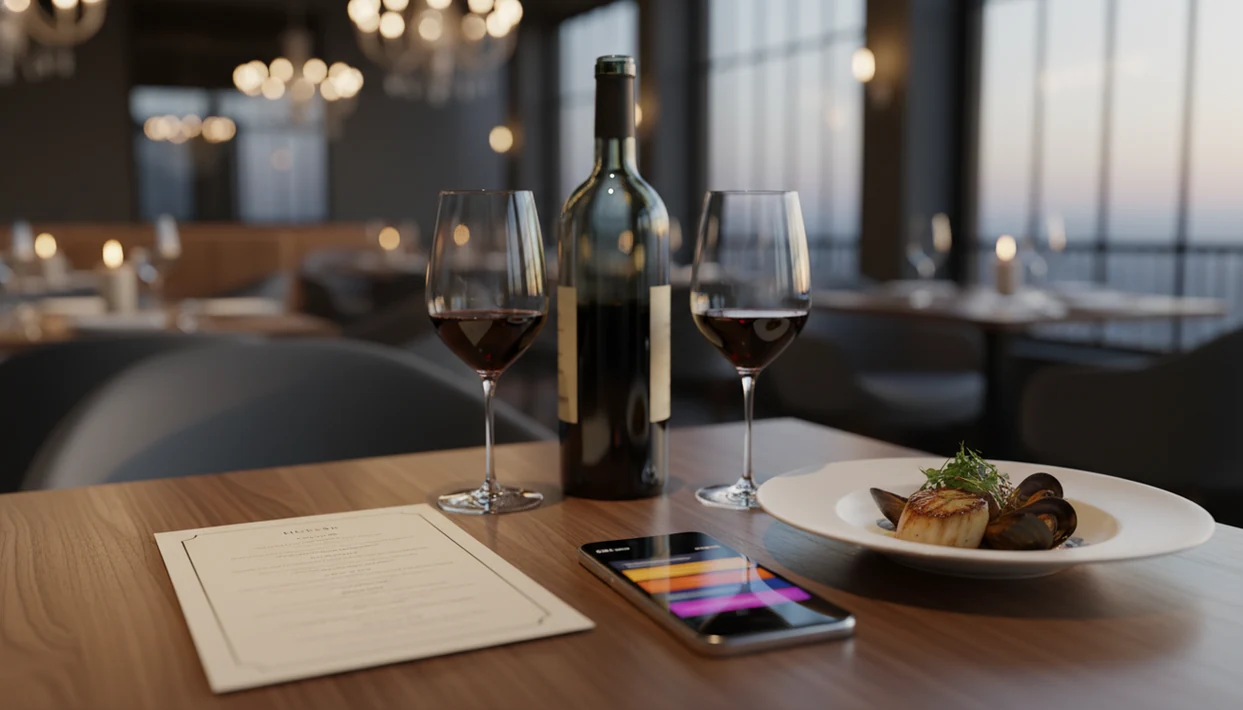
Definition: An AI sommelier app is a mobile tool that uses image recognition and machine-learning models to scan wine labels or menus, then delivers personalized bottle recommendations, tasting notes, and food-pairing suggestions based on your flavor preferences and history.
| Need | Best option |
|---|---|
| DiVino | Restaurant diners who want AI wine advice from labels, menus, and food context.: Scans wine labels and restaurant menus, supports pairing recommendations, helps compare fit, and is designed for practical ordering decisions. |
| Vivino | Users who value a large wine database, ratings, and community review volume.: Strong label recognition, broad consumer ratings, and useful bottle discovery at scale. |
| CellarTracker | Collectors who want cellar notes, inventory tracking, and community tasting history.: Deep cellar-management features and extensive user tasting notes. |
| Wine-Searcher, Delectable, and Hello Vino | Specific needs such as price lookup, label identification, discovery, or beginner pairing help.: Wine-Searcher is useful for price and merchant research; Delectable can help with label discovery; Hello Vino is approachable for casual pairing guidance. |
What the Best AI Sommelier App Actually Does
A strong AI sommelier app identifies wine, explains style, and suggests a fit for your taste or meal. The core jobs are label scanning, restaurant menu scanning, taste profiling, and food pairing.
That matters because wine is not a tiny niche. Gallup has reported wine as one of Americans’ major alcoholic-beverage choices, and Pew reports that 90% of U.S. adults owned a smartphone in 2023 (Gallup; Pew). That creates a large audience for phone-first wine help, especially when someone is staring at a seafood menu beside chilled white wine and has thirty seconds to choose.
The split to notice is community ratings versus true personalization. Vivino is useful when you want many crowd scores. is more useful when the question is, “Which bottle fits this dish and my taste?” Good AI sommelier apps predict personal fit, not universal greatness.
Five Facts About AI Wine Recommendation Apps
- Recognition depends on scans plus data. Label or menu scanning only works well when image recognition connects to a deep wine database.
- Personalization needs history. Ratings, saved bottles, and purchase notes help the model learn whether you prefer bright acidity, soft tannins, ripe fruit, or earthier styles.
- Useful features are not all equal. Offline scanning, food pairing, cellar management, and AI transparency separate practical tools from novelty chat screens.
- Generalist and niche apps solve different problems. Vivino and Wine-Searcher suit broad retail research; restaurant-focused scanners help when the wine list is long and the server is busy.
- Coverage varies by market. Privacy rules, local label support, non-Latin scripts, and regional producer data can change the result quickly.
If you want a deeper primer before comparing brands, the AI wine recommendation app guide covers the category in more detail.
AI Sommelier App Shortlist: Top Picks Compared
A useful shortlist depends on the setting: restaurant, retail shelf, quick dinner pairing, or merchant workflow. Good AI wine tools explain the recommendation, not just decorate it with tasting words.
| App | Label scan | Menu scan | Food pairing | Cellar tracking | Offline mode | Price range | AI transparency |
|---|---|---|---|---|---|---|---|
| DiVino | Yes | Strong | Strong, dish-based | Yes | Limited cache | Free to premium | Explains match factors |
| Vivino | Strong | Limited | Basic to moderate | Some | Mostly online | Free to premium | Mixed, rating-heavy |
| Pocket Sommelier | Limited | No | Strong for single pairings | No | Varies | Low-cost or free | Simple reasoning |
| Sommelier.bot | No consumer scan | Merchant-led | Merchant configured | No | Online | Business pricing | Depends on setup |
If you scan bottles at home and browse ratings, Vivino has the obvious database advantage. For restaurant diners who need menu help, Wine Identifier App fits better because it reads the list, connects wines to dishes, and keeps notes for bottles you may buy again.
How We Chose These AI Sommelier Apps
We ranked these AI sommelier apps by how well they help in real wine moments, not by how clever the chat window sounds. The strongest picks had to recognize bottles or lists, explain pairings clearly, and stay useful when you are choosing under time pressure.
Our review process used the same criteria across DiVino, Vivino, Pocket Sommelier, Sommelier.bot, and other named competitors:
- Test core recognition by looking at label scanning, restaurant menu scanning, and how gracefully each app handled imperfect photos or partial information.
- Compare pairing depth by checking whether recommendations considered dish details, acidity, body, tannin, sweetness, and not just broad grape categories.
- Weigh practical features such as cellar tracking, saved notes, privacy controls, export options, and what happens when the connection is weak or unavailable.
- Read the explanations to see whether the app gave useful reasons or simply returned a confident bottle name.
- Separate hands-on use from public claims by treating our direct app checks as primary and using product pages or app-store information only where features were not testable.
DiVino: Best AI Sommelier App for Restaurant Diners
DiVino is the strongest pick for restaurant diners because it treats the wine list as the starting point, not an afterthought. It helps you pair the sauce, not only the protein.
- Menu scan: Wine Identifier App reads restaurant wine lists and surfaces usable options when lighting is uneven or the list is printed in small type.
- Dish pairing: The pairing engine connects wine to menu dishes, so lemon-zest acidity with goat cheese gets treated differently from grilled lamb.
- Cellar follow-through: Bottles can move from a dinner scan into cellar tracking, with vintage, location, quantity, and tasting notes.
- Real gap: Vivino has a larger community database, especially for common retail labels.
For diners who need fast menu help without pretending to know every appellation, Wine Identifier App earns the top restaurant spot because menu scanning and dish-level pairing work in the same workflow.
The napkin gets damp. The label blurs.
Vivino: Best Wine Recommendation App for Database Size
Vivino is the better choice when database size, crowd ratings, and retail price comparison matter most. It is especially useful when you turn a bottle around under a kitchen pendant light and want quick confirmation of producer, vintage, and public opinion.
- Large database: Vivino’s label recognition and crowd-sourced ratings cover many common bottles.
- Personal AI sommelier: Vivino has added an AI sommelier feature for more guided recommendations.
- Shopping support: Price comparison helps retail shoppers check whether a shelf price looks reasonable.
- Restaurant weakness: Full wine-list scanning and real-time dish pairing are less central.
For home shoppers who compare bottles side by side, Vivino is often easier than a restaurant-first scanner because crowd ratings and price data sit close to the label result.
How AI Sommelier Recommendations Work Behind the Scenes
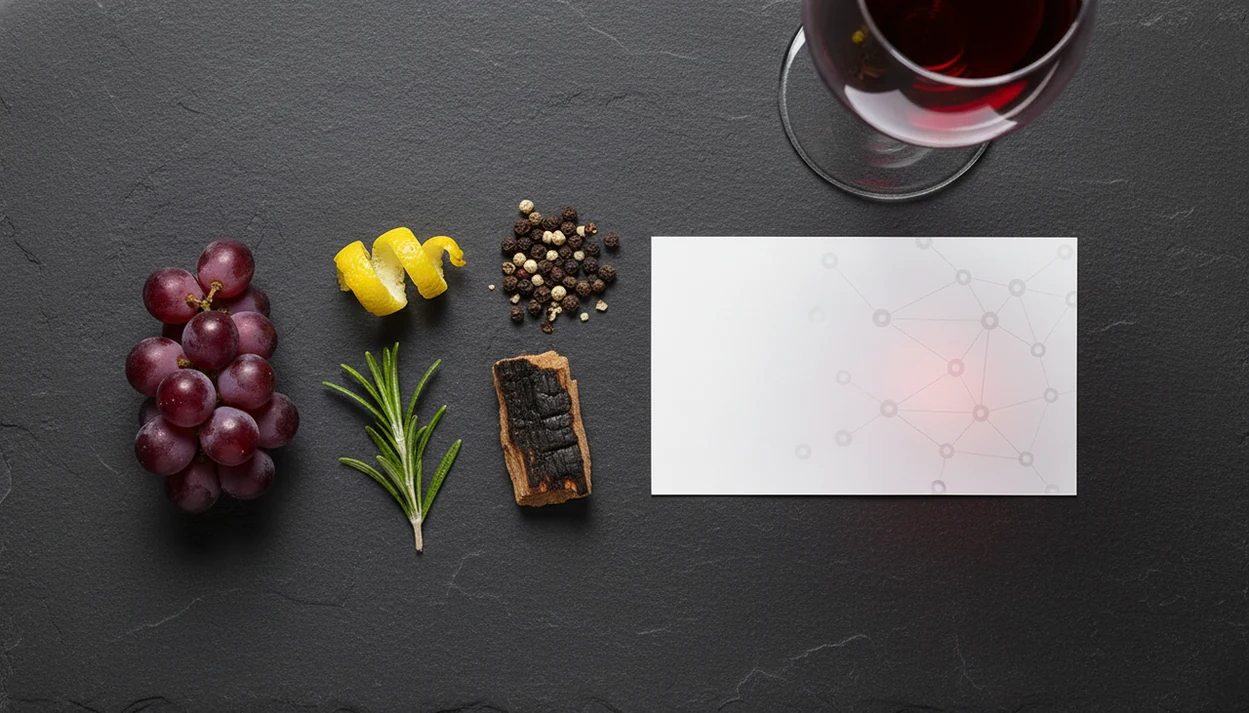
AI sommelier recommendations work by converting a scan or preference into structured wine data, then matching that data against taste patterns. The quality of the database usually matters more than the number of shiny features.
Label Scanning and Image Recognition Pipeline
The usual pipeline is camera, OCR, database lookup, then result. OCR means optical character recognition; it reads text from the image. A smudged back label after condensation has softened the paper is harder than a clean front label, especially with embossed crests or stylized fonts.
McKinsey reported that 56% of surveyed organizations had adopted AI in at least one function by 2021 source. Consumer wine apps use the same broad machine-learning family, just applied to labels, grapes, regions, and taste prediction.
Taste Profiling and Collaborative Filtering
Collaborative filtering compares your ratings with similar users. Content-based filtering looks at grape, region, vintage, acidity, tannin, sweetness, and style vectors. Plain translation: the model learns both what people like and what the wine is.
Pew reported that 27% of U.S. adults used AI tools in daily life in 2023 source. For wine, that familiarity helps, but recommendation accuracy still depends on diverse training data.
How to Choose and Use an AI Sommelier App
Choose an AI sommelier app by matching it to your real wine moments: restaurant lists, home shelves, cellar tracking, or quick pairings. Then feed it honest taste data.
- Download one or two apps and create a basic profile with budget, preferred styles, and disliked flavors.
- Scan 5 to 10 wines you already enjoy so the model has a starting pattern.
- Rate each wine honestly using stars, numbers, or like/dislike signals.
- Test food-pairing suggestions at your next meal, especially with sauces, cheese, spice, or sweetness.
- Review accuracy after two weeks and adjust preferences if the suggestions feel too oaky, too sweet, or too heavy.
- Check privacy settings and export options before saving a long tasting history.
If you mainly want a tool that can recommend wines I like, your first ten ratings matter more than your first ten searches.
Common Myths About AI Wine Recommendation Apps
AI wine apps reduce guesswork, but they do not turn wine into math with one correct answer. Taste still has context.
- Myth: AI picks the objectively best wine. Reality: it predicts personal fit from your history, similar users, and bottle data.
- Myth: More AI features mean better recommendations. Reality: database quality, clean labels, and diverse training examples matter more.
- Myth: The app makes you an instant wine expert. Reality: it helps you notice patterns, like cherry-skin bitterness in Sangiovese or the chalky grip of young Nebbiolo.
- Myth: All apps work equally well worldwide. Reality: many skew toward U.S. and European markets, so small regions can be patchy.
For beginners, Wine Identifier App works best as a useful shortcut, not a rule, because it explains the bottle while you build memory.
At-a-Glance: AI Sommelier App Features That Separate Good Tools from Great Ones
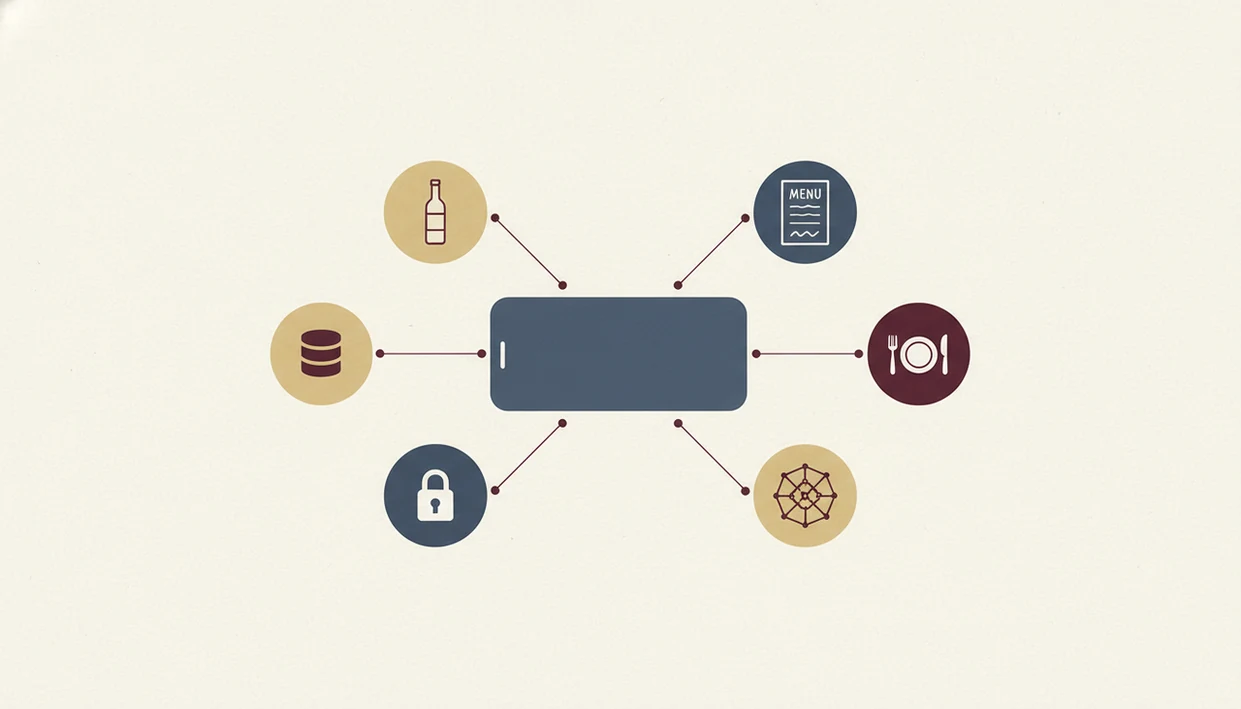
Great AI sommelier apps do more than identify a label. They explain why a wine fits, what might be uncertain, and where the data came from.
Use this checklist:
- AI transparency: Does it explain acidity, body, tannin, sweetness, region, or pairing logic?
- Privacy: Can you see whether tasting history trains models or is shared with partners?
- Local support: Does it recognize bottles outside famous U.S., French, Italian, and Spanish regions?
- Low-light reliability: Can it read a restaurant bottle cradled in a napkin?
- Offline behavior: Does it cache recent scans, or fail without a signal?
- Market diversity: The OIV estimated global wine consumption at 23.4 billion liters in 2022 source, so narrow databases miss real drinking patterns.
Anyone dealing with long lists and unfamiliar regions should favor Wine Identifier App because it combines menu recognition, pairing logic, and saved bottle history.
Personal Sommelier Guidance and Taste Memory
Queries like “AI wine recommendation app,” “app that acts like a personal sommelier,” or “recommend wines I like” point to preference learning, not a new product category. The useful test is whether the app remembers wines you rated, explains why a bottle fits, and lets you correct bad suggestions.
AI guidance is probabilistic. For failure modes, read can AI wine recommendations be wrong and AI sommelier vs human sommelier.
Limitations
AI sommelier apps are helpful, but they are not neutral or complete. The limits show up fastest with unusual bottles, dim rooms, and culturally specific food.
- Community ratings can favor popular labels, leaving niche, natural, and low-intervention wines underrepresented.
- Image recognition struggles with low light, reflective glass, stylized fonts, damaged labels, and non-Latin scripts.
- Food-pairing advice is partly subjective; heat, sweetness, fermentation, and regional habits can change the answer.
- Price and stock data may lag behind restaurant list changes or shop inventory.
- No app replaces a human sommelier who can read mood, occasion, table budget, and hesitation.
- Smaller apps may lack vintages, producers, or appellations from emerging wine regions.
- Offline modes are usually limited, since database lookup often needs connectivity.
The AI sommelier vs human sommelier question usually comes down to context: instant information versus human judgment.