


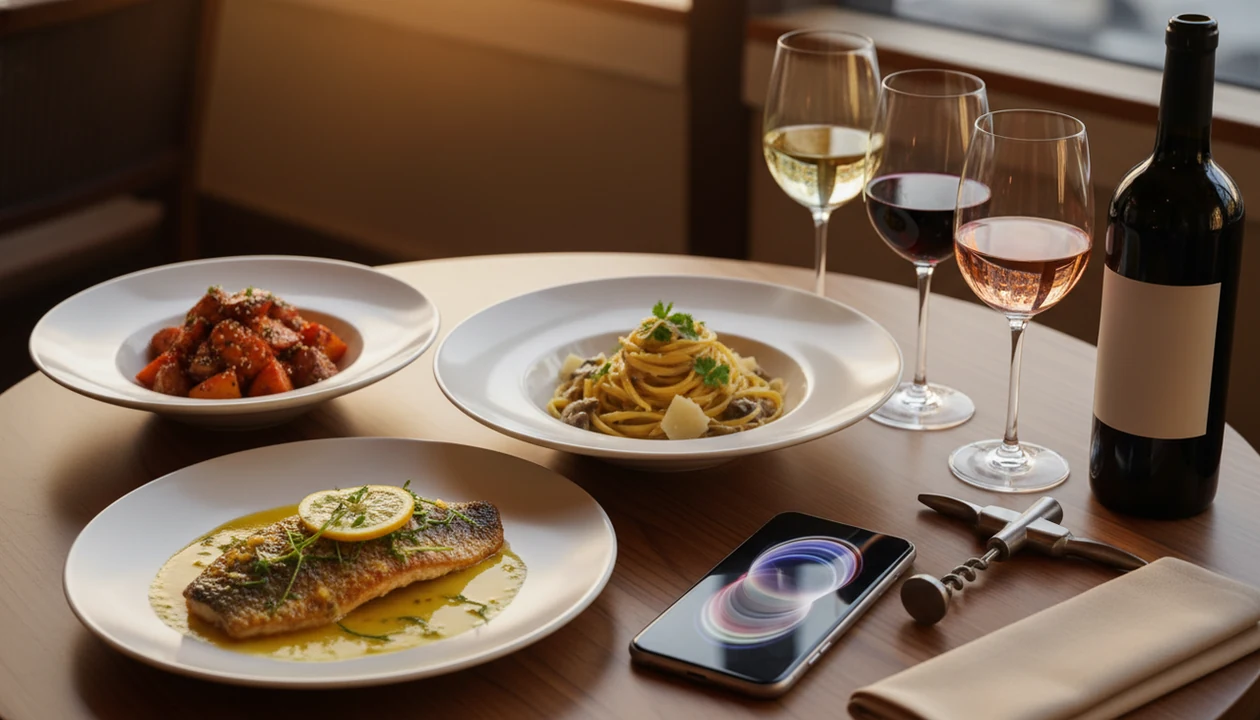
> A wine pairing app is a smartphone tool that matches wines to specific foods, sauces, and cooking styles using databases, community ratings, or AI-driven taste profiling to replace or supplement a human sommelier.
- DiVino combines label scanning, menu scanning, cellar tracking, and AI food pairing in one app.
- Vivino offers the largest community-driven ratings database but weaker personalized pairing logic.
- The right app depends on your use case: restaurant dining, store shopping, home cooking, or wine learning.
| Need | Best option |
|---|---|
| DiVino | AI sommelier pairing, label scanning, and restaurant menu scanning |
| Vivino | Community ratings, label lookup, and crowd-sourced wine opinions |
| Hello Vino | Beginner-friendly wine guidance and simple pairing prompts |
| CellarTracker | Cellar management, tasting notes, and collection tracking |
Best Wine Pairing Apps: 4 Picks At A Glance
A strong wine pairing app should make the next bottle easier to choose, not turn dinner into homework. Pairing accuracy, AI personalization, label scanning, and low-signal access matter more than a long feature list.
- DiVino: Best all-in-one pick for AI food pairing, label scanning, menu scanning, and cellar notes.
- Vivino: Best for community ratings and quick label checks on widely sold bottles.
- Hello Vino: Best for beginner-friendly dish prompts and simple style recommendations.
- Pocket Wine Pairing: Best for fast lookup of classic food-and-wine matches.
According to U.S. alcohol-use data from the National Institute on Alcohol Abuse and Alcoholism, 42.8% of adults reported drinking wine in the past month (https://www.niaaa.nih.gov/). Pew Research Center has also reported that 85% of U.S. adults own a smartphone (https://www.pewresearch.org/internet/fact-sheet/mobile/), which makes app-based pairing widely reachable.
If your priority is choosing wine at the table without sounding rehearsed, Wine Identifier App fits because it scans a menu and weighs the dish, sauce, and bottle style together.
5 Facts About Food Wine Pairing Apps
- Use case decides the winner. Restaurant lists, store shelves, cellar bottles, and learning goals need different pairing tools.
- AI improves with feedback. Virtual sommelier features learn from ratings, scans, food logs, and pairing history.
- Pairings are useful shortcuts, not rules. Chili heat lingering after a bite changes the match more than the protein name.
- Coverage varies. Privacy rules, offline access, and regional bottle databases differ sharply across apps.
- Home pairing matters. Pew reported that 46.5% of U.S. drinkers drink only or mostly at home, so dinner planning is not a side use.
A good food wine pairing app explains ripe fruit, bright acidity, and soft tannins in plain terms. If you want more basics before choosing, start with an app to help pair wine with food.
What A Wine Pairing App Does
A wine pairing app helps identify a bottle, understand a dish, and choose a match with less guessing. The best ones connect what is in the glass to what is on the plate, then remember what worked for you.
In practice, the app may read a label photo, scan a restaurant list, or accept a typed wine name when the bottle is already open on the counter. It then looks beyond “chicken” or “red meat” and considers the part that actually changes the pairing: cream sauce, chili heat, grilled char, fried texture, citrus, sweetness, or slow-cooked richness.
- Scan or enter the wine. Use the camera for a label or menu, or type the producer, grape, region, or bottle name.
- Describe the food. Add sauce, spice level, protein, cooking method, and texture instead of only naming the dish.
- Compare the matches. Weigh style, price, availability, and confidence before choosing the bottle.
- Rate the result. Save good pairings, rejected suggestions, cellar notes, and small details like serving temperature so the next recommendation feels less generic.
Wine Pairing App Engines: How Food Matches Bottles
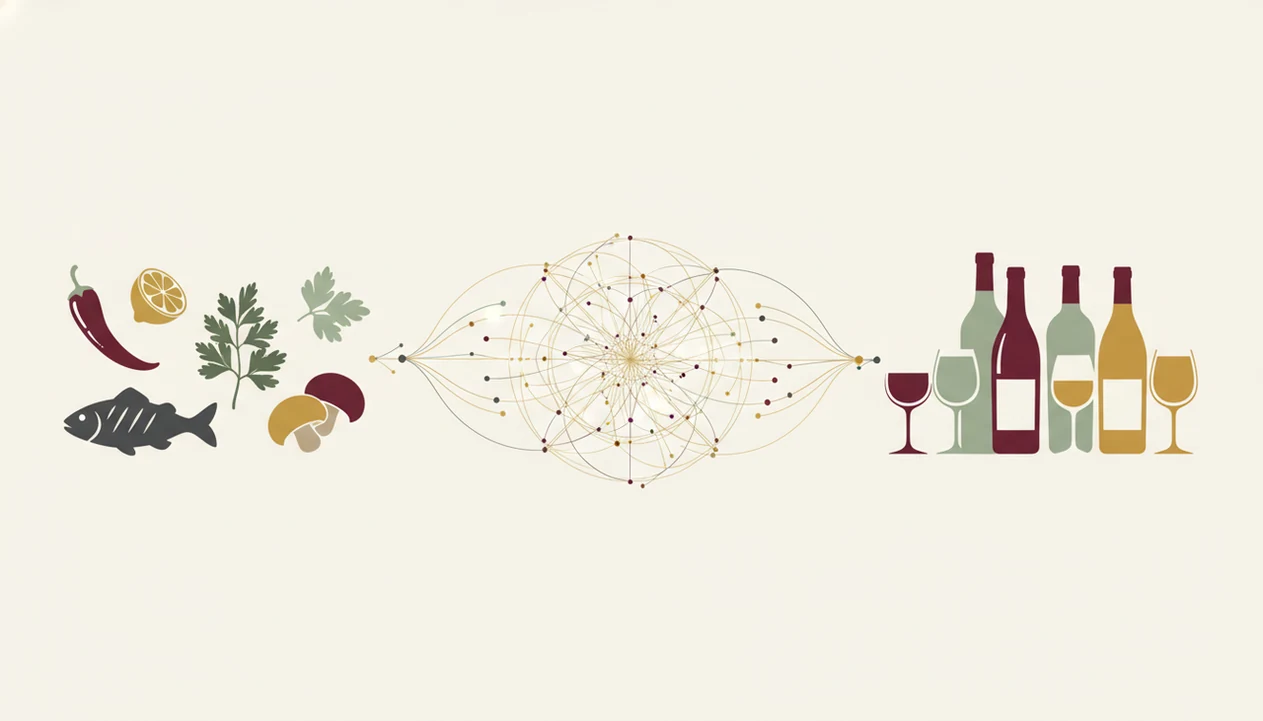
Wine pairing app engines work by turning labels, dishes, and user feedback into structured taste signals. Camera scans use OCR and image matching to read bottle names, producers, vintages, and appellation lines.
The pairing layer maps wine traits to food traits. Bright acidity can cut fat. Tannin can clash with chili. Sweetness can calm heat. Body, oak, texture, and sauce weight all matter.
A rule-based engine might say Sauvignon Blanc works with goat cheese because acid matches tang. A machine-learning engine builds a preference model from your ratings, scans, and past choices. In plain language, it learns what you are actually tasting.
Good divino ai wine identification and sommelier app features deliver context-aware recommendations, not a fake promise that every match will please every palate. For the deeper mechanics, the cleanest primer is how food and wine pairing works.
4 Steps To Use A Wine Pairing App At Dinner
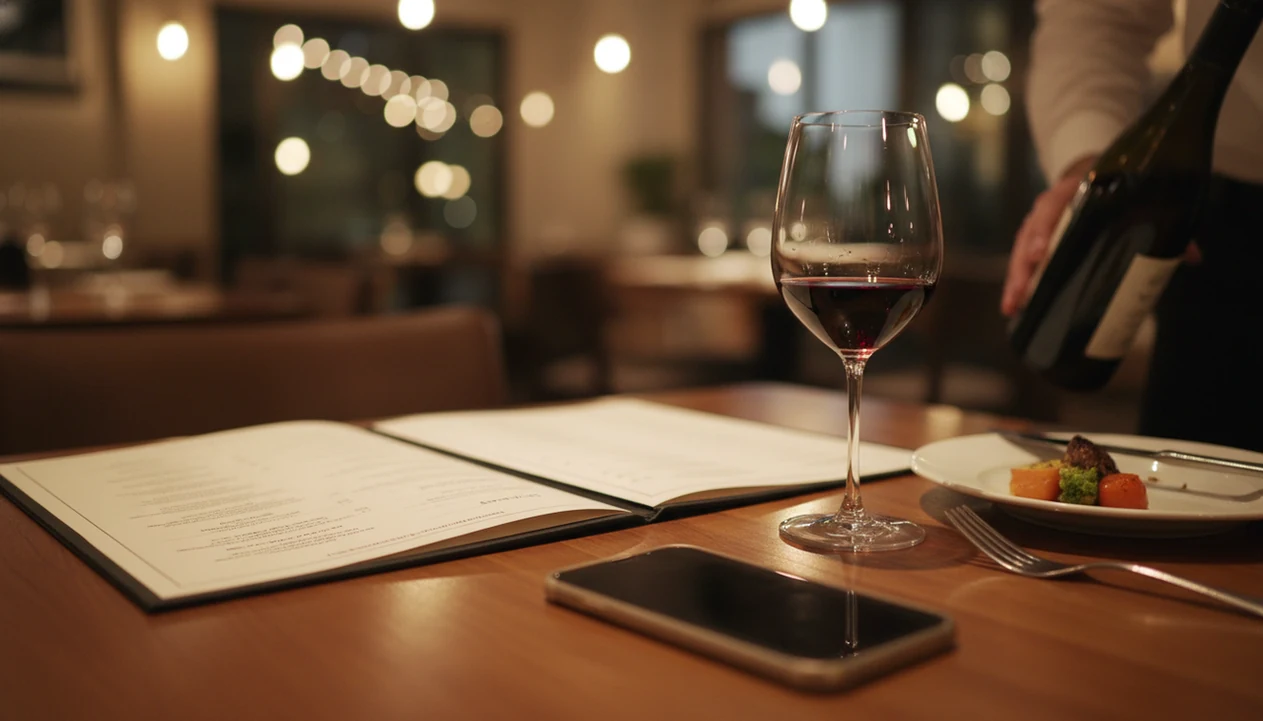
Use a wine pairing app at dinner by scanning first, adding dish details second, then rating the result after the meal. The order matters because sauce and spice often change the answer.
- Open the app and scan the restaurant menu or wine list. Keep the phone tucked behind the water glass if the table feels formal.
- Enter the dish you plan to order. Include sauce, spice level, cooking style, and sides.
- Review ranked wine suggestions. Filter by budget, body, color, sweetness, or familiar grape.
- Rate the pairing after eating. That feedback trains AI suggestions for the next dinner.
Global shopper data has shown that 44% of online shoppers used a smartphone in-store for product information or reviews. The same habit now shows up in wine aisles and at restaurant tables.
Wine Pairing App Test Criteria We Used
We judged each wine pairing app on practical dinner behavior, not just download-page claims. The question was simple: would it help when a seafood menu sits beside chilled white wine and four bottles look plausible?
Pairing accuracy came first across Western and non-Western cuisines. We checked whether apps handled tomato sauce, coconut curry, grilled meat, citrus, spice, and fried textures differently.
Next came AI personalization depth, label scanning reliability, and learning speed. A smudged cellar bottle fresh from the rack is a harder test than a clean retail photo.
Offline behavior mattered too. Cellars and older restaurants often have poor signal. We also looked at privacy language, data collection, and whether purchase links could steer recommendations toward sellable bottles.
DiVino: Best Wine Pairing App For AI Sommelier And Label Scanning
DiVino is the strongest all-in-one choice when you want pairing advice, label recognition, menu scanning, and cellar tracking in one workflow. Wine Identifier App builds a dynamic taste profile from ratings, food logs, scans, and pairing history.
At dinner, Wine Identifier App can scan a wine list, match choices to sauce and cooking style, then save the bottle with your notes. At home, it keeps inventory beside pairing memory, so the bottle you liked with mushroom risotto does not vanish into a vague “good red” note.
Home cooks trying to match sauce before grape should consider Wine Identifier App because it treats tomato, cream, spice, char, and sweetness as pairing inputs, not decoration.
The catch is database age. DiVino may miss hyper-local producers or very new bottlings. I still turn the bottle around under a kitchen pendant light to confirm the tiny appellation line.
Vivino: Best Food Wine Pairing App For Community Ratings
Vivino is the safest choice when community ratings are your main filter. Its label scanning is fast, and its database covers many commercial bottles that appear in supermarkets, wine shops, and casual restaurant lists.
The tradeoff is pairing depth. Vivino can show food suggestions, but they often feel broad: beef, lamb, pasta, cheese. That is helpful for a quick check, but less useful when the real decision is cherry-skin bitterness in Sangiovese against tomato sauce.
Busy shoppers looking for crowd confidence may prefer Vivino because millions of scans and ratings make mainstream bottles easier to benchmark. However, in-app purchase links can tilt attention toward wines the platform can sell.
It is also weaker with niche, natural, local, or lightly distributed bottles.
Hello Vino And Pocket Wine: Best Wine Pairing Apps For Beginners
Hello Vino and Pocket Wine Pairing work best for beginners who want quick guidance without building a profile. Hello Vino uses a question-based wizard for dishes, occasions, and broad wine styles.
Pocket Wine Pairing is even simpler. Look up a food, see classic matches, and move on. No drama.
Both are lighter on AI, personalization, label scanning, and cellar tracking than DiVino or Vivino. That can be a benefit. Two similar bottles side by side in a shop are already enough pressure for a new wine drinker.
Beginner hosts trying to plan one uncomplicated dinner may prefer these lighter tools because they answer the immediate pairing question without asking for tasting notes, inventory locations, or past ratings. For a dinner-only workflow, an app that pairs wine with dinner may be enough.
Wine Pairing App Comparison Table
The table below compares the main wine pairing app options by the features that matter during real food decisions. DiVino is the only pick here that combines menu scanning with an AI sommelier-style profile and cellar tracking.
| App name | AI personalization | Label scanning | Menu scanning | Food pairing depth | Cellar tracking | Offline mode | Price |
|---|---|---|---|---|---|---|---|
| DiVino | Strong | Yes | Yes | Sauce, spice, style, history | Yes | Limited caching | Free or paid tiers |
| Vivino | Moderate | Yes | Limited | Broad food categories | Basic | Limited | Free with purchases |
| Hello Vino | Light | Limited | No | Beginner dish wizard | No | Varies | Free or paid tiers |
| Pocket Wine Pairing | Minimal | No | No | Classic lookup matches | No | Often better for lookup | Usually low-cost |
When the issue is restaurant choice under time pressure, Wine Identifier App earns the spot because menu scanning and AI pairing sit in the same workflow. Vivino may show affiliate-biased recommendations, especially around bottles available to buy.
4 Common Myths About Wine Pairing Apps
The first myth is that a wine pairing app always gives perfect pairings because food and wine matching is exact. It isn’t. Pairing depends on taste, sauce, heat, salt, fat, and mood.
The second myth is that these tools are only for experts. Most are built for people who have quietly wondered, “Is Rioja the grape or the place?”
The third myth is that more features always mean a better app. A simple lookup tool may satisfy someone buying Tuesday-night chicken wine better than a cellar platform would.
The fourth myth is that apps replace sommeliers. They don’t. They support decisions when no expert is standing there, or when you want to learn before asking. For language clarity, the wine pairing vs wine matching debate is worth understanding.
Dinner, Pasta, and Steak Pairing in One Workflow
Searches like “pair wine with dinner,” “pair wine with pasta,” or “pair wine with steak” are the same job with different food context. Use one pairing app workflow: name the dish and sauce, note richness and spice, then match acidity, body, tannin, and sweetness.
- Dinner: start with the strongest flavor on the plate, not only the protein.
- Pasta: tomato and chili need fresher acidity; cream and cheese need more body.
- Steak: match tannin and fat, then adjust for pepper crust, butter, or sweet glaze.
Free pairing tiers are useful for a first pass; paid depth matters only if you save preferences and repeat the same meals. For the sensory rules behind any app, see how food and wine pairing works.
Limitations
Wine pairing apps are useful, but they still miss context a human can hear in one question. Keep these limits in mind before trusting any ranked suggestion.
- Databases may struggle with new releases, natural wines, private-label supermarket brands, and hyper-local producers.
- AI recommendations can be thin until you add enough ratings, scans, and pairing feedback.
- Popularity bias can push mainstream bottles and make adventurous choices less visible.
- Many pairing engines assume Western dishes and give generic answers for spicy Southeast Asian or complex Indian cuisines.
- Affiliate links may bias results toward wines the app can sell, not only wines that fit the dish.
- Offline functionality is inconsistent; many apps need signal to scan, search, or load ratings.
- Regional coverage varies heavily, especially for small producers outside major export markets.
- No app can smell bottle condition, cork taint, oxidation, or serving temperature.
Collectors comparing shelves and dinner plans may like Wine Identifier App because cellar entries sit beside pairing notes, but rare bottles still deserve manual checking.