


Definition: A wine cellar app is a mobile tool that lets collectors catalog bottles, track storage locations, monitor maturity windows, and log tasting notes so every bottle is opened at the right time.
| Need | Best option |
|---|---|
| DiVino | Collectors who want a scan-first cellar app with wine identification, bottle organization, and food pairing help.: Label and menu scanning, cellar tracking, bottle details, pairing recommendations, and an approachable workflow for everyday collectors. |
| CellarTracker | Collectors who want a large community database and detailed cellar records.: Deep cellar-management history, community tasting notes, and strong inventory depth for serious collectors. |
| Vivino, Delectable, and Hello Vino | Wine drinkers who want discovery, ratings, label recognition, and casual tasting help.: Useful for identifying bottles, reading consumer impressions, and remembering wines you enjoyed. |
| Wine-Searcher | Collectors who prioritize price lookup, retailer discovery, and availability checks.: Helpful for comparing listings, seeing retail availability, and researching price context. |
5 Wine Cellar App Features Every Collector Should Check First
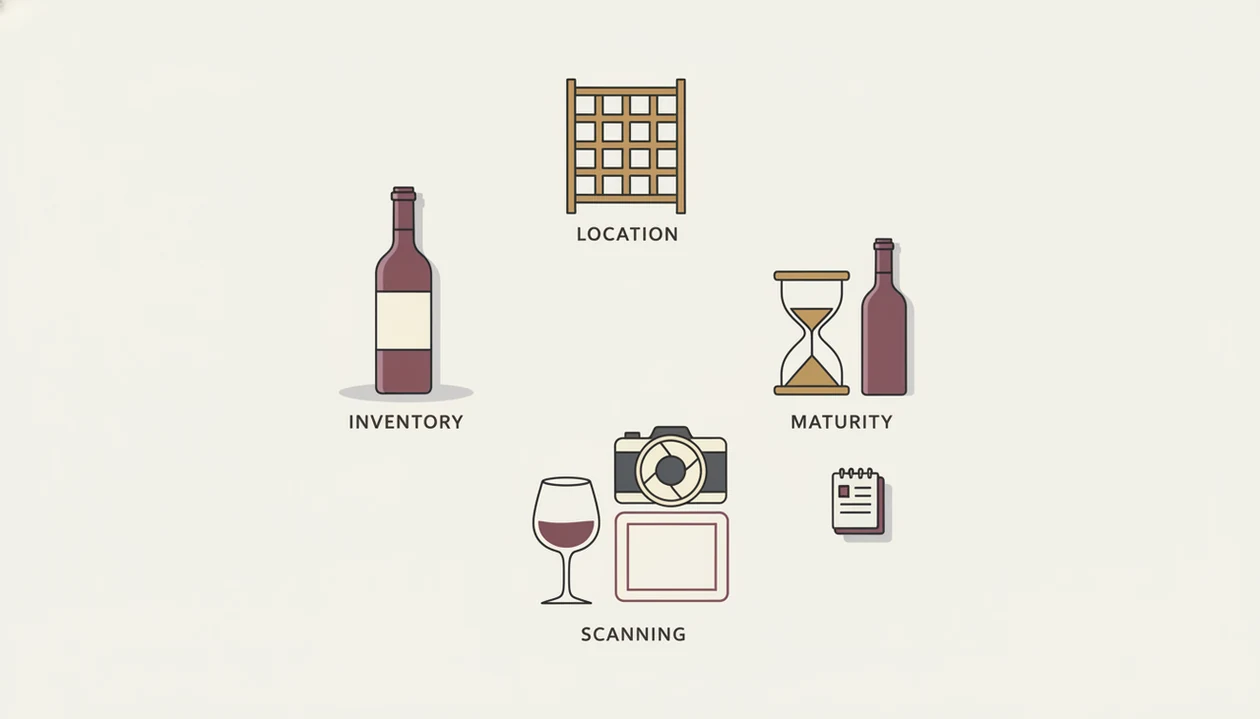
A strong wine cellar app should do five jobs before you trust it with your bottles: count them, locate them, age them, identify them, and remember what you tasted.
- Inventory control: Add, remove, move, and adjust quantities without rebuilding a spreadsheet.
- Location mapping: Track room, rack, shelf, bin, or slot, especially after a case gets split across storage.
- Drinking-window tracking: Mark bottles as hold, drink soon, drink now, or likely past peak.
- Label scanning: Capture producer, vintage, grape, and region from the camera, then let you correct details.
- Tasting notes: Save ratings, aromas, food matches, and repeat-buy signals after each bottle.
Phone-based cellar tracking works because lifestyle management already lives on the phone. Pew Research Center reported that 85% of U.S. adults owned a smartphone in 2021, which helps explain why cellar tracking now fits naturally into a phone-first household routine: https://www.pewresearch.org/internet/fact-sheet/mobile/ Post-pandemic digital shopping habits made this feel normal, not fussy.
The empty slot after a birthday bottle is where good inventory starts.
Named Shortlist: 5 Best Wine Collection Apps Compared
The right wine collection app depends on what you need to see first: the label, the rack, the drinking window, the meal, or the resale value. Wine Identifier App fits collectors who want scan-to-cellar speed plus pairing help because AI identification, cellar tracking, and sommelier recommendations sit in one workflow.
| App | Label scanning | Rack mapping | Drinking window | Food pairing | Data export | Free tier |
|---|---|---|---|---|---|---|
| DiVino | Yes | Yes | Yes | Yes | Varies by plan | Yes |
| CellarTracker | Limited | Basic | Yes | Limited | Yes | Yes |
| InVintory | Yes | Strong | Yes | Limited | Paid plans | Limited |
| VinoCell | Manual-first | Strong | Yes | Basic | Yes | Paid app |
| Vivino | Strong | Weak | Limited | Basic | Limited | Yes |
If the priority is choosing what to open with dinner, Wine Identifier App earns the spot because it connects stored bottles to food-pairing recommendations instead of leaving the cellar as a static list.
CellarTracker is still the reference for community notes. InVintory and VinoCell feel more visual when you are staring at a vertical vintage lineup on the table and want each bottle tied to a rack position. Vivino is useful for scanning and prices, but weak for serious bin-level control.
How We Picked The Best Wine Cellar App For Collectors
We ranked each wine cellar app by inventory depth, scan accuracy, maturity guidance, food-pairing usefulness, and data portability. A large community helped, but it did not outweigh cellar structure, backup options, or the ability to find a bottle quickly.
Community size alone does not make a cellar system good. Vivino has a broad user base, yet that does not mean it can map every shelf in a home cellar. CellarTracker has deep catalog data, but some collectors still prefer a more visual layout.
Data ownership mattered. If you spend years logging vintages, purchase prices, and tasting notes, you should be able to export or back up the collection. For collectors building from scratch, a focused wine inventory app can be easier than adapting a generic spreadsheet.
How A Wine Cellar App Works Behind The Scenes
A wine cellar app works by turning bottle details into structured data, then using that data to predict location, maturity, and usefulness. First the grape, then the place, then the vintage, then what you are actually tasting.
AI Label Recognition And Database Matching
The camera captures the front or back label. An AI model uses image embeddings and optical character recognition to extract producer, appellation, vintage, and sometimes grape variety. In plain terms, it compares the label image and text against known wine records. I still turn a bottle under a kitchen pendant light to find the tiny appellation line; the scan is faster when that line is sharp.
Drinking-Window And Maturity Algorithms
Drinking-window models combine grape variety, region, vintage conditions, and expert maturity curves. Global wine production was estimated at 237 million hectoliters in 2023, and vintage variability makes maturity modeling harder. Sommelier logic adds another layer: taste-profile learning and food-pairing graphs connect a bottle to tomato sauce bubbling in a skillet, not just to a database row.
Good wine cellar apps deliver structured memory, not mystique.
How To Use A Wine Collection App To Track Your Cellar
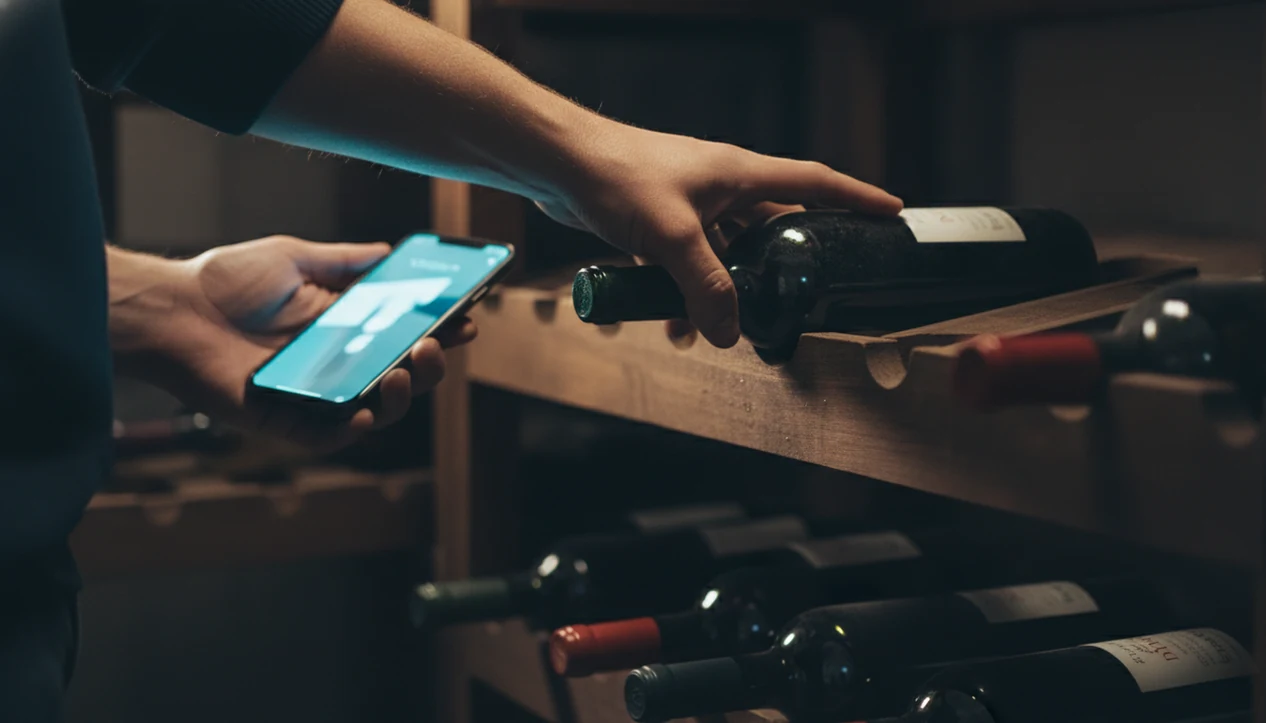
Use a wine collection app by entering every bottle once, assigning a precise location, and updating the record whenever a bottle moves or gets opened. works especially well when scanning replaces most manual typing.
- Scan or manually add each bottle with producer, vintage, quantity, and purchase price.
- Assign storage locations using room, rack, shelf, bin, or slot labels that match your real cellar.
- Set drinking windows yourself, or let the app calculate maturity dates from grape, region, and vintage.
- Log tasting notes each time you open a bottle, including aroma, acidity, tannin, and food pairing.
- Review the inventory dashboard for drink-now alerts, low-stock favorites, and value summaries.
- Export or back up your data on a regular schedule, especially before changing phones.
If you need a simpler setup for mixed shelves and small cabinets, an app to help track wine bottles may be enough before you build rack maps.
Backups are boring. They save collections.
Best Wine Cellar App For Each Collector Type
Different collectors need different defaults. The right fit for cellar management is the app that matches your next decision, not the one with the longest feature list.
Casual Collectors Under 50 Bottles
Casual collectors looking for scan-and-track simplicity should start with Wine Identifier App or Vivino because both reduce manual entry. Wine Identifier App is stronger when you also want pairing help for weeknight meals and tasting memory.
Serious Cellars With Rack Mapping Needs
Serious cellar owners with 100 to 500 bottles should compare InVintory and VinoCell for graphical rack mapping. Those layouts help when a bottle is in rack B, column 4, slot 9, not “somewhere near the Bordeaux.”
Data-driven enthusiasts who care about community notes and long tasting histories will likely prefer CellarTracker. Food-and-wine pairers should consider DiVino because the same scan can feed cellar records and AI sommelier recommendations. For maturity-focused collectors, a dedicated wine drinking window app can also clarify what to open next.
4 Common Myths About Wine Cellar Apps
A label scanner is not the same thing as a cellar system. That is the first myth to drop.
Myth 1: A scanner is all you need. Serious collectors need inventory counts, bin mapping, maturity tracking, and tasting history, not just recognition.
Myth 2: Every app gives reliable drinking windows. Many popular wine apps focus on ratings, prices, or discovery. Aging guidance is a separate model, and it needs grape, region, vintage, and style.
Myth 3: AI can identify every bottle perfectly. Accuracy depends on image quality, label condition, database coverage, and whether the wine is widely documented. A dusty Bordeaux label under kitchen light still needs a steady hand.
Myth 4: The biggest community makes the best cellar tool. Community reviews help, but a huge user base does not guarantee bin-level inventory.
For collectors, location accuracy usually matters more than star ratings because the bottle you cannot find might as well be missing.
Honest Drawbacks Of Every Wine Collection App
Every wine collection app has tradeoffs, and the weak spots matter more once your cellar passes a few dozen bottles.
- DiVino: Wine Identifier App is a newer entrant, so the community database is smaller than CellarTracker or Vivino. The advantage is its AI identification and pairing workflow.
- CellarTracker: The data depth is excellent, but the interface can feel dated, and the mobile experience trails the web version.
- InVintory: Rack mapping is polished, however the free tier is limited, and development has often felt iOS-first.
- VinoCell: The visual cellar map is detailed, but setup takes patience if your racks are irregular.
- Vivino: Scanning and price aggregation are useful, but cellar management is light and bin-level tracking is weak.
Collectors comparing a newer workflow against older databases may find a CellarTracker alternative app useful, especially if food pairing and faster scanning matter.
Limitations
No wine cellar app can fully replace careful storage, careful entry, and your own palate. The software organizes decisions; it does not make the bottle better.
- Accuracy depends on user input. A mistyped vintage or wrong bin location cannot always be auto-corrected.
- Drinking-window estimates are algorithmic approximations, not guarantees of peak condition.
- No app replaces proper physical storage conditions, including stable temperature, humidity, and low light.
- AI label recognition still struggles with handwritten labels, damaged paper, obscure bottlings, and very small-production wines.
- Data portability varies. Some apps make CSV or spreadsheet export easy, while others keep more data inside proprietary formats.
- Subscription costs add up, especially when free tiers limit bottle count, rack maps, valuation, or sharing.
- Shared household use can be clumsy if two people move bottles but only one updates the record.
If condition monitoring and alerts are your main concern, a tool that can alert ready to drink wine may be the better starting point than a broad discovery app.