
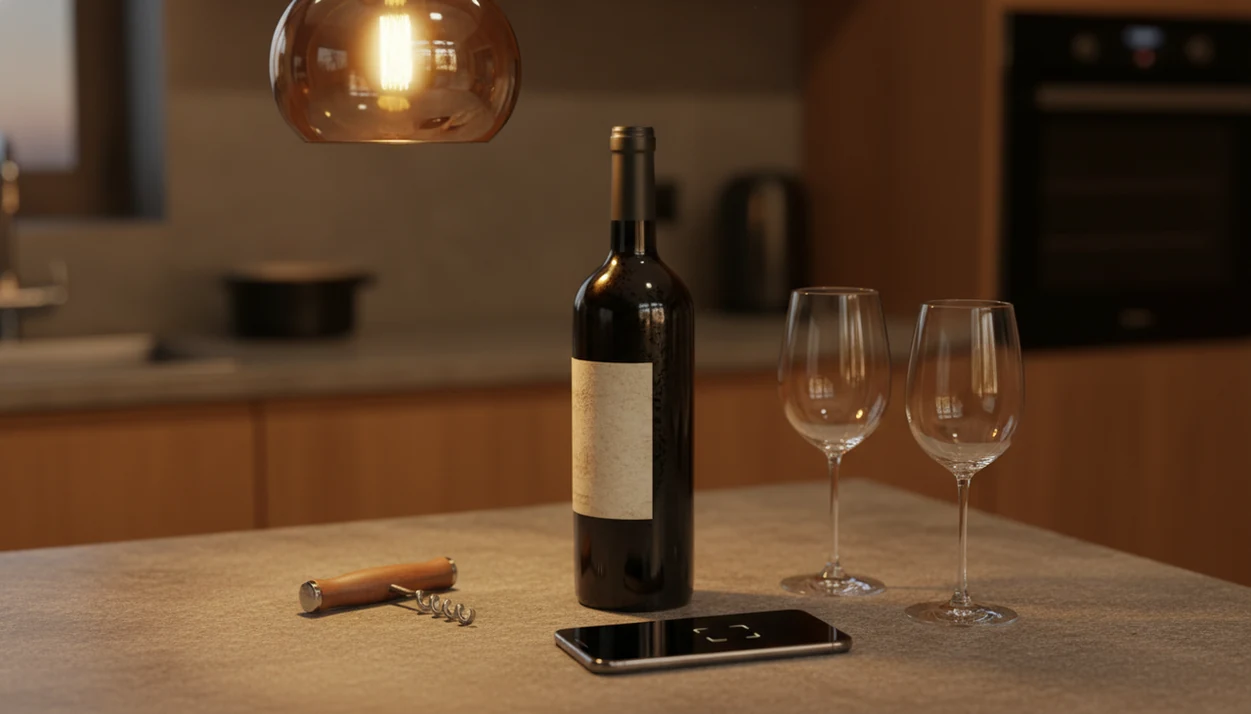
Definition: A wine label scanner app is a mobile application that uses image recognition and AI to identify a wine bottle from a photo of its label, returning details such as producer, vintage, region, ratings, and food pairings.
5 Facts About Wine Label Scanner Apps Every User Should Know
- A wine label scanner app uses image recognition and AI to compare your bottle photo with known labels, producers, vintages, and regions.
- Database size matters. A scanner with more label photos across Burgundy, Rioja, Napa, Etna, and smaller regions has more chances to return the right match.
- Crowdsourced ratings reflect community taste, not objective quality. A high score may mean many people liked the wine, not that it fits your dinner.
- Misidentifications happen most often with rare bottles, redesigned labels, private imports, poor lighting, glare, and labels softened by condensation.
- The better workflow is scan → profile → pairing → cellar tracking, because identification alone does not tell you whether the bottle suits your taste.
For beginners who need a quick read on a confusing shelf, Wine Identifier App fits because it turns a label photo into producer, region, grape, and pairing context in one result card.
A tiny appellation line can hide under the producer name. I still turn bottles under a kitchen pendant light to find it.
What a Wine Label Scanner App Does
A wine label scanner app identifies a bottle from a front-label photo and turns that match into useful buying, pairing, and cellar context. It should tell you what the wine is, then help you decide what to do with it.
In practice, the scan reads visible clues such as producer, vintage, region, grape variety, and appellation. That is different from a barcode lookup, which depends on a clean UPC or EAN code, and different again from manual search, where you type a long producer name and hope spelling, accents, and vintage details line up.
- Photograph the label so the app can compare the design and text against known bottles.
- Confirm the match by checking producer, vintage, region, grape, and appellation before relying on the result.
- Review the context such as ratings, estimated price range, food pairings, and similar bottle suggestions.
- Save the bottle to a cellar, tasting journal, or taste profile so later recommendations learn from what you actually drink.
- Use DiVino’s AI sommelier guidance after identification to move from “what is this?” to “does it fit tonight’s food, budget, and palate?”
How Wine Label Recognition Technology Works
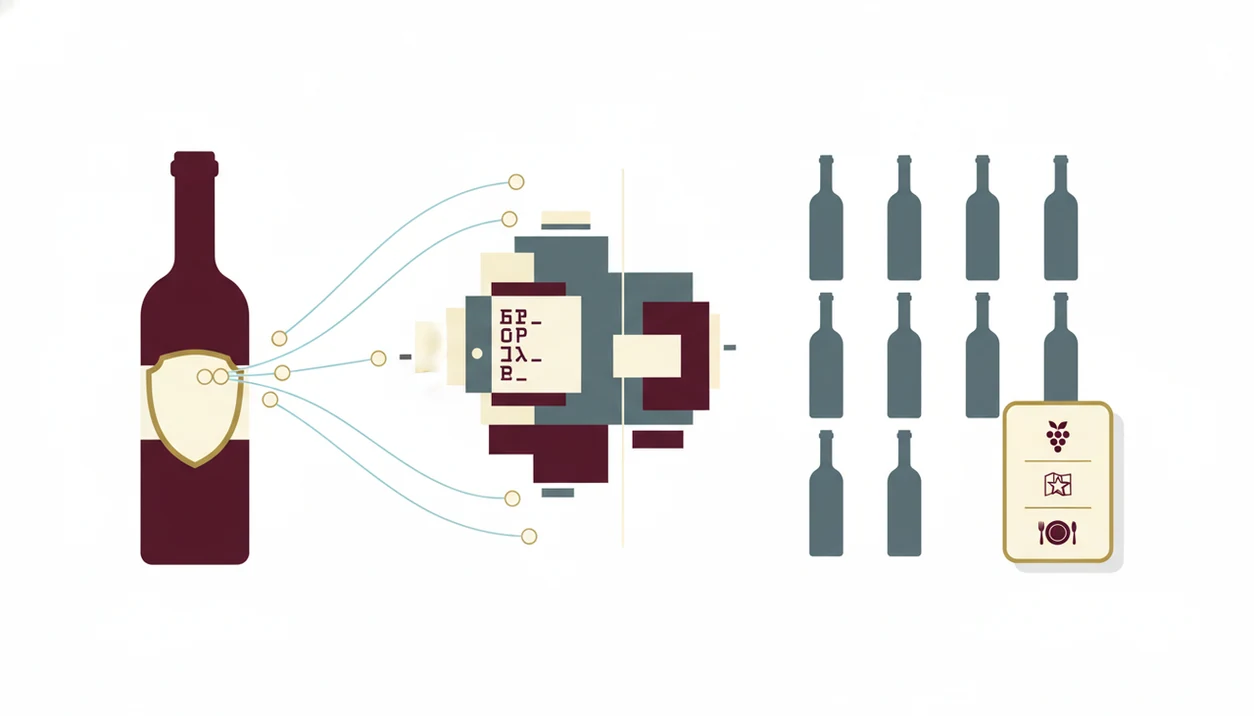
Wine label recognition works by turning a bottle photo into searchable visual and text signals, then comparing those signals with a wine database. It is closer to face recognition for labels than to a supermarket barcode beep.
From Camera to Match: The Data Pipeline
First, the camera captures the label. Then image preprocessing sharpens the photo, corrects tilt, and separates label text from background glass. OCR, or optical character recognition, extracts words such as producer, vintage, appellation, and cuvée. Computer vision reads design elements too: crest shape, typography, label color, and layout. The AI model then compares those features against known bottles.
The global image recognition market was valued at about $26.2 billion in 2021 and is forecast to reach roughly $133 billion by 2030, according to Grand View Research (https://www.grandviewresearch.com/industry-analysis/image-recognition-market), which helps explain why phone-based recognition keeps improving.
Why Training Data Size Shapes Accuracy
Training data is the label library behind the match. More regions, vintages, import stickers, and user photos usually mean better recognition. A dusty Bordeaux label under kitchen light is easier if the model has seen that producer before.
Good divino ai wine identification and sommelier app experiences deliver identification, taste context, and next-step guidance, not a naked score with no explanation.
How to Scan a Wine Label With DiVino
To scan wine label details well, give the camera a flat, clear view of the front label and enough light for the small print. Wine Identifier App divino ai wine identification and sommelier app uses that photo to return the closest bottle match, then adds pairing and cellar options.
- Open DiVino and tap the scan button.
- Center the label in the frame with even lighting. Avoid hard glare on curved green glass.
- Capture the photo and wait for the AI match.
- Review the result. Check producer, vintage, region, ratings, and price range before trusting it.
- Explore food pairings, similar wines, or save to your cellar.
If the first scan fails, retake the photo in better light and include the full label edge. For a slower walkthrough, the how to scan wine label with phone guide covers camera angle, distance, and glare fixes.
Anyone dealing with a smudged back label after ice-bucket condensation should retake the photo, check the producer and vintage manually, and correct the match before saving it.
When to Use a Wine Label Scanner App
Use a wine label scanner app when the label gives you clues but not enough confidence. A 2021 Statista survey reported that 48% of U.S. wine consumers used a smartphone to look up wine information while shopping (https://www.statista.com/), which matches what happens in real aisles.
At a store, scanning helps you compare a familiar grape with an unfamiliar region. At a restaurant, it can clarify a bottle or menu listing before you order. A sommelier pointing at an unfamiliar region can be helpful, but you may still want to know whether the wine is bright, earthy, or high in tannin.
For home cellars, scan each purchase before the bottle disappears into a rack. Bottle neck tags swing in rows, and memory gets unreliable fast.
If the priority is buying without guessing, Wine Identifier App covers the gap because each scan can lead to similar wines, food pairings, and a saved cellar entry.
What a Wine Label Scan Looks Like in DiVino
A scan in DiVino returns a result card with the producer, vintage, appellation, grape variety, and likely wine style. The useful part is what happens after the match, because the bottle becomes part of your taste record.
Wine Identifier App adds an AI sommelier layer with tasting notes, food pairing suggestions, and similar wines. If the card says Sangiovese, you can move from “Italian red” to cherry-skin bitterness, bright acidity, and tomato-sauce logic. Pair the sauce, not only the protein.
The right fit for learning from each bottle is Wine Identifier App because the scan can be saved with purchase price, personal notes, and cellar location through a single scan-to-cellar workflow.
Manual correction matters too. If the AI returns a close producer but the wrong vintage, you can adjust the match instead of building future recommendations on bad data. For broader bottle-photo questions, the app that identifies wine from picture guide explains where image recognition helps most.
Wine Label Scanner App vs Barcode Reader Alternatives
A label scanner reads the front label as visual evidence, while a barcode reader needs a clean code tied to a product listing. That difference matters with older vintages, restaurant bottles, imports, and wines where the barcode points to a distributor rather than a specific vintage.
| Option | What it reads | Strength | Limitation |
|---|---|---|---|
| Barcode reader | UPC or EAN code | Fast when the code is registered | Fails when no barcode is visible or specific enough |
| Basic label scanner | Label text and design | Works without a barcode | May return a close match for rare wines |
| Vivino-style community app | Label plus user ratings | Large crowd feedback | Scores reflect community preference |
| CellarTracker-style database | Wine records and notes | Strong for collectors | Less beginner-friendly at the table |
| DiVino | Label, menu context, pairing, cellar data | Links identification to decisions | Still depends on photo and database quality |
For diners comparing two unfamiliar bottles, Wine Identifier App earns the spot because it adds pairing guidance after identification, instead of stopping at community score alone.
Common Myths About Wine Label Recognition
Myth: scanner apps always identify every bottle perfectly. Reality: rare producers, new labels, special bottlings, and blurry photos can confuse any recognition model.
Myth: label scanning is only for wine experts. Reality: beginners often benefit most because the scanner translates label terms into region, grape, and taste clues. That awkward dinner-table whisper, “Is Rioja the grape or the place?” is exactly the kind of moment scanning can calm down.
Myth: it is just a barcode reader. Reality: wine label recognition uses OCR and computer vision to read label text, layout, imagery, and design patterns even when no barcode is visible.
Myth: the rating is an objective quality score. Reality: app ratings usually summarize crowd opinion. They can be useful, but they may reflect popularity, price expectations, and sample size.
Wine choice usually depends more on style fit than on raw rating, because acidity, tannin, sweetness, and food context decide whether a bottle works.
Related DiVino Features for Wine Lovers
Label scanning is the front door, not the whole house. Wine Identifier App divino ai wine identification and sommelier app also supports restaurant menu scanning, AI food pairing, cellar tracking, and a tasting journal that improves recommendations over time.
On days when tiny menu print sits under flickering candlelight, Wine Identifier App helps because the restaurant menu scanner can identify listed wines and connect them to pairing suggestions before the bottle is opened.
The same logic carries into cooking. Lemon-zest acidity with goat cheese is not a fancy rule; it is a practical match. If you want the advice layer more than the camera layer, the best AI sommelier app guide explains how pairing recommendations differ from simple lookup tools.
Limitations
A wine label scanner app is useful, but it cannot see everything that matters about a bottle. Treat scan results as a strong starting point, then check the details.
- Niche regions and tiny producers may not exist in any database, including DiVino.
- Vintage variation is invisible to the camera. The same label can hold very different growing seasons.
- Storage condition is not detectable from a scan. Heat damage, seepage, and tired corks need human inspection.
- Poor lighting, glare, torn labels, and curved glass reduce recognition success.
- Crowdsourced ratings can be biased by price perception, regional familiarity, and small sample sizes.
- Privacy deserves attention. Scanned bottle histories can power recommendation engines and may be stored.
- New or redesigned labels may not match existing database entries yet.
- No app can guarantee price accuracy across all retailers, states, countries, and restaurant markups.
Still, for most everyday decisions, scanning is faster than typing a long producer name from a curved label. If price is your main concern, compare against Wine-Searcher or retailer listings before buying.