
Is There an App That Pairs Wine With Dinner?
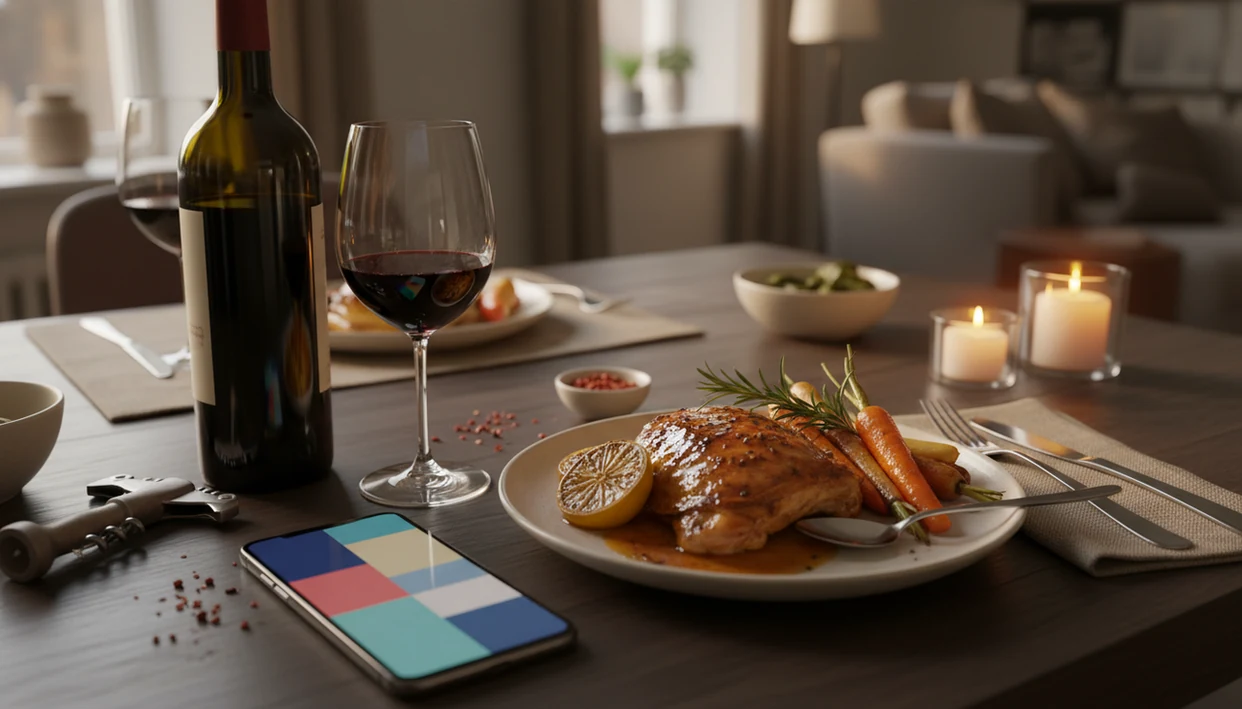
Yes, there is more than one app that pairs wine with dinner, and stronger apps match bottles to the actual dish, not just a broad rule like “white with fish.” The accuracy of any dinner wine app depends on how much detail you give it about the meal.
DiVino's Wine Identifier App is built for this exact dinner use case: identify a bottle, read the meal context, and factor in sauce, spice, budget, and personal taste before suggesting a pairing.
Definition: A dinner wine pairing app is a mobile tool that analyzes a dish's protein, sauce, spice level, and cooking method to recommend wines that complement the meal.
TL;DR
- AI-powered apps now pair wine with dinner by analyzing specific ingredients, not just broad categories like “red meat” or “fish.”
- The more detail you enter, sauce type, spice level, cooking method, the better the pairing result.
- No app fully replaces a sommelier for complex events, but for home dinners and casual restaurant meals, a well-designed app eliminates most guesswork.
What a Dinner Wine App Actually Does
A meal wine pairing app recommends wine from the details of your dish and your own taste preferences. It is different from googling a chart because it can adjust for sauce, spice, budget, bottle availability, and what you have liked before.
Start with the label, then the food. A good dinner wine app may scan a bottle, identify the grape and region, check your past ratings, and suggest whether it fits roast chicken with pan jus or chicken tikka masala. Those are not the same pairing problem.
Many apps now combine label scanning, cellar tracking, restaurant menu reading, and pairing in one place. That matters because wine is not a niche preference. In a Gallup survey, 31% of U.S. adults who drink alcohol said wine is their preferred alcoholic beverage source.
One small detail changes everything.
Five Facts About Meal Wine Pairing Apps
- Most apps start with classic pairing logic. They use rules about acidity, tannin, sweetness, body, and dish weight, then layer your meal details on top. If you want the deeper mechanics, our guide to how food and wine pairing works breaks those basics down.
- Newer apps personalize the result. AI-driven tools can compare ingredients, cooking methods, scanned bottles, and past ratings before ranking wines. For a weeknight pasta, that can mean Sangiovese for tomato sauce, not just “red wine.”
- Input quality drives pairing quality. “Salmon” is thin information. “Grilled salmon with lemon zest and dill yogurt” gives the app acidity, fat, herbs, and cooking intensity to work with.
- Many pairing apps began as label scanners. Vivino, Delectable, and similar tools built recognition and rating habits first, then added food suggestions.
- No app fully replaces a trained sommelier. For home meals and casual restaurant choices, though, a meal wine pairing app usually reduces the awkward guessing by a lot.
How AI Wine-and-Dinner Pairing Works
AI wine pairing works by combining a pairing database with a model that reads dish details and bottle data. The database encodes sommelier rules, such as bright acidity with fat, soft tannins with delicate proteins, and sweetness against heat.
The AI layer then weighs the dish. It looks at ingredients, cooking technique, sauce, spice, and sometimes flavor compounds. In plain language, it asks whether the food is sharp, creamy, smoky, sweet, bitter, salty, or rich. A label scanner uses image recognition to connect the bottle in your hand to grape, region, vintage, and style data.
I’ve turned a bottle around under a kitchen pendant light just to find the tiny appellation line. That line can matter more than the front label’s romance.
Digital research is already part of wine buying. In one consumer study, 34.7% of wine buyers used the internet to research wine before purchase source. Apps simply shorten that search at the table.
Before You Use a Wine Pairing App
Before you open a wine pairing app, gather the same clues you would give a helpful wine shop clerk. The better your starting details, the less the app has to guess.
- Choose your pairing target. Have the recipe, restaurant dish, full menu, or bottle label in front of you. “Chicken” is not enough; “roast chicken with lemon, herbs, and pan sauce” gives the app something useful to read.
- Name the strongest flavors. Note the sauce, chili heat, sweetness, smoke, char, cream, citrus, or vinegar before you search. These details often change the match more than the protein does.
- Set your limits first. Add your budget, red or white preference, openness to rosé or sparkling, and whether the bottle needs to be available locally or already in your rack.
- Take a clean label photo. If the app uses label recognition, hold the bottle steady in good light and include the producer, region, and vintage when possible.
- Expect a shortlist. A good app should return several strong matches, not one mathematically perfect bottle. Dinner has room for taste, mood, and what is actually on the shelf.
How to Use a Wine Pairing App for Dinner
Use a wine pairing app by giving it the dish first, then the details that shape taste. The app can only match what it understands.
Think of each step as giving the app better taste data, not asking it to perform magic. The strongest flavor on the plate should lead the recommendation.
- Enter or scan the dish. Add the recipe name, upload a photo, or scan the restaurant menu.
- Add the sauce and seasoning. Note cream, tomato, citrus, herbs, chili heat, smoke, or sweetness.
- Set your preferences. Choose budget, red/white/rosé openness, sweetness comfort, and any dietary notes.
- Review the ranked wines. Read the tasting-note summaries, not only the score or star rating.
- Rate the pairing after dinner. Save whether the wine worked, felt too tannic, or tasted too sweet.
For a date-night table near the window, I’d rather compare three by-the-glass options calmly than guess from a long list. If you want a broader tool comparison, the best wine pairing app guide covers that decision.
Details That Improve Dinner Wine App Results
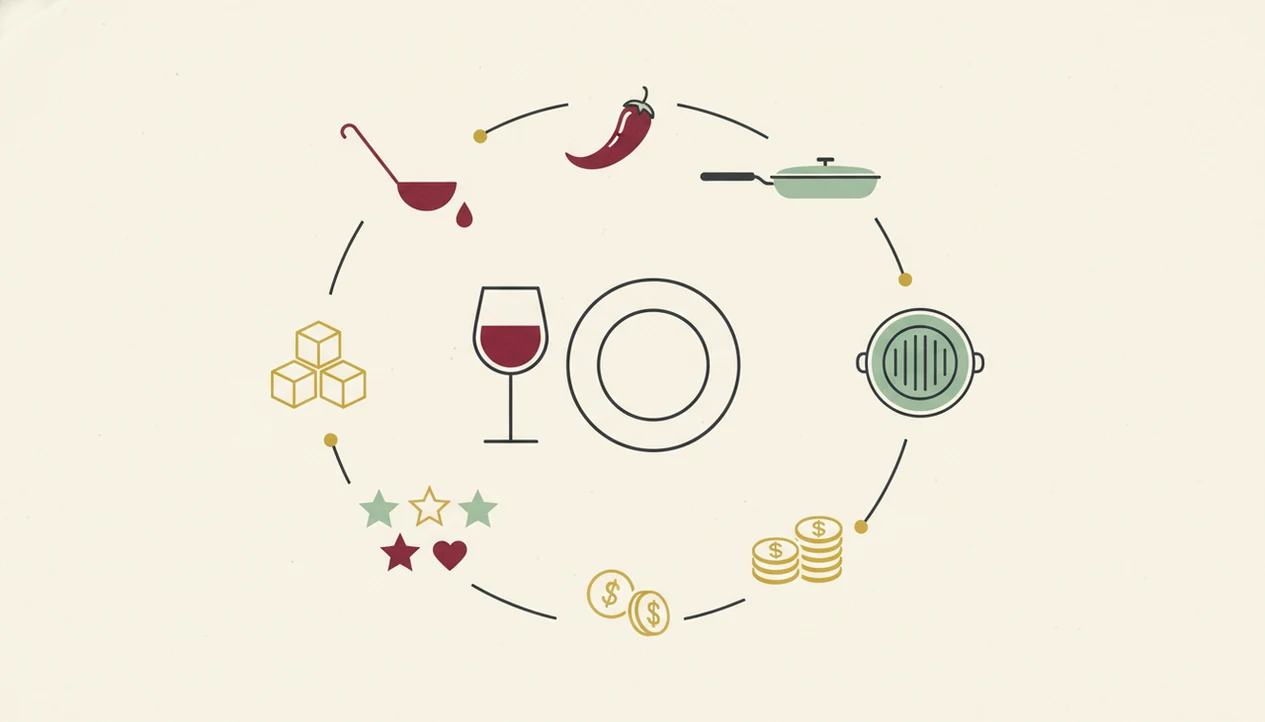
The most useful dinner pairing detail is often the sauce, not the protein. Chicken with cream sauce, chicken with tomato, and chicken with lime and chili all need different wine logic.
Pair the sauce, not only the protein. Cream can welcome fuller whites. Tomato often needs acidity. Citrus can make a low-acid wine feel flat. Chili heat usually works better with off-dry whites or low-tannin reds, because tannin can sharpen the burn.
Cooking method matters too. Grilled food has char and weight. Poached food is quieter. Roasted vegetables with browned edges can handle more body than raw cucumber salad.
Sweetness is the trap. If the dish is sweet, the wine usually needs equal or greater sweetness or it can taste sour. So don’t type only “pork.” Type “pork with maple glaze,” and you’ll get a better answer.
What Competitors Miss About Dinner Wine Pairing Apps
Many wine app guides still repeat “red with meat, white with fish” and stop there. That shortcut is useful, not a rule, but it misses ingredient-level adjustments that make dinner pairings work.
Reviews also separate features that belong together. Label scanning, taste tracking, and cellar history are not side benefits. They improve pairing because the app learns that you liked cherry-skin bitterness in Sangiovese but disliked the chalky grip of young Nebbiolo on your gums.
Tools like DiVino's Wine Identifier App, Vivino, CellarTracker, and Wine-Searcher approach this from different angles. A Wine Identifier App such as DiVino can combine label recognition, menu scanning, cellar memory, and pairing logic, rather than acting like a costume sommelier pretending one bottle solves every meal.
At-home use deserves more attention. Gallup has reported that 60% of U.S. drinkers consume wine, beer, or liquor at home source, which makes dinner context central, not secondary.
Common Mistakes When Using a Meal Wine Pairing App
The biggest mistake is expecting one exact answer. Most dinners have several good wine matches, especially if you’re flexible about grape, region, and price.
Vague input creates vague output. “Pasta” might return a dozen plausible wines. “Rigatoni with sausage, fennel, tomato, and pecorino” points the app toward acidity, fat, salt, spice, and body. For pasta-specific examples, a tool to pair wine with pasta can be more focused than a general chart.
Another mistake is assuming every suggestion is sommelier-curated. Most apps use algorithms, databases, user ratings, and commercial bottle data. That is helpful, but it is not the same as a person tasting the sauce.
Finally, don’t skip the rating step. If a recommended oaky Chardonnay tasted heavy beside your cheese board, say so. The next pairing can learn from that small correction.
Limitations
Wine pairing apps are useful shortcuts, but they have real limits. Treat the recommendation as a starting point, not a final verdict.
- Unusual regional dishes may receive generic matches if the app lacks enough examples.
- Niche wines can be misread, especially when labels are damaged, old, or highly local.
- Personal sensitivity to bitterness, tannin, and alcohol heat varies more than most apps can model.
- Community ratings can push familiar, popular styles while hiding quieter regional bottles.
- Complex multi-course dinners still benefit from a trained sommelier or wine professional.
- Privacy policies vary, so check how taste data, scans, location, and purchase history are stored.
- Budget filters help, but local availability can still be uneven.
- A smudged back label after condensation has softened the paper may scan badly.
For bottle storage and drinking-window reminders, a best wine cellar app may matter as much as the pairing feature.
Read more
FAQ
Are wine pairing apps free?
Many wine pairing apps offer free tiers with basic pairing suggestions. Premium features often include label scanning, cellar tools, menu scanning, and more personalized recommendations.
Can an app scan a menu for pairings?
Yes, apps like DiVino can scan restaurant menus and suggest wines from the available list. This is most useful when the app can read both the dish and the wine options.
Do pairing apps work for spicy food?
Good pairing apps adjust for spice level. They often suggest off-dry whites, sparkling wines, or lower-tannin reds for chili heat.
Is there one perfect wine match for each dish?
No, most dishes have several good wine matches. Apps usually rank options by style, taste fit, price, and availability.
Does a dinner wine app replace a sommelier?
A dinner wine app does not replace a sommelier for complex events or rare bottles. It can handle most casual home dinners and restaurant choices well.
Can I pair wine with vegetarian meals?
Yes, modern pairing apps can handle vegetarian meals by analyzing vegetables, sauces, grains, legumes, and seasoning. The sauce and cooking method are often more important than the absence of meat.
Do wine apps learn my taste?
Yes, many apps learn from ratings, saved bottles, scans, and rejected suggestions. DiVino can use those signals to make later pairing recommendations more personal.
What details should I enter for accurate wine pairings?
Enter the sauce, spice level, cooking method, sweetness, budget, and preferred wine style. Those details usually improve pairing accuracy more than the protein alone.