
Free Food Wine Pairing App Options Compared
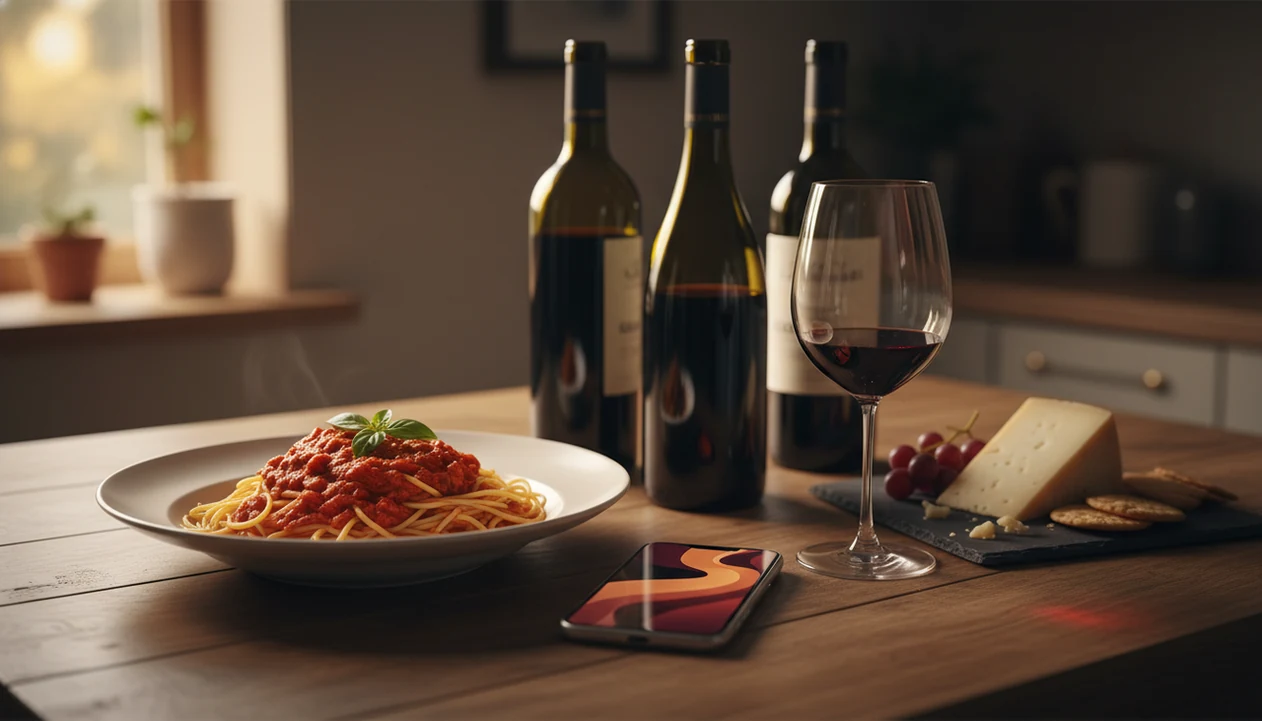
A free food wine pairing app can suggest wine-and-dish matches instantly, but depth varies widely across tools. Some cover basic grape-to-protein rules, while Wine Identifier App connects label scanning, pairing suggestions, and cellar context for people choosing bottles in real life.
Definition: A free food wine pairing app is a mobile or web tool that recommends wines for specific dishes (or dishes for specific wines) at no upfront cost, using rule-based databases or AI models.
TL;DR - Most free pairing apps cover basics but paywall cellar tracking, offline access, and advanced filters. - AI quality, regional database depth, and label-scan accuracy are the biggest differentiators. - DiVino combines wine identification, pairing, and cellar management in one app, worth comparing against single-purpose free tools.
At-a-Glance: Free Wine Pairing App Comparison Table
Free wine pairing apps differ most in direction, scan quality, cellar links, and what the free tier really includes. If you already have a bottle on the counter, wine-to-food matching matters; if dinner is bubbling first, food-to-wine matching matters more.
| App name | Pairing direction | Label scan | Cellar tracking | AI-driven | True free tier scope |
|---|---|---|---|---|---|
| Wine Identifier App | Both | Yes | Basic cellar tools | Yes | Label scan, pairing, cellar basics; premium upsells may expand limits |
| Vivino | Mostly wine→food via notes | Yes | Limited list-style saving | Partly | Large database and reviews; some insights and buying tools vary |
| Decanto | Both | Limited or varies | No major cellar focus | Partly | Pairing-first use; advanced features may be limited |
| Pocket Sommelier | Food→wine | Usually no | No | Partly | Real-time suggestions; deeper guidance may be paid |
| Vinnie | Food→wine | Varies | No major cellar focus | Yes | Dish-input pairing; limits depend on app version |
Free-tier details change often, so treat this table as a decision shortcut rather than a pricing guarantee. Before relying on any app for an event or cellar workflow, verify current scan limits, saved-bottle limits, ads, and premium filters in the app store or vendor listing. The right free pairing tool is usually the one that matches your actual dinner moment, not the longest feature list.
Named Shortlist: 5 Free Food Wine Pairing Apps Worth Trying
These five free food wine pairing apps are worth trying because they solve different problems: scanning a bottle, choosing from a dish, checking community notes, or building a repeatable taste record. A strong free pairing app explains why the wine fits the plate, not just what sounds impressive.
DiVino: Label Scan Plus AI Pairing
Wine Identifier App fits people who start with the label, because it can scan a bottle, identify the wine, suggest pairings, and save it to a cellar workflow. Weakness: rare bottles and poor lighting can still confuse scans.
Vivino: Community-Powered Wine Database
Vivino is strong for crowd notes and recognizable labels. Weakness: pairing advice often comes indirectly through reviews, so it can feel less precise than a dedicated best wine pairing app.
Decanto: Bidirectional Food and Wine Matches
Decanto is useful when you want both food-to-wine and wine-to-food matching. Weakness: it is less built around long-term bottle tracking.
Pocket Sommelier: Real-Time Digital Sommelier
Pocket Sommelier helps when dinner is already planned and you want a fast style suggestion. Weakness: cellar and label-scan depth are not the main attraction.
Vinnie: AI Dish-Input Pairing Tool
Vinnie suits cooks who type “mushroom risotto” and want quick matches. Weakness: AI dish input can miss sauce weight, spice, or acidity.
5 Selection Criteria for Free Wine Pairing Tools
The best way to compare a free pairing tool is to test the whole path: dish, bottle, availability, memory, and limits. I turn the bottle under a kitchen pendant light first, because the tiny appellation line often changes the pairing more than the front label name.
- Pairing accuracy: Good tools account for acidity, tannin, sweetness, fat, spice, and sauce. Pair the sauce, not only the protein.
- Database breadth: A tool is more useful when it recognizes regions beyond Napa Cabernet and Marlborough Sauvignon Blanc.
- Label recognition quality: A gold foil capsule catching bar light is pretty, but the camera still needs the vintage and producer.
- Cellar features: Wine Identifier App earns its place for hosts who want pairing suggestions tied to bottles they already own through cellar capture.
- Actual free-tier scope: Check scan limits, ads, offline mode, and premium filters before relying on a free pairing tool.
Mobile-first matters: Pew Research Center reports that 90% of U.S. adults owned a smartphone in 2024 (https://www.pewresearch.org/internet/fact-sheet/mobile/), and McKinsey reports that 71% of consumers expect personalized interactions from companies (https://www.mckinsey.com/capabilities/growth-marketing-and-sales/our-insights/the-value-of-getting-personalization-right-or-wrong-is-multiplying).
How We Compared Free Food Wine Pairing Apps
We compared free food wine pairing apps by using the same dinner situations, bottle scans, and free-tier checks across the shortlist. The goal was not to crown the loudest app store listing, but to see which tools stayed useful at a real counter with food getting cold.
- Run the same dish prompts through each app, including simple plates like roast chicken and trickier ones with spice, cream, tomato, or mushroom depth.
- Scan both common and harder wine labels under normal kitchen lighting, watching for vintage, producer, and region mistakes.
- Check what still works before a paid upgrade appears, especially scan volume, saved bottles, pairing explanations, and cellar basics.
- Separate official feature claims from user reviews and hands-on behavior, because marketing language can hide practical limits.
- Note any free-tier uncertainty, since app limits, ads, premium filters, and regional availability can change after publication.
That process favors apps that explain their matches clearly and keep the free workflow usable beyond the first impressive scan.
How a Free Food Wine Pairing App Works Behind the Scenes
A free food wine pairing app works by turning a dish or bottle into searchable signals, then matching those signals against wine styles, tasting data, and pairing rules. Rule-based engines use fixed logic, such as “high acid with fatty food,” while AI or machine-learning models can rank matches from larger sommelier-style datasets.
The flow is simple: you enter a dish or scan a label, the system queries a pairing database, then it returns ranked wine styles or specific bottles. User-generated tasting notes and community ratings can refine those suggestions, but they also add noise. Cherry-skin bitterness in Sangiovese is useful data; “smooth and amazing” is less useful.
For people comparing an app to help pair wine with food, update frequency matters. Wine-specialized AI usually handles grape, region, vintage, and style better than generic AI, which may lean on standard rules without learning your sensory profile.
How To Use a Free Wine Pairing App in 5 Steps
Use a free wine pairing app by giving it enough detail to understand the food, then save the result so future suggestions improve. “Chicken” is vague; lemon-herb chicken with roasted fennel gives the tool something real to work with.
- Download and set up a free pairing app, such as Wine Identifier App divino ai wine identification and sommelier app, and add basic taste preferences.
- Enter your dish or scan the wine label, making sure the vintage and producer are readable.
- Review ranked suggestions and filter by style, price, region, or what you can actually buy nearby.
- Save favorite pairings or add bottles to your cellar if the app supports bottle tracking.
- Refine your taste profile by rating matches after dinner, especially when acidity, tannin, or sweetness felt off.
For weeknight dinners, Wine Identifier App is often easier than a static chart because the scan-to-pairing workflow starts from the bottle in front of you.
Free Wine Pairing App Gaps vs. Paid Sommelier Tools
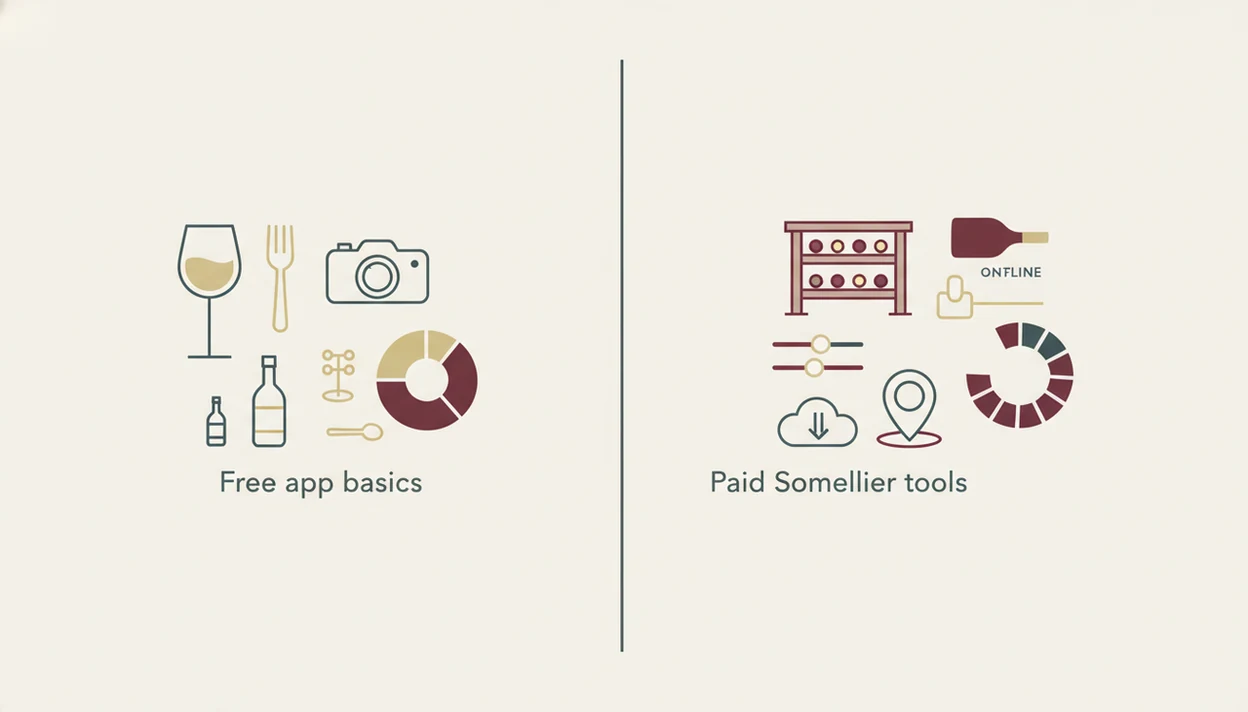
Free wine pairing apps are useful shortcuts, but paid sommelier tools usually go deeper on filters, cellar analytics, offline mode, and ad-free use. Free tiers often stop right when you want the second layer: “show me lighter reds under $30 that work with tomato sauce and are in my cellar.”
Most free tools also struggle with niche regions, natural wines, and unusual varietals. A confused glance at old-world labels is normal here; look for the region before the romance. User-generated data can be biased toward popular brands, so small producers may look invisible or under-explained.
Wine Identifier App takes a broader route by combining identification, pairing, and cellar basics in one free-tier app. Anyone dealing with half-remembered bottles after a dinner party gets a practical fit because Wine Identifier App saves scans, notes, and cellar entries in one workflow. For bottle storage depth, compare it with a best wine cellar app.
Limitations
Free pairing tools are guidance, not gospel. They can help you avoid obvious clashes, but they cannot taste your exact sauce, your salt level, or your preference for bright acidity.
- Simplified pairing rules struggle with complex dishes, fusion cuisines, and unusual flavor combinations.
- Paywalls often limit advanced filters, cellar tracking, offline access, and ad-free use.
- Suggested wines may be unavailable locally because most apps lack real-time store inventory data.
- User-generated ratings and tasting notes can be noisy, unvetted, and biased toward popular brands.
- Label-scan accuracy depends on lighting, image sharpness, label condition, and database coverage.
- Free tiers may restrict scan volume, saved bottles, or deeper recommendation explanations.
- AI-driven tools mostly generalize from standard rules, not deeply personalized sensory profiles.
- Regional coverage often skews toward popular grapes and major markets.
- Wine Identifier App still depends on clear label data, so a smudged back label softened by condensation may need manual correction.
For spicy food, tomato sauces, and rich pasta, a focused tool to pair wine with pasta can add useful detail beyond a broad free pairing tool.
Read more
FAQ
Are free wine pairing apps accurate?
Free wine pairing apps can be accurate for common dishes and major wine styles, but results depend on database depth, AI quality, and user input. Treat suggestions as guidance, not strict rules.
Can a free pairing app scan wine labels?
Some free pairing apps offer label scanning, including Wine Identifier App and Vivino. Free tiers may limit scan volume, saved history, or advanced bottle details.
Do free wine pairing apps work offline?
Offline access is usually a paid feature. Most free wine pairing apps need an internet connection to query wine databases and pairing models.
Which free wine apps include food pairing?
Decanto, Wine Identifier App, Vinnie, and Pocket Sommelier include dedicated food-pairing features. Vivino can help through community notes, but it is less pairing-specific.
Does Vivino suggest food pairings?
Vivino can surface food ideas through wine pages, reviews, and community tasting notes. It is stronger as a wine database than as a dedicated pairing engine.
Can I track my wine cellar for free?
Some apps include basic cellar tracking for free, while others reserve fuller inventory tools for paid plans. Wine Identifier App includes cellar basics alongside label scan and pairing features.
Do wine pairing apps handle spicy food well?
Spicy food exposes the limits of simple pairing rules because heat, sweetness, fat, and acidity all matter. Look for suggestions that explain why off-dry whites, rosé, or low-tannin reds may fit.
Are label scanning and wine pairing features free?
Some free wine pairing apps include label scanning, pairing suggestions, and basic cellar features; Wine Identifier App includes those basics, while premium upsells may expand limits, filters, or advanced tracking depending on availability.