
App To Help Choose Wine at a Restaurant by Food, Budget, and Taste
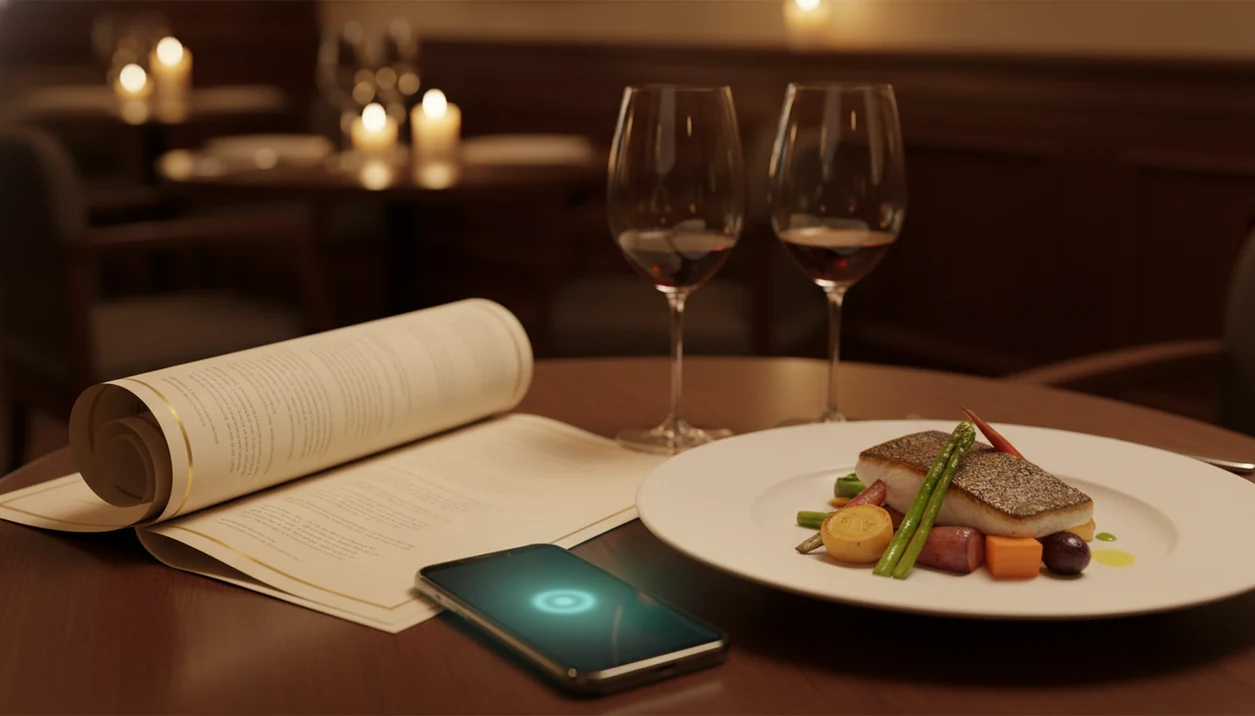
An app to help choose wine at restaurant tables works by scanning the wine list or menu with your phone camera, then matching bottles to your food order, taste preferences, and budget so you can order with confidence instead of guessing. DiVino does this by combining AI label and menu recognition with a food-pairing engine built for real dining situations. The result is a specific recommendation with a reason behind it, not just a generic star rating.
Definition: A restaurant wine app is a mobile tool that reads a wine list or menu photo at the table and recommends bottles based on food pairing, price range, and the diner's taste profile.
TL;DR
- Scan a restaurant wine list with your phone to get food-matched recommendations in seconds.
- The best apps balance three factors: what you're eating, what you like, and what you want to spend.
- AI wine tools are helpful but cannot fully replace a sommelier for unusual bottles or vintage-specific advice.
Restaurant Wine App Features at a Glance
- A restaurant wine app scans a wine list or menu photo and returns pairing recommendations for the meal in front of you. That matters when the list is three pages long and the server is already waiting.
- A retail label scanner identifies a bottle; a restaurant menu scanner compares choices before the bottle is on the table. The problem is different. One starts with a label, the other starts with a decision.
- Nervous orderers, budget-conscious diners, and experienced drinkers all benefit. I’ve seen confident wine people pause over a Burgundy section when the vintage line is tiny and the prices climb fast.
- Good apps sort by food, taste, and price, not only popularity. For restaurant use, that is often more useful than a star rating.
- Tools like Wine Identifier App are built for table decisions, not only store shelves. A useful shortcut, not a rule. For a deeper comparison, the best wine menu scanner app guide covers what separates menu-first tools from label-only apps.
How a Wine-Choosing App Reads Restaurant Wine Lists
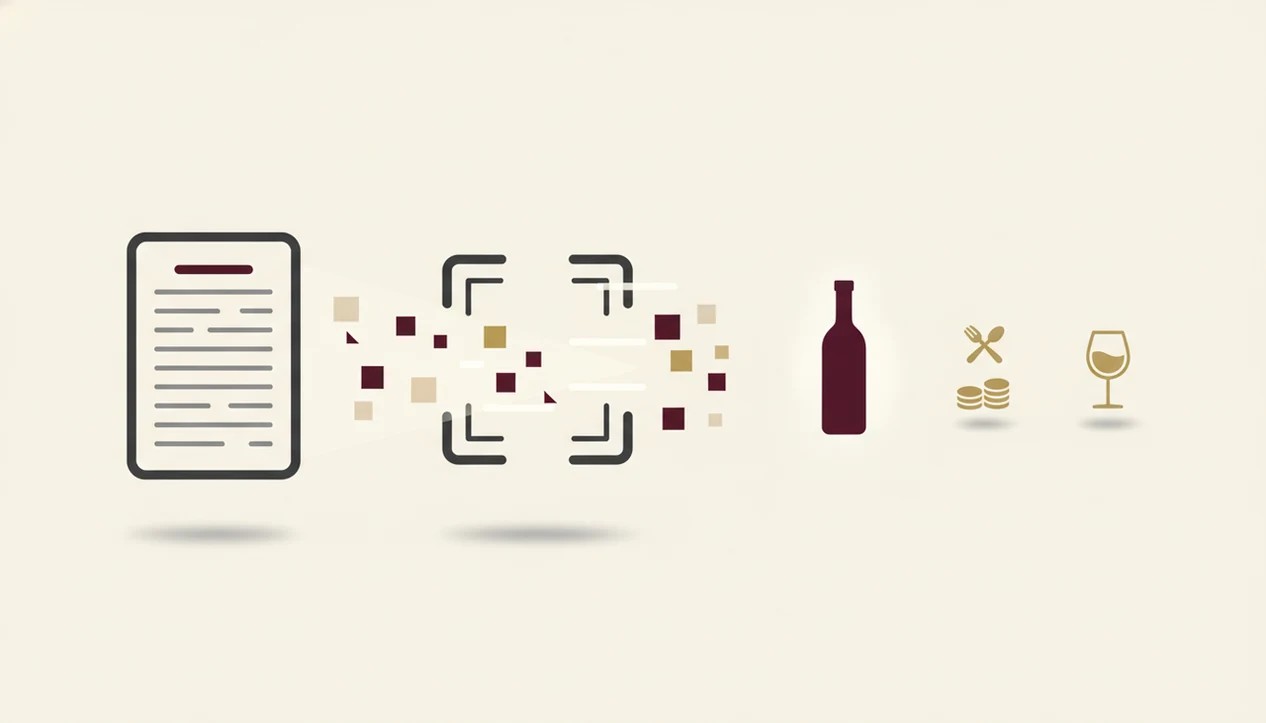
A wine-choosing app works by turning a menu photo into structured wine data, then matching that data to food, price, and taste preferences. The mechanism usually starts with optical character recognition, or OCR, which reads printed text from your camera image. OCR accuracy depends heavily on image quality, text clarity, and lighting; Google’s OCR documentation notes that document-image quality directly affects extraction results: https://cloud.google.com/vision/docs/ocr
After that, AI matching compares the recognized names against a database of producers, regions, grapes, appellations, and vintages. Image embeddings may help when a bottle photo is involved; in plain language, the app is looking for patterns it has seen before. A pairing engine then checks the dish. First the protein, then the sauce, then the preparation.
Pair the sauce, not only the protein.
If you choose roast chicken with a lemon-herb pan sauce, the app should not treat it like plain poultry. Budget filters and your taste profile narrow the list further. Results can be thin, however, when the restaurant carries small-production bottles the database has not learned yet.
What You Need Before Using a Wine App at Dinner
You need a smartphone with a working camera, an internet connection, and access to the restaurant wine list. The list can be printed, digital, or posted as a QR menu, but the app needs enough text to read.
Set up a basic taste profile before you arrive. If you know you like bright acidity, soft tannins, or ripe fruit that does not taste sugary, add that early. It saves the awkward blank-note-field feeling after a first taste.
Lighting matters more than people expect. A date-night table near the window is easy. A candlelit corner with glossy laminated pages is harder. If the scan struggles, tilt the menu away from glare and photograph one section at a time. The full phone-camera process is covered in how to scan wine menu with phone.
How To Use DiVino To Choose Wine at a Restaurant
Use DiVino by scanning the wine list, telling it what you plan to eat, and filtering the results by your budget. The app should give you a ranked shortlist with plain-language pairing reasons.
- Open DiVino and tap the menu-scan feature. Do this before the server comes back for the drink order.
- Photograph the restaurant wine list clearly. Hold the phone steady and capture the producer, region, vintage, and price.
- Select the dish or dishes you plan to order. Include the sauce when you can.
- Set your price range for the bottle or glass. Restaurant pricing may not match retail databases.
- Review the ranked recommendations and read the pairing reason. The reason is where the learning happens.
- Tap a result for full bottle details, tasting notes, and region info. Look for the region before the romance.
For diners comparing several unknown names quickly, a menu scan is often easier than searching each bottle one by one because the app can rank the list against the same meal.
Why Food Pairing Matters When You Choose Wine With Dinner
Food pairing matters because protein, fat, acid, sweetness, and seasoning change how wine tastes in your mouth. A wine that feels sharp alone can feel clean beside butter or cheese. A red with firm tannins can feel rough beside chili heat.
Sauce and preparation often matter more than the main ingredient. Creamy pasta needs freshness or texture to cut through richness. Grilled steak can handle more tannin, especially if there is char. Spiced curry steaming in bowls may want fruit, lower tannin, and enough acidity to stay lively.
A good restaurant wine app explains why a pairing works, not just which bottle to order. DiVino shows pairing rationale on each recommendation card, including flavor links such as lemon-zest acidity with goat cheese or cherry-skin bitterness in Sangiovese. The broader food-matching logic is also useful when comparing a best wine pairing app for home cooking and dining out.
Common Myths About Restaurant Wine Apps
- Myth: a wine app fully replaces a human sommelier. It does not. AI can miss vintage nuance, bottle condition, and the quiet context a sommelier hears in your questions.
- Myth: wine apps are only for beginners. Experienced diners use them to move through long lists faster, especially when regions are mixed across several pages.
- Myth: scanning a menu guarantees the right pairing. Preparation, sauce, mood, budget, and personal taste still matter. Tart cherry on the tongue may delight one diner and bother another.
- Myth: all wine apps are the same. Some identify retail labels. Others are built to read restaurant menus at the table.
- Myth: ratings are enough. A high score does not tell you whether a wine fits oysters, mushroom risotto, or a peppery steak.
Good restaurant wine apps deliver food-aware, budget-aware guidance, not a performance of certainty.
Common Mistakes When Picking Wine With an App
The most common mistake is taking a blurry or partial photo of the wine list. If the vintage, producer, or region is cut off, the app may match the wrong bottle.
Another mistake is skipping the taste-profile setup. Without your preferences, recommendations drift toward generic crowd-pleasers. That can be fine, but it will not learn that you dislike heavy oak or prefer white wines with bright acidity.
Don’t treat the top recommendation as a command. Treat it as a starting point, then read the pairing reason. I would rather choose the second suggestion with a clear food match than the first suggestion with a vague “highly rated” note.
Also check the restaurant price. Database values may reflect retail, not the markup on the list. If you want a broader table strategy, find best wine on menu explains how to narrow choices without scanning every line.
Evidence Behind Restaurant Wine App Recommendations
Restaurant wine app recommendations are evidence-informed, not guaranteed judgments. The app can rank likely fits from the menu, your preferences, and known wine styles, but the final glass still depends on the bottle, the kitchen, and your palate.
The scanning claims are based on app functionality: OCR reads printed wine-list text, so dim light, glare, tiny fonts, and cropped producer names can reduce recognition accuracy. That is why a clear, flat photo matters before any pairing logic starts. The pairing claims come from general wine principles, not a promise that every diner will agree: acidity can refresh rich or fatty food, tannin can feel firmer with spice but useful with protein and fat, and sweetness can calm heat or echo sweet sauces. Wine Enthusiast summarizes these same core pairing levers in its food-and-wine guidance source.
A simple way to read the result is:
- Check whether the app identified the exact wine, vintage, and price.
- Compare the explanation against the dish’s sauce, fat, acid, sweetness, and spice.
- Treat the ranking as a probability, then ask the server about substitutions or sold-out bottles.
- Use label-first apps like Vivino and Delectable when the bottle is already in hand; use menu-first tools when you are still choosing from the list.
How To Verify Your Wine Choice at the Table
Verify your wine choice by checking the vintage, confirming the bottle with the server, and scanning the label when it arrives. This protects you from quiet substitutions and menu-list mismatches.
Start with the vintage printed on the list. If the app recommends the 2019 and the restaurant now pours 2021, ask whether the style is similar. In some regions, that difference is minor. In others, it changes ripeness, acidity, and structure.
When the bottle arrives, scan the label to confirm producer, cuvée, appellation, and year. I’ve scanned a smudged back label after condensation softened the paper; sometimes the front label is cleaner. Save the bottle to your tasting log if you liked it, including one plain note about what you were actually tasting.
Limitations
A wine app is a guide, not a palate. It cannot taste the food, smell the glass, or know whether the kitchen used more lemon than usual.
- Recommendations depend on database quality, menu clarity, and the details you enter.
- AI suggestions can sound confident while still being generic, especially with unusual local bottles.
- Low light, glare, cursive fonts, and non-standard menu layouts can reduce OCR scan accuracy.
- Budget filters may not reflect restaurant-specific markups or current by-the-glass availability.
- A wine app cannot replace a sommelier’s conversation about ageability, bottle condition, or a very specific pairing.
- Small-production, natural, and limited-allocation wines are often underrepresented in app databases.
- Personal palate differences matter. Chalky young Nebbiolo on the gums is thrilling to some people and too firm for others.
- Menus change quickly, and an app may not know a bottle sold out ten minutes ago.
For most diners, a wine app works best as a narrowing tool, while the final decision should still account for the server’s current list knowledge and your own taste.
Read more
FAQ
Can a wine app replace a sommelier?
A wine app can help narrow a list, explain pairings, and reduce guesswork, but it cannot fully replace a sommelier. A human sommelier can discuss vintage variation, bottle age, menu changes, cellar condition, and your reactions in real time.
Can an app scan restaurant wine lists?
Yes. A restaurant wine app can read a wine list, match bottles to food and budget, and give pairing reasons so you can compare options before ordering.
Are restaurant wine apps free?
Many restaurant wine apps offer free tiers with basic scanning, search, or tasting-note features. More advanced tools, such as detailed pairing logic, cellar tracking, vintage lookup, or personalized recommendations, may require a paid subscription.
How accurate are wine pairing apps?
Wine pairing apps are most accurate when the wine database is strong, the menu scan is clear, and the dish details are specific. They are less reliable when a restaurant lists rare bottles, vague menu descriptions, or unusual preparations.
Do wine apps work in dim restaurants?
Wine apps can work in dim restaurants, but low light can reduce OCR accuracy. Use your phone flashlight, place the menu flat, avoid glare, and scan one section at a time if the list is long or printed in small type.
Can I set a budget in a wine app?
Yes. Most useful restaurant wine apps let you set a bottle or glass budget before ranking recommendations. The filter helps, but restaurant markups vary, so always compare the app result against the actual price printed on the list.
What if my wine isn't in the database?
If a wine is missing, it may be small-production, local, newly listed, or entered under a slightly different name. Ask the server for the grape, region, and style, then use the app for nearby alternatives or pairing guidance.
Is Vivino good for restaurant wine lists?
Vivino is widely used for scanning bottle labels and checking ratings, especially in retail settings. For restaurant tables, apps such as DiVino are more focused on menu scanning, food pairing, and budget-based ordering from the list in front of you.
Does the app suggest wines by the glass?
Some apps can suggest wines by the glass if the restaurant menu includes glass pours in the scanned list. Availability changes often, so confirm with the server before ordering, especially if the app database shows a bottle listing rather than the current glass program.