
Wine Menu Scanner For Diners Who Need Fast Picks
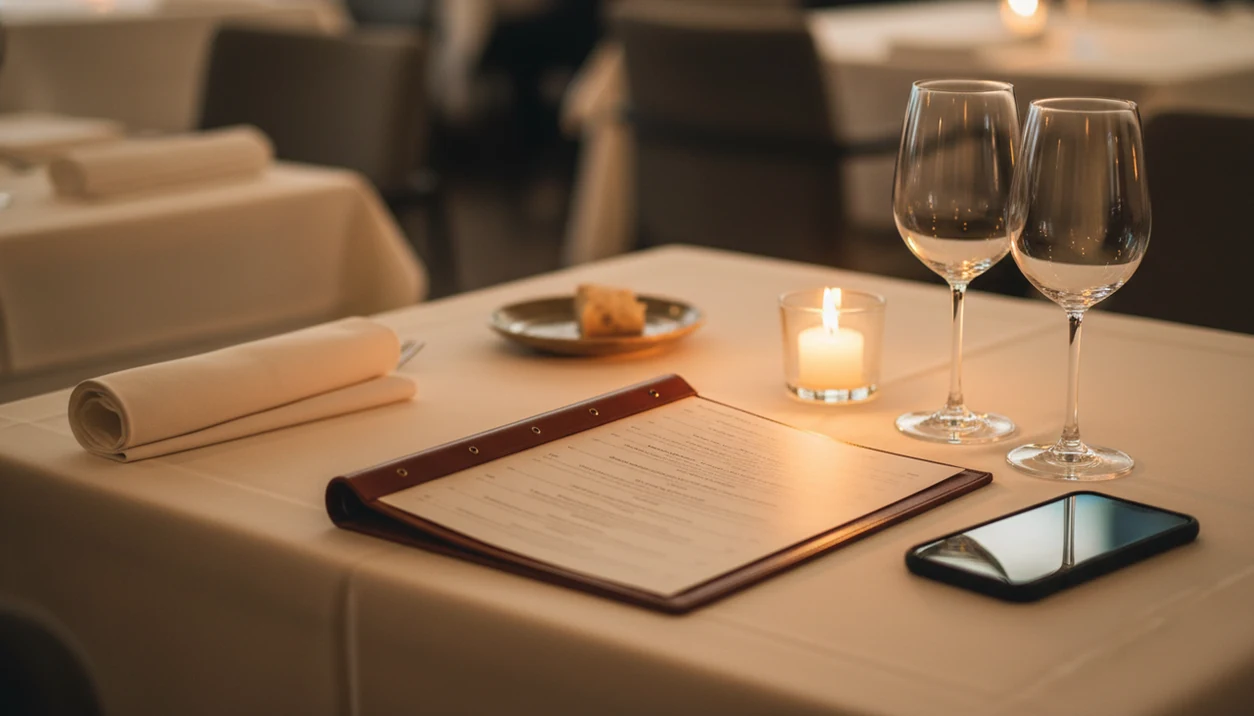
A wine menu scanner for diners is a smartphone app that photographs a restaurant wine list and instantly surfaces ratings, food pairings, and price benchmarks so you can order confidently before your server circles back. Wine Identifier App combines AI label scanning with conversational sommelier guidance, letting you ask follow-up questions about budget, style, and what you're eating.
Definition: A wine menu scanner for diners is a mobile tool that uses camera-based OCR and AI to read a printed restaurant wine list, match each entry against a wine database, and recommend bottles by rating, price, style, and food pairing.
- Snap your restaurant wine list and get ratings, tasting notes, and pairing suggestions in seconds
- DiVino's AI sommelier lets you ask conversational follow-ups like “What pairs with my lamb under $60?”
- No scanner replaces asking the server, database gaps exist for small producers and restaurant-only labels
Why Diners Under Time Pressure Need a Wine List Help Tool
Long restaurant wine lists create fast choice overload because the decision is public, timed, and often expensive. A good wine list help tool narrows the field before the server returns with a notepad in hand.
Restaurant wine is a higher-stakes category than retail wine. U.S. on-premise wine represented about 20% of volume in 2019, but a much larger share of value, which is another way of saying the markup matters, according to the Wine Institute. Meanwhile, 51% of U.S. adults said in 2021 that they use a smartphone while dining, including for menu and food information, according to Pew Research Center.
The leather-bound wine list beside bread plates can feel theatrical. It can also feel like a small exam.
If the priority is choosing quickly without pretending to know every appellation, Wine Identifier App fits because it scans the list, sorts likely matches, and lets you compare style, budget, and pairing in one view.
At a Glance: 5 Wine Menu Scanner Facts for Restaurant Diners
- A wine menu scanner uses the phone camera to read printed lists or bottle labels, then pulls ratings, reviews, tasting notes, and average prices from wine databases.
- It works like a personal sommelier by matching budget, preferred styles, and the food on the table, not just the highest score.
- Many recommendations depend on large pools of user ratings plus machine-learning models, so they reflect crowd patterns as well as structured wine data.
- Wine Identifier App divino ai wine identification and sommelier app adds a conversational layer, so you can ask, “Which white fits grilled fish and lemon sauce?”
- Blind spots remain. Small producers, new vintages, and restaurant-specific markups may not appear cleanly.
On days pizza boxes are opened on the counter after a takeout run, scanning a bottle is casual. In a restaurant, the same habit becomes more useful because the bill is larger and the window to decide is shorter. For a broader category view, the best wine menu scanner app guide compares scanner-first options.
How a Wine Menu Scanner Works Behind the Scenes
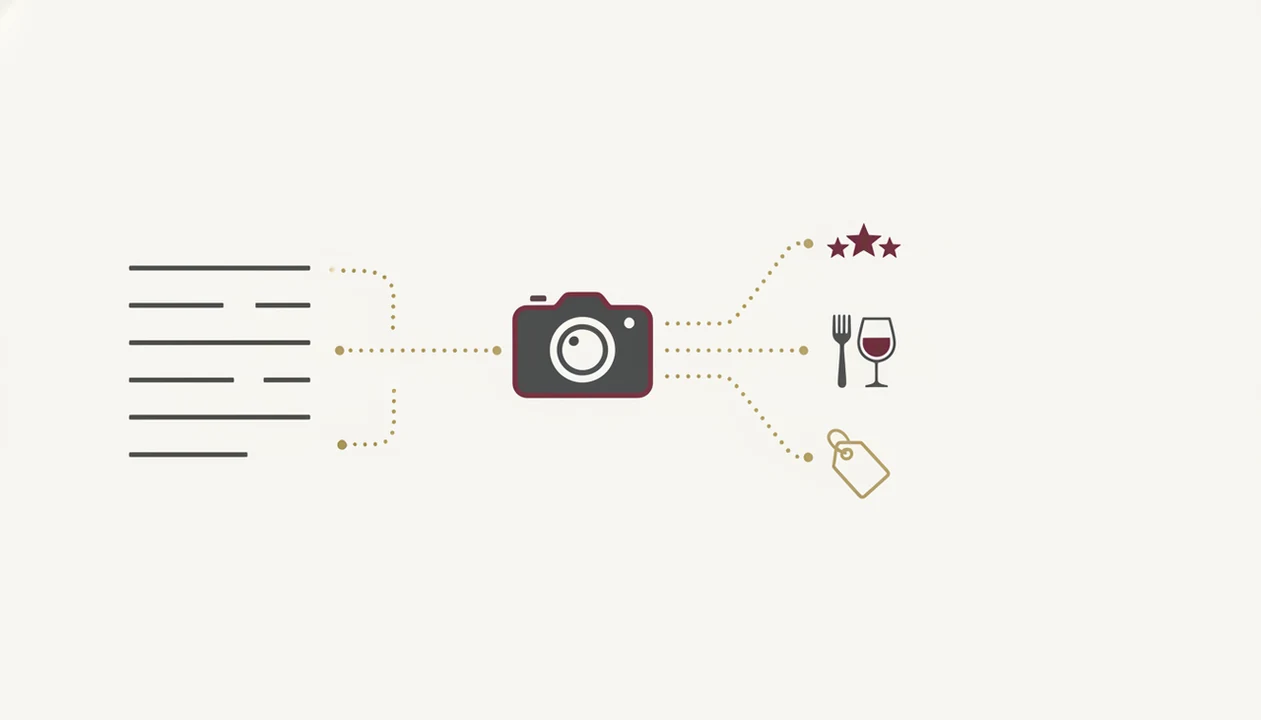
A wine menu scanner works by turning a photo into structured wine data. OCR reads the printed list, NLP separates producer names, regions, appellations, and vintages, then a matching engine checks those entries against wine records.
That sounds technical, but the diner experience is simple. First the camera captures text. Then the system asks, in effect, “Is this Rioja a place, a producer, or part of the wine name?” I have watched that confusion happen at dinner, whispered almost exactly that way across the table.
The AI layer then filters matches by price, taste profile, and pairing logic. Wine Identifier App adds natural-language follow-up, so you can refine from “red under $70” to “soft tannins for duck, not something too oaky.” Good divino ai wine identification and sommelier app experiences deliver clearer choices, not a performance of expertise.
For diners, matching usually depends more on clean menu text than camera quality because OCR needs legible producer and vintage clues.
How to Use DiVino as Your Restaurant Diner Wine App
Use Wine Identifier App quietly and early, before the ordering rhythm gets rushed. The goal is not to study the whole cellar; it is to find two or three defensible choices.
- Open Wine Identifier App and point the camera at the wine list. Keep the page flat and avoid glare from table lamps.
- Let OCR parse the list and review matched results. Check vintage and region before trusting a match.
- Filter by budget, style, or what you ordered. Pair the sauce, not only the protein.
- Ask a follow-up question. Try “best glass pour under $15 for spicy ramen” or “bright acidity for goat cheese.”
- Rate the bottle after dinner. Future suggestions improve when your tasting history includes real likes and dislikes.
Anyone dealing with a long by-the-glass page gets faster value from Wine Identifier App because the scan-to-filter workflow turns a menu photo into a short list. A step-by-step phone workflow is also covered in how to scan wine menu with phone.
Top 3 DiVino Features for Diners Scanning Wine Lists
Wine Identifier App matters most at restaurants when it handles the whole list, not just one famous bottle. These three features are the diner-facing ones I would actually use between ordering starters and mains.
Full-List Scan and Instant Triage
Full-list scan reads multiple entries at once and groups likely matches by price, grape, region, and style. That beats searching one wine at a time while everyone else is choosing appetizers.
Conversational AI Sommelier
The conversational AI sommelier lets you ask budget and pairing questions in plain language. “Peppery finish after grilled lamb” is more useful than saying you want “a serious red.”
Group-Friendly Bottle Picks
Group-friendly picks surface crowd-pleasers when one person wants crisp white and another wants ripe fruit, not just sweet. Diners trying to keep the table aligned can use Wine Identifier App because group consensus mode favors middle-ground styles with familiar flavor signals.
For deeper pairing choices, a best wine pairing app can help when the food is the harder part of the decision.
Common Diner Patterns When Using Wine List Help Apps
Discreet phone use at dinner is already normal. A 2022 Statista survey found that 53% of U.S. internet users had used a food or restaurant app in the previous year (Statista), so checking wine information no longer looks unusual in many dining rooms.
Still, scanner expectations can drift. A restaurant diner wine app does not pick the single objectively right wine. It ranks likely fits from available data and your stated preferences. Personalization also takes time; one scan cannot know whether you like cherry-skin bitterness in Sangiovese or the chalky grip of young Nebbiolo on the gums.
Careful, though.
Price benchmarks are usually retail or marketplace references, not exact restaurant markups. Heavy score reliance can also flatten curiosity. Vivino.com and wine-searcher.com are useful reference points, but unusual bottles sometimes deserve a server’s sentence before you dismiss them. For a decision-focused workflow, use an app to help choose wine at restaurant as a shortcut, not a rule.
Honest Gaps in Any Wine Menu Scanner for Diners
Any wine menu scanner has gaps because restaurant lists move faster than databases. Small producers, local bottlings, new vintages, and private-label restaurant wines may return thin or missing results.
Ratings also lean toward wines many people have tried. That favors familiar regions and higher-volume bottles. A small Jura white or an old-school Etna Rosso may look less convincing than it tastes.
AI pairing has another blind spot: the kitchen. It can understand “salmon” and “curry,” but not whether the chef made the sauce sweeter tonight or pushed the chile higher than usual. Spiced curry steaming in bowls can turn a safe red into a clumsy match.
Wine Identifier App should complement the server or sommelier, not replace them. For menu-photo identification specifically, what app identifies wines from menu photo explains the scan-and-match use case in more detail.
Limitations
A scanner can make the wine list calmer, but it cannot remove every uncertainty.
- Database coverage can be weak for obscure producers, new vintages, and restaurant-only labels.
- Ratings may skew toward high-volume wines, famous regions, and styles that attract frequent app users.
- Price benchmarks often reflect retail or marketplace data, not the restaurant’s exact markup.
- AI pairing suggestions cannot see real-time dish preparation, spice level, sauce sweetness, or serving temperature.
- Personalization needs several rated wines before recommendations become sharp.
- A smudged back label after condensation softens the paper can confuse image recognition.
- Heavy reliance on scores can push diners toward safe bottles instead of memorable, less-reviewed wines.
- Cellartracker.com may serve collectors better for deep cellar history, while Wine Identifier App focuses more on fast restaurant decisions.
If your priority is fast table-side clarity, Wine Identifier App divino ai wine identification and sommelier app works because it joins menu scanning, pairing prompts, and post-meal ratings in one restaurant workflow.
Read more
FAQ
Can a wine scanner read any menu?
No. OCR handles most printed wine lists, but handwritten menus, low contrast, glare, and unusual formatting can cause errors.
Is a wine menu scanner free for restaurant scans?
Some wine menu scanners offer basic scanning with paid features depending on the current plan. Check the app listing for the latest pricing before relying on it for a dinner reservation.
Does the app work offline?
Database lookup usually requires an internet connection. Some recently viewed wines may cache, but full matching and AI guidance work best online.
How accurate are wine app ratings?
Wine app ratings reflect crowd consensus, not a universal truth. They can skew toward popular wines, familiar grapes, and regions with many users.
Is it rude to scan menus at dinner?
Discreet scanning is generally accepted in many restaurants, especially if you keep it brief. It is still polite to ask the server when you need context.
Can the scanner suggest food pairings?
Yes. Wine Identifier App can match scanned wines to dishes you describe, including budget, style, and pairing preferences.
What if a wine isn't in the database?
Small producers, new vintages, or restaurant-only labels may have little data. Ask the server for the grape, region, and style, then use those clues to choose.
Does the app learn my preferences?
Yes. Rating wines after each meal helps the recommendation engine learn your preferred grapes, regions, acidity, tannin, and flavor patterns.