
App To Help Remember Wines I Liked And Why I Loved Them
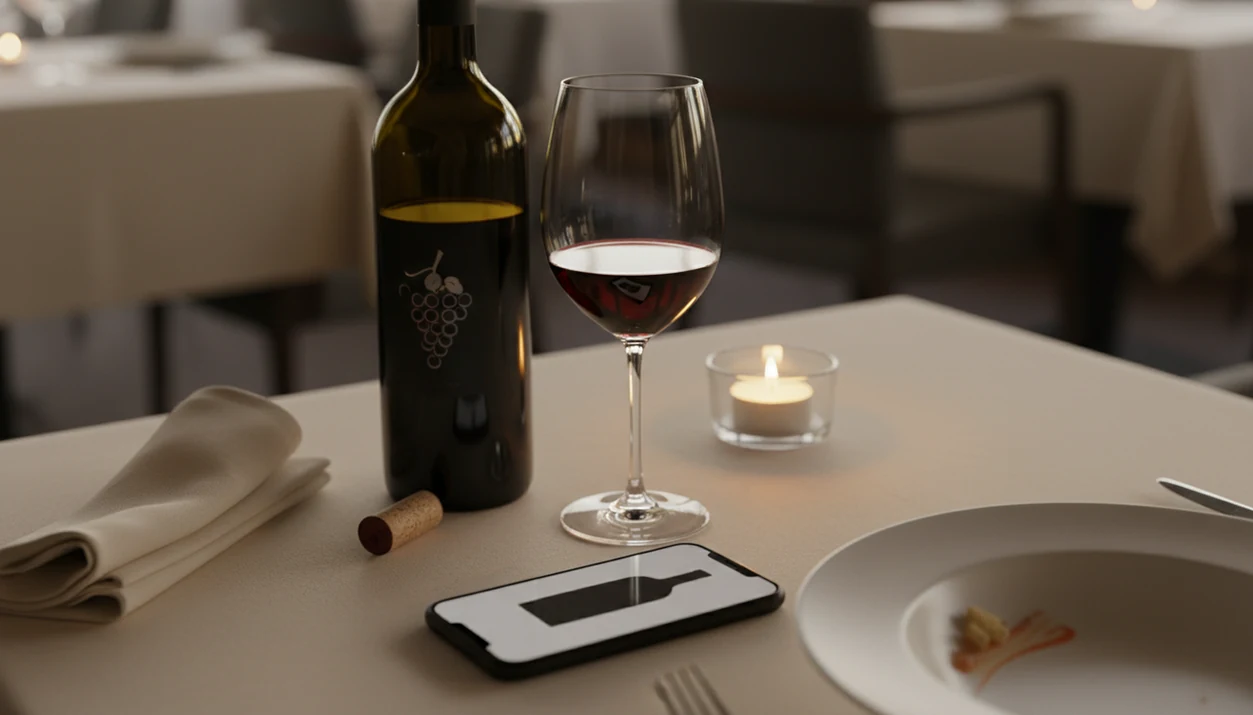
An app to help remember wines I liked captures label photos, tasting notes, ratings, and occasion details in one searchable library so you don't lose the name of a great bottle after dinner.
> Definition: A wine memory app is a mobile tool that uses camera-based label recognition, personal ratings, and tasting notes to build a searchable record of every wine you have tried, helping you recall favorites and discover new bottles that match your taste profile.
TL;DR
- Scan any wine label with your phone camera to instantly identify and save the bottle to your personal library.
- Log ratings, flavor notes, occasion tags, and food pairings so you remember exactly why you liked a wine.
- AI learns your taste patterns over time, recommending new wines based on your history of favorites.
- Works across all price points, from supermarket bottles to fine dining pours, covering millions of labels.
- Review your wine history monthly to spot trends in preferred grapes, regions, and styles.
What a Wine Memory App Actually Does
A wine memory app stores the bottle, the moment, and your reaction in one place. The core record usually includes a label photo, label match, producer, vintage, rating, personal note, and any food or occasion tag you add.
People look for a remember wine app after the same small failure: they loved something, then forgot it. It might be a half-bottle from the dessert section, a party bottle left on the counter, or a vacation pour with a name that sounded easy at the time. Three weeks later, the camera roll is useless.
The pocket check is real.
Smartphone ownership makes this habit practical: Pew Research Center reported that 85% of U.S. adults owned a smartphone in 2021 (https://www.pewresearch.org/internet/fact-sheet/mobile/). The International Organisation of Vine and Wine estimated global wine consumption at about 232 million hectoliters in 2023 (https://www.oiv.int/), which explains why preference tracking matters at scale. A good wine memory app turns scattered sips into searchable history.
How AI Wine Label Recognition Works Behind the Scenes
AI wine label recognition works by combining camera input, text extraction, image matching, and user feedback. It is pattern matching plus context, not a magic shortcut to taste.
- Fact 1: The camera captures the label, then OCR reads visible text such as producer, cuvée, region, and vintage.
- Fact 2: An image model compares the photo against a wine database using visual features, also called image embeddings.
- Fact 3: Metadata usually includes producer, grape variety, region, vintage, average ratings, and a rough price range.
- Fact 4: Your rating and notes become preference feedback, which helps the recommendation logic learn over time.
- Fact 5: The app does not know your palate from day one; two or three saved bottles produce thin suggestions.
Label Scan to Taste Profile Pipeline
The pipeline starts with scan context. A phone camera hunting for focus on a glossy burgundy label under warm restaurant lighting gives the model less clean data than a flat bottle shot near a window. After the label match, the app connects that wine to your rating, flavor words, and later choices. Tools like Wine Identifier App add a sommelier chat layer, so you can ask why a bottle was suggested, what to pair with it, or which saved wine tasted similar.
What You Need Before Logging Your First Wine
You need a smartphone with a working camera, an iOS or Android app, and one wine to record. That wine can be a bottle at home, a glass at a restaurant, or even a wine list entry you want to remember.
Start small. Open your chosen wine memory app, scan the label or menu, confirm the match, rate it, and add one short note. Thirty seconds is enough if the note is specific: “lemony, crisp, good with oysters” beats “nice white wine.”
Many shoppers already use smartphones in stores to compare products or look up information. Wine logging uses the same habit, just with better memory. If you want a lighter note-first workflow, a wine tasting journal app may feel more natural than a scanner-first tool.
How To Use an App To Remember Wines You Liked
Use a wine memory app the same way every time: scan, confirm, rate, tag, save, and review. The repeatable habit matters more than writing elegant tasting notes.
Step 1: Scan the Wine Label or Menu
- Open Wine Identifier App and point your camera at the wine label or restaurant menu.
- Confirm the identified wine and review pulled details, including grape, region, producer, and vintage.
- Rate the wine on a simple scale and add two or three flavor descriptors.
- Tag the occasion, meal pairing, and who you shared it with.
- Set a rebuy reminder or wishlist flag if you want to find it again.
- Review your wine history monthly to spot patterns in preferred styles, regions, and grapes.
Confirmation, short flavor words, occasion tags, rebuy flags, and monthly reviews are the five habits that turn a scan into a useful wine memory.
Step 2: Confirm the Bottle Details
Step 3: Rate and Describe Flavors
Step 4: Tag the Occasion and Food Pairing
Step 5: Set a Rebuy Reminder
Step 6: Review History and Spot Taste Patterns
Common Mistakes When Using a Wine Memory App
The biggest mistake is only scanning wines you love. Log disappointing bottles too, because “too sweet,” “thin finish,” or “oak felt heavy” teaches the human correction loop what to avoid.
Another friction point is relying on star ratings alone. A four-star Pinot Noir and a four-star Albariño may both be good, but the reason you liked them will be different. Add two flavor words and one context tag. Tiny effort, large payoff.
Blurry labels cause bad matches. So do partial photos, wax seals, low light, and labels shot at a steep angle on a marble counter. If the app asks for a clearer photo, believe it.
Do not expect useful recommendations after logging only two or three wines. Major databases include millions of labels across price points, including supermarket bottles, but your personal signal still needs data. Good divino ai wine identification and sommelier app tools deliver label memory, taste recall, and pairing support, not instant certainty about your palate.
How DiVino Turns Your Wine History Into Taste Patterns
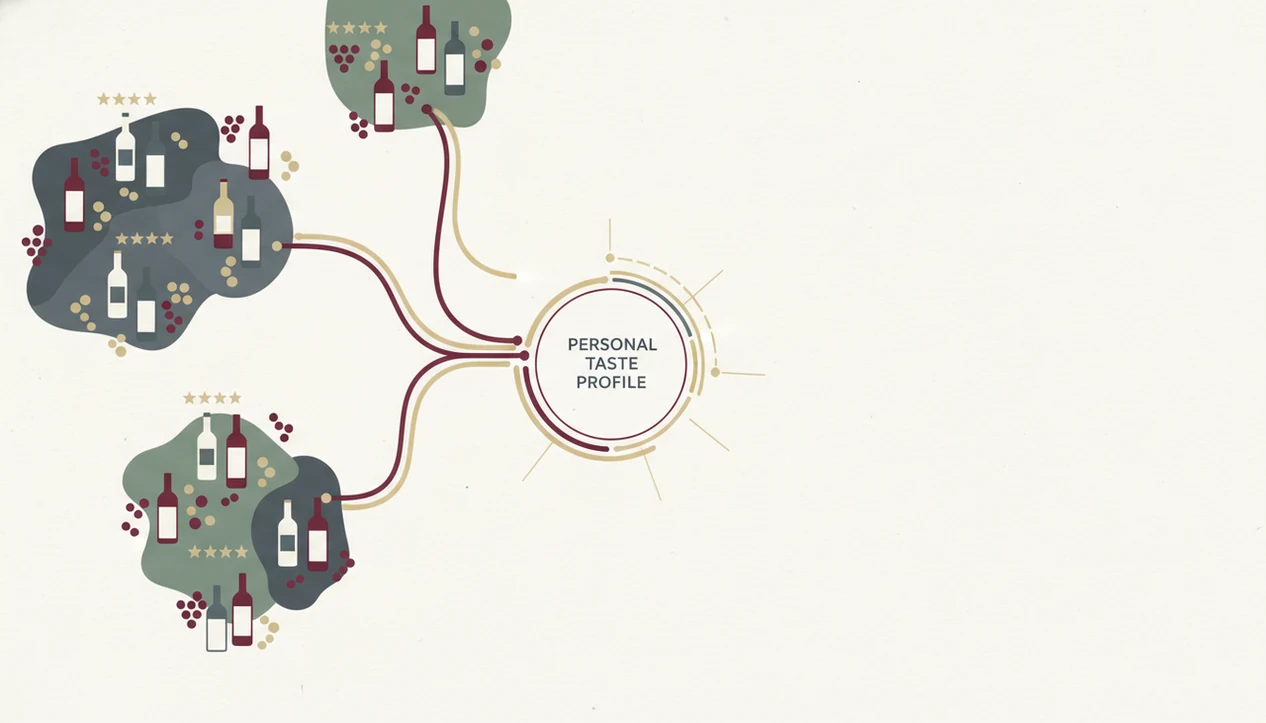
Wine Identifier App turns your saved wines into taste patterns by comparing traits across the bottles you rated highly. The useful signals are not just names; they include acidity, body, sweetness, tannin, region, grape, vintage, and price range.
After enough entries, the app might surface a pattern like this: you often prefer medium-body reds from Southern France under $20, especially when tagged with grilled food. That is more useful than a generic “try Cabernet” prompt. It gives you a shopping lane.
The chat layer helps when memory fails. You can ask, “What was that spicy red I liked with roast chicken?” and the system can search your history by flavor, pairing, and occasion. Most app roundups skip this practical workflow: build the habit, then review the history monthly. Preferences should also stay editable and exportable, not trapped in old screenshots or text threads.
Verifying Your Wine Log Is Working for You
After 10 to 15 logged wines, check whether the app can describe your preferences in language you recognize. If it says you like crisp whites, but your highest ratings are plush reds, the signal is still weak or your notes are too vague.
Ask the AI sommelier for a bottle for tonight. Then cross-check the answer at a wine shop or restaurant. If the recommendation explains grape, body, price, and food fit, it is doing useful work. If it only returns famous names, keep training it.
The U.S. Alcohol and Tobacco Tax and Trade Bureau reported average U.S. wine consumption of about 3.18 gallons per adult aged 21 and over in 2022 (https://www.ttb.gov/images/pdfs/statistics/consumption.pdf). That is roughly 15 to 16 standard bottles, enough for a year of basic pattern-building. A wine memory app helps organize that history, but it does not replace learning terms from back labels, shelves, and conversations with staff. A wine rating app for beginners can make that learning curve less stiff.
Limitations
Wine memory apps are useful, but they are not flawless. Treat the output as a confidence signal, not a final verdict.
- Label recognition can fail on obscure producers, damaged labels, private bottlings, or poorly photographed bottles.
- Crowd-sourced ratings tend to favor popular styles and may underrepresent niche regions or traditional producers.
- A saved favorite may taste different later because mood, glassware, serving temperature, food, and storage all matter.
- Heavy app reliance can slow your wine vocabulary if you never practice saying why you liked a bottle.
- AI features and geolocation may collect usage or location data, so review permissions before scanning in shops or restaurants.
- Sparse logs create generic recommendations. Consistent ratings and notes are the real input.
- No app fully replaces professional sommelier guidance for expensive bottles, cellar planning, or complex pairing decisions.
For users comparing note depth across tools, a best wine tasting notes app guide is more useful than a simple scanner ranking because note quality changes recommendation quality.
Read more
FAQ
Is there a free wine memory app?
Yes, many wine memory apps offer free tiers for scanning labels, saving bottles, and adding basic ratings. Paid plans may add advanced recommendations, cellar tools, exports, or premium AI features.
Does label scanning work on all wines?
No, label scanning does not work on every wine. Accuracy drops with obscure producers, damaged labels, unusual typography, missing vintages, and poor photo angles.
Can I use a wine app offline?
Most label scanning needs an internet connection because the app checks a remote wine database. Some apps let you save notes offline and sync them later.
How many wines do I need to log before recommendations improve?
A practical threshold is 10 to 15 logged wines with ratings and short notes. Before that, recommendations are usually broad and based more on general wine data than your taste profile.
Does the app work at restaurants?
Yes, many wine memory apps work at restaurants by scanning labels, wine lists, or menu text. Menu scans can be harder when Sancerre and Sangiovese sit two lines apart in tiny serif type.
Can I export my wine tasting notes?
Some wine apps allow export to a file or account backup, but export options vary. Check settings before relying on any app as your long-term wine archive.
Does a wine app collect my location?
Some apps may request location for shop availability, restaurant context, or local recommendations. Review app permissions and privacy settings before enabling location access.
Will the app replace a sommelier?
No, Wine Identifier App and similar tools are decision aids, not replacements for a trained sommelier. They help with memory, pattern recognition, and quick context, but professional advice still matters for nuanced purchases.