
Is It Safe To Upload Wine Label Photos To Apps?


Download App: is it safe to upload wine label photos
If you're asking is it safe to upload wine label photos, the answer is generally yes when the image contains only the bottle and no personal details. The bigger privacy risks come from embedded metadata, account data, background details, and how the app stores or shares scan data.
Definition: Wine label photo safety refers to the privacy and data-security implications of scanning or uploading bottle images to wine identification apps, including what personal information the photo, its metadata, and linked account activity may expose.
TL;DR
- The label image itself is low-risk; the metadata, GPS, timestamps, device ID, and account linkage are the real concerns.
- 85% of sampled smartphone photos contain embedded EXIF data that can reveal device details and sometimes location.
- Always disable camera location services, crop backgrounds, and choose apps with transparent privacy policies, private-by-default controls, and clear deletion rights.
What Wine Label Photo Privacy Actually Covers
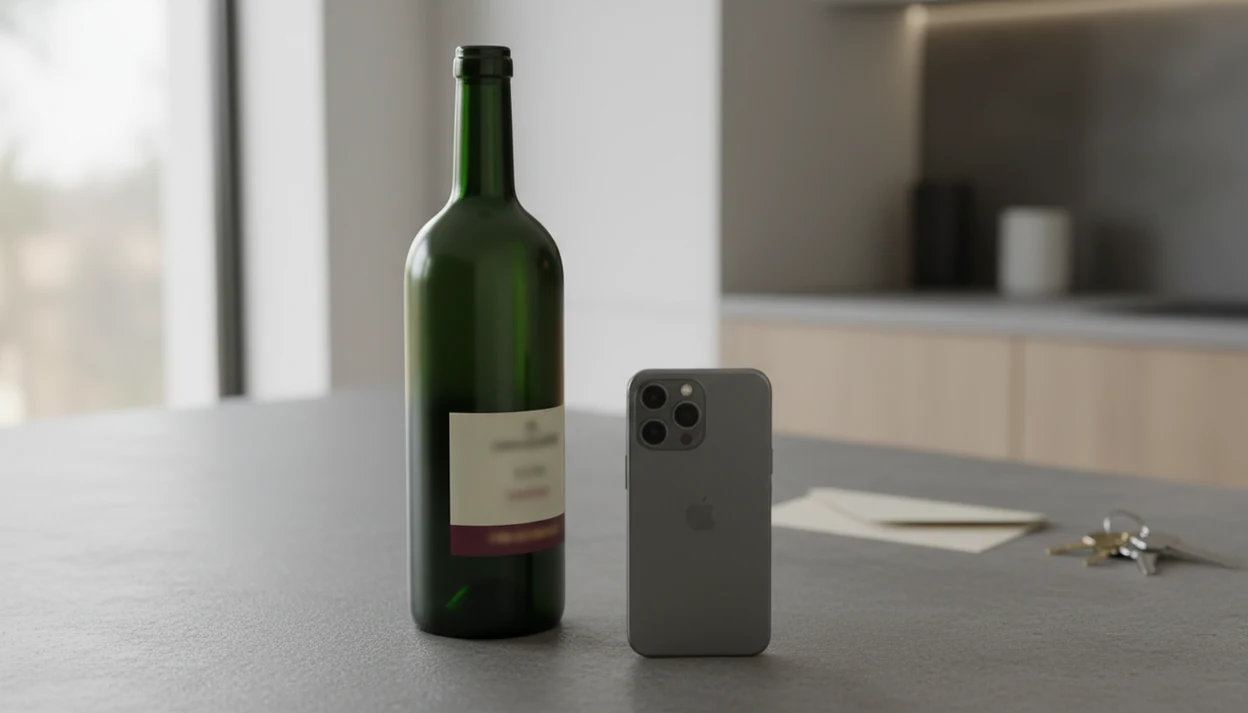
Wine label photo privacy covers both what you can see in the image and what travels with it behind the scenes. The visible part may be harmless, like a Rioja label on a kitchen counter, but the hidden layer can carry time, device, and location clues.
Start with the label. Then check the frame.
There are four data types at stake: image pixels, EXIF metadata, account data, and behavioral patterns. Image pixels include the bottle, background, faces, receipts, or a shipping label on the table. EXIF metadata can include the camera model, timestamp, and sometimes GPS. Account data links the scan to your profile. Behavioral patterns show what you scan, when, and how often.
Pew Research found that 79% of U.S. adults are at least somewhat concerned about how companies use collected data, which explains why label photo privacy feels personal source. Transparent data handling is the baseline users should expect from any wine app.
At-a-Glance: Wine Scan Safety Risks and Controls
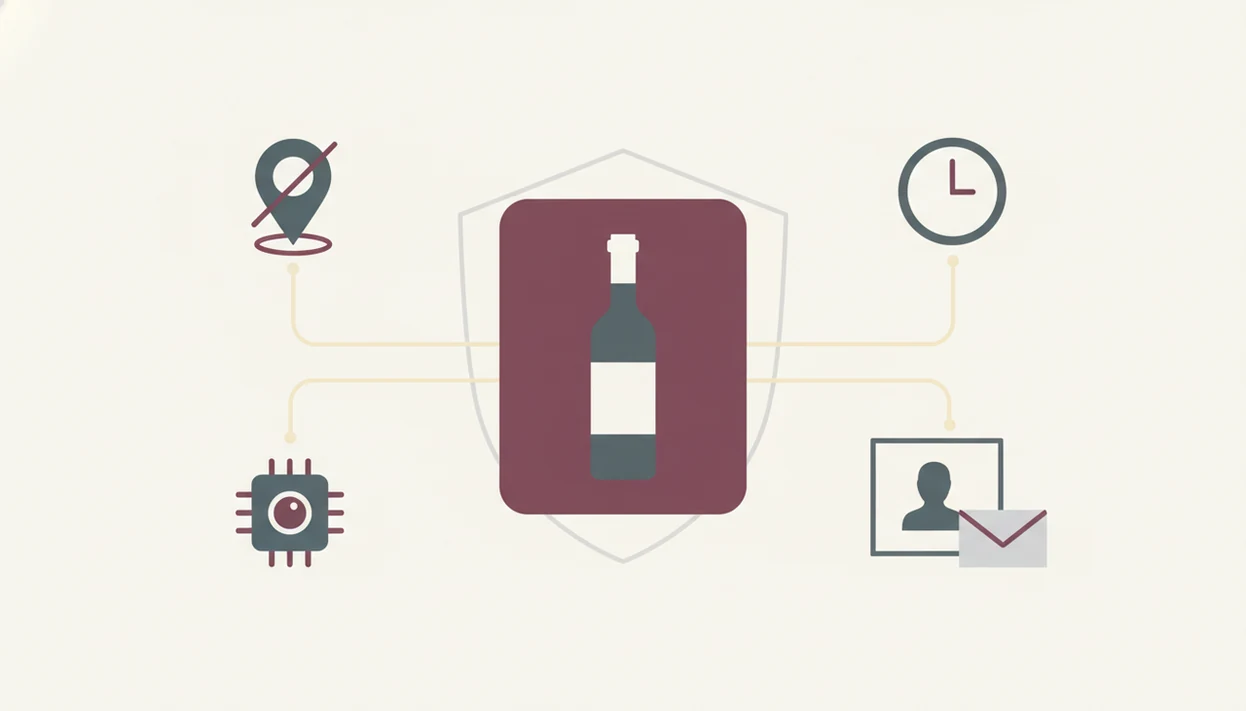
Wine scan safety is mostly about reducing unnecessary exposure before the image leaves your phone. A tight photo of the front label is usually safer than a wide shot with people, mail, shelves, or room details.
- Metadata risk: EXIF data may reveal the timestamp, device model, and sometimes GPS location, even when the bottle image looks ordinary.
- Background details risk: Faces, addresses, laptop screens, invoices, and recognizable interiors can identify you faster than the wine label can.
- Public versus private uploads: A private cellar setting limits visibility, while public community feeds can expose tasting habits and bottle ownership.
- Data retention: Some apps keep photos, logs, or backups after you stop using a feature, depending on their policy.
- Aggregated profiling: Repeated scans can suggest preferred regions, spending bands, travel routines, or collection size.
Pew Research found that 79% of U.S. adults were at least somewhat concerned about how companies use collected data source. Cisco’s 2023 Consumer Privacy Survey also found that 86% of consumers care about data privacy and want more control over their data source. That concern is reasonable when a label scan can include metadata, account linkage, and background clues.
How Wine Label Photo Scanning Works Behind the Scenes
Wine label scanning works by capturing an image, reading the text and visual features, and matching them against wine records. Privacy exposure can happen at capture, upload, matching, storage, or account-linking.
When you photograph a bottle, the camera may save EXIF metadata with the image. Research found that 85% of sampled smartphone photos contained embedded EXIF metadata, including device model, timestamps, and sometimes GPS coordinates source. The app may then process the image on your device or send it to a server for OCR, image matching, and label recognition.
EXIF Metadata: The Hidden Data in Every Photo
EXIF is the quiet note attached to the photo. If you scan a smudged cellar bottle fresh from the rack, the label may say Burgundy, but the metadata may say when and where the photo was taken.
Server-Side Processing and Data Retention
After matching, the result may connect to your account, cellar, ratings, and scan history. An FTC mobile privacy report found that many mobile apps transmitted device identifiers or other data to third parties, which is why scan apps should disclose analytics, processors, and retention practices clearly source. Tools like Wine Identifier App process label scans with user privacy in mind, but users should still read the retention and sharing terms.
Specific Privacy Guarantees To Look For in Wine Apps
A trustworthy wine app should explain what it collects, why it collects it, how long it keeps it, and how you can remove it. If the policy makes you work too hard, that is useful information.
Look for these guarantees before uploading a cellar photo or scanning a restaurant menu:
- Collection disclosure: The policy should say whether photos, EXIF data, device IDs, account activity, and ratings are collected.
- Storage duration: The app should explain how long label photos and scan logs remain stored.
- Sharing rules: Third-party analytics, cloud processors, and advertising partners should be named or clearly described.
- Private controls: You should be able to keep scans and cellar entries private instead of posting to a public feed.
- Deletion rights: You should be able to delete photos and associated account data on demand.
- Encryption: Data should be encrypted in transit and at rest.
The full context sits inside broader wine app privacy choices. DiVino aligns with these expectations through private cellar controls, deletion options, and clearer disclosure.
What Wine Label Photo Safety Does NOT Cover
Wine label photo safety does not mean zero risk. Any app that stores data online can face breaches, policy changes, processor failures, or legal requests.
A delete button may remove the photo from your account view, but it may not instantly purge backups, logs, cache files, or third-party processor copies. Aggregated or anonymized data can also carry some re-identification risk when combined with enough outside signals.
That sounds abstract. It isn't.
If someone scans rare auction bottles, always on Friday evenings, from the same neighborhood, those patterns may reveal more than one bottle label. Future privacy policies can also change how historical data is used, subject to law and user consent rules. Turning off location helps privacy, but it can reduce location-based features, such as nearby availability or restaurant context. Pairing tools and AI recommendations are useful shortcuts, not rules, and can AI wine recommendations be wrong for reasons unrelated to privacy.
Common Myths About Uploading Wine Label Photos
Some wine scan privacy advice focuses only on the bottle. That misses the quieter risks around metadata, account linkage, and background content.
| Myth | Fact |
|---|---|
| Label photos are always anonymous. | False. Metadata, account login, scan history, and cellar entries can connect the photo to you. |
| Only the bottle matters. | False. A face, boarding pass, address label, or open laptop in the background can matter more than the wine. |
| Deleting from the app erases it everywhere. | Often false. Backups, logs, and processors may keep copies for a period of time. |
| All wine scan apps handle privacy the same way. | False. Apps vary in collection, monetization, community sharing, and deletion workflows. |
I notice this most when turning a bottle around under a kitchen pendant light to find the tiny appellation line. The safe photo is usually the boring one: label centered, background blank, no dinner guests in frame. Label photo privacy usually works best when users minimize the image first, while app settings handle storage and visibility after upload.
How To Protect Your Privacy When Scanning Wine Labels
You can make wine scan safety much better with a few habits before and after upload. The goal is not anxiety; it is a cleaner photo and fewer data trails.
- Disable camera location services for the wine app, or remove location access from your phone settings.
- Frame only the label and crop out people, mail, screens, receipts, and home interiors.
- Review the privacy policy for collection, retention, third-party sharing, deletion, and analytics disclosures.
- Set your cellar and scans to private instead of using a public community feed by default.
- Audit old uploads periodically and delete bottle photos, tasting notes, or cellar entries you no longer need.
A tight label crop is often easier than fixing privacy later because the extra room details never leave your phone. If your wine app offers private cellar controls, turn them on before scanning. A good wine identification and sommelier tool should deliver label recognition, cellar organization, and pairing context without giving you a reason to expose your dining room or address book.
When Not To Upload a Wine Label Photo
Do not upload a wine label photo when the image reveals more about you than the bottle. If the scene includes sensitive surroundings, rare assets, or unclear app data practices, skip the scan and use a safer note instead.
Some situations deserve a hard pause: a bottle beside a shipping label, a receipt from the shop, a face at the table, a work document, or a distinctive cellar wall that points back to your home. Be especially careful with rare or high-value bottles photographed in a private cellar, because the scan can connect ownership, location clues, and collection value in one place. For business inventory, insurance lists, or serious collections, offline notes or a local spreadsheet may be the calmer choice.
- Stop if the frame shows addresses, people, paperwork, receipts, screens, or identifiable interiors.
- Check whether the app clearly explains retention, deletion, sharing, and processor use before upload.
- Use a private offline record for valuable cellar bottles, trade stock, or bottles tied to your home location.
- Request support help or deletion promptly if you accidentally upload a sensitive image.
- Rescan only after cropping to the label and removing location clues.
Limitations
Wine label photo privacy has real limits, even when you use careful settings and a responsible app. Treat privacy controls as risk reduction, not a guarantee.
This page is privacy guidance, not legal or cybersecurity advice. If a scan may expose a home address, high-value cellar, business inventory, or someone else’s personal information, treat it as sensitive data and review the app’s current privacy policy before uploading.
- No wine app can promise zero risk because online storage can be breached, misconfigured, or affected by policy changes.
- Advanced data matching could re-identify heavy users by combining scan patterns, location clues, timestamps, and bottle rarity.
- Delete and private controls depend on technical implementation, processor contracts, and legal compliance.
- Turning off location and cropping backgrounds may reduce useful features, including local availability or venue-specific wine matching.
- Current research focuses on general app and photo privacy, not wine-label-specific scan behavior.
- Third-party processors may retain copies beyond the app’s own deletion workflow, depending on retention terms.
- Public tasting notes can reveal preferences, collection habits, and spending bands even without a visible photo.
If you are highly privacy-sensitive, keep scans private, strip location data, and avoid uploading rare bottles tied to your home address or collection.
Sources and Review Method for Wine Scan Safety
This article uses general mobile privacy, consumer privacy, and photo metadata research to assess wine scan safety. Wine-label-specific privacy research is still limited, so claims are framed as practical risk guidance rather than a guarantee about every app.
The quantitative points above draw from privacy reports and research on consumer data concern, mobile app disclosures, device identifiers, and EXIF metadata in smartphone photos. Those sources are useful because wine scanning uses the same basic ingredients: a camera image, hidden metadata, account activity, cloud processing, and sometimes analytics partners.
The review process grouped risks this way:
- Separate visible image risks from hidden data risks, including backgrounds, faces, addresses, timestamps, GPS, and device details.
- Evaluate how account features can connect scans to cellar lists, ratings, public notes, and usage patterns.
- Check whether the likely harm comes from collection, sharing, retention, public posting, or deletion limits.
- Prioritize controls users can apply before upload, such as cropping, disabling location, and choosing private settings.
- Recheck policy-dependent claims whenever an app updates its privacy policy, retention terms, analytics vendors, or community-sharing defaults.
FAQ
Can wine apps access my GPS location?
Yes. Wine apps may request device location access and may also read GPS coordinates stored in EXIF metadata if the photo includes them.
Does deleting a label photo remove all data?
Not always. Deleting a label photo may not immediately remove backups, logs, analytics records, or third-party processor copies.
Are my wine scans visible to other users?
It depends on the app. Public community features may show scans or notes, while private cellar modes keep them limited to your account.
What is EXIF metadata in a wine label photo?
EXIF metadata is hidden photo data such as timestamp, device model, camera settings, and sometimes GPS location. It matters because it can identify where and when the wine photo was taken.
Do wine apps sell or share my personal data?
Policies vary by app. Some apps share aggregated analytics, device identifiers, or usage data with third parties, so the privacy policy matters.
How should a wine app handle label photo data?
A responsible wine app should explain photo collection, retention, private controls, deletion rights, encryption, and third-party sharing before you upload sensitive images.
Should I crop backgrounds from wine label photos before uploading?
Yes. Crop out faces, addresses, documents, screens, and home details because they increase identifiability beyond the wine label itself.
What happens to my wine label photo data in a breach?
No app is breach-proof. A responsible app should use encryption, limit retained data, notify affected users, and explain what information was exposed.