


> A wine vintage lookup app is a mobile tool that identifies a wine's harvest year and cross-references region data, expert ratings, and maturity models to explain what that year means for quality, drinkability, and price.
- Vintage lookup identifies the harvest year and connects it to region quality, drink windows, and price context.
- DiVino adds AI follow-ups like “drink now or hold?” and food pairing tied to the specific vintage.
- No app can account for individual storage history. Vintage guidance is probabilistic, not absolute.
What a Wine Vintage Lookup App Actually Does
A wine vintage lookup app turns a label or typed wine name into year-specific context: producer, region, grape, vintage reputation, maturity estimate, and likely price range. It is a wine year lookup for the moment when “2016” on the bottle means something, but you are not sure what.
You can scan a grocery aisle bottle tilted toward your phone, or type “Barolo 2019” when the back label is smudged. The system parses the producer, appellation, grape, and year, then matches that data against vintage charts, ratings, retail listings, and cellar-style maturity models.
Static vintage charts usually stop at region-level guidance. goes further because it connects the identified bottle to AI follow-ups, price context, and pairing prompts in the same flow.
Look for the region before the romance.
5 Facts Every Wine Lover Should Know About Vintage Lookup
- A label scan or text search starts the process by identifying the exact wine, producer, and harvest year, not just the broad bottle style.
- Expert ratings and crowd reviews can indicate whether a vintage was strong for a region, but they work better for well-reviewed areas like Bordeaux, Burgundy, Napa, Rioja, and Barolo.
- Vintage lookup supports value context by comparing one year against nearby vintages, current price ranges, and rating trends. For deeper pricing checks, use an app that checks wine value.
- AI apps like DiVino can answer vintage-specific follow-ups, such as “is 2018 ready?” or “would this work with lamb tonight?”
- No wine year lookup can detect heat damage, cork failure, or a bottle that spent three summers above a refrigerator.
If your priority is deciding whether a bottle is ready tonight, Wine Identifier App fits because the vintage lookup shows a drink window beside the identified producer and region.
That tiny year matters.
How Wine Vintage Lookup Works Behind the Scenes
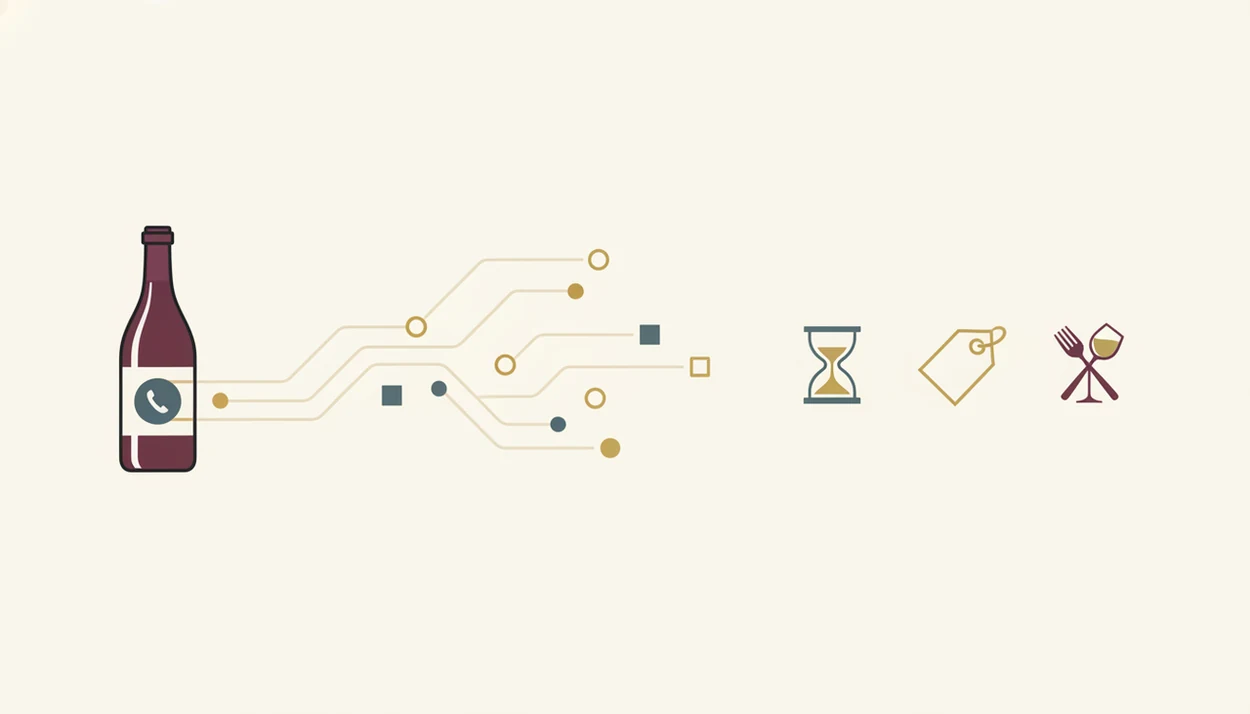
Wine vintage lookup works by combining image recognition, optical character recognition, database matching, and vintage models. In plain terms, the phone reads the label, identifies the wine, then asks what that year usually means for that place and style.
Label Recognition and Database Matching
The camera capture becomes a set of text and image clues. OCR reads words like “Chianti Classico,” “Riserva,” or “2019,” while label parsing separates producer, cuvée, region, and vintage. Image embeddings help match the label shape and design when the print is curved or partly hidden.
I have turned bottles under a kitchen pendant light just to find the tiny appellation line. That small line can change the lookup.
Vintage Quality and Maturity Models
Vintage quality models draw from critic scores, regional weather patterns, crowd reviews, and historical performance. Maturity algorithms then weigh grape variety, tannin, acidity, region, and vintage reputation. Nebbiolo with chalky grip on the gums ages differently from a soft Merlot.
Wine Identifier App layers AI sommelier Q&A over that base match, so the lookup can move from “2015 Rioja” to “drink now, hold, or pair with roast mushrooms.”
How to Use a Wine Year Lookup in DiVino
Use wine year lookup when the label gives you a year but not enough context. A good phone-first workflow should keep the scan, vintage explanation, price context, and follow-up question in one place.
- Open the label scanner and point the camera at the front label in steady light.
- Confirm the identified wine, vintage, producer, and region before trusting the result.
- Review the vintage quality score, maturity estimate, and drink window.
- Compare price context against other vintages of the same wine, especially if two years sit side by side.
- Ask a follow-up like “drink now or hold?” or “pair with tonight’s dinner?”
When the issue is a fast shelf decision, the useful result is a drink-window answer before you leave the aisle.
5 Wine Buying Moments When Vintage Lookup Matters Most
Vintage lookup matters most when the year changes the decision, not when you are buying a simple Tuesday bottle. Statista estimates global wine revenue at roughly $441 billion in 2023, which helps explain why small pricing and vintage mistakes matter across shelves, lists, and cellars (https://www.statista.com/outlook/cmo/alcoholic-drinks/wine/worldwide).
Use it at a restaurant when the wine list gives no tasting notes and the half-bottle section sits near dessert options. Use it in a shop when the same producer has 2017 and 2019 side by side. Use it during a cellar audit when a case box marked with black marker may be past peak. Use it for birth-year or anniversary gifts. Use it when a price looks fair, but only if that vintage deserves the number.
For buyer value checks beyond vintage, the best wine price lookup app guide covers price comparison more directly.
Vintage Lookup in DiVino vs Standalone Vintage Charts
Static vintage charts explain broad regional quality, but they rarely tell you whether the bottle in your hand matches the chart’s assumptions. DiVino integrates the scan, vintage context, and conversation, which is more practical when the label is already in front of you.
GSMA reported that 4.3 billion people owned a smartphone in 2023, making mobile label scanning a natural behavior for wine decisions at shelves and tables (https://www.gsma.com/r/somic/). Good divino ai wine identification and sommelier app features deliver bottle-specific interpretation, not a PDF chart you have to translate at the table.
| Option | What it does well | What it misses |
|---|---|---|
| Static vintage charts | Quick region-level year scores | Producer nuance, label ID, food pairing |
| VinoMobile-style chart apps | Portable vintage chart data | AI follow-up and cellar context |
| Wine Identifier App | Label scan, vintage lookup, AI Q&A | Sparse data for obscure producers |
| CellarTracker | Deep cellar records and user notes | Less beginner-friendly at the shelf |
Coverage gaps remain for emerging regions and tiny producers. That is not a flaw unique to one service.
Evidence and Data Sources for Wine Vintage Lookup
Wine vintage lookup is strongest when several signals agree: critic ratings, vintage charts, retail listings, and user notes. It is evidence framing, not fortune-telling, especially when the question is price or maturity.
The depth of the answer depends on how much public data exists. Bordeaux, Burgundy, Napa, Rioja, Champagne, and Barolo usually have dense critic coverage, trade pricing, auction references, and cellar notes. A tiny local producer, a one-off natural bottling, or an older restaurant-only vintage may have only scattered listings or no reliable history.
A practical lookup usually works like this:
- Check the label match for producer, cuvée, region, and year before reading the score.
- Compare regional vintage guidance against bottle-level ratings and notes.
- Weigh current retail listings against realistic availability, not just the highest price.
- Treat the drink window as a probability range under normal storage, not proof that your bottle is sound.
- Adjust confidence downward when the producer is obscure or the market record is thin.
Compared with Vivino, DiVino puts more emphasis on scan-to-answer conversation. Wine-Searcher is deeper for market listings. CellarTracker is often richer for cellar notes and drinking history.
4 Common Myths About Wine Year Lookup Apps
Myth one: the lookup can tell you exactly how your bottle will taste. It cannot. Storage, cork condition, and heat exposure can change everything.
Myth two: newer vintages are always better. Some recent wines taste fresh and open, but older years from structured regions can be more complex. Cherry-skin bitterness in Sangiovese may soften beautifully with time.
Myth three: vintage lookup is only for collectors. Casual buyers use it when a budget number is circled in the margin and the list offers three unfamiliar years.
Myth four: every producer is covered. Small-production, natural, and local wines often have thin data.
Anyone dealing with two similar bottles should use Wine Identifier App because the wine year lookup compares vintage quality, maturity, and price context before the choice turns into guesswork. If scan reliability is your main concern, read are wine scanner apps accurate.
Related DiVino Features for Wine Identification
Vintage lookup works better when it sits beside the rest of the identification workflow. DiVino can scan a full bottle label, read a restaurant menu, save bottles into a cellar, and suggest food pairings tied to the specific vintage.
Menu scanning helps when someone whispers, “Is Rioja the grape or the place?” Cellar tracking helps when maturity alerts turn old bottles into dinner plans. Pairing guidance keeps the advice practical: pair the sauce, not only the protein.
The right fit for restaurant decisions is Wine Identifier App because the menu scanner can connect vintage context with pairing suggestions in one pass.
Limitations
Vintage lookup is useful, but it is not certainty. Treat the result as informed guidance, not a verdict.
- It cannot detect bottle-specific storage damage, cork failure, seepage, oxidation, or heat exposure.
- Rating data skews toward famous regions, so emerging areas and older local vintages may be underrepresented.
- Price feeds can lag fast-moving categories like top Burgundy, Champagne, cult Napa, or rare allocations.
- Food pairing suggestions are probabilistic heuristics, not guarantees for your sauce, spice level, or serving temperature.
- Small-production and natural wines often have sparse vintage-level data or no reliable price history.
- Maturity predictions assume typical cellar conditions, not a warm apartment closet or a damp basement shelf.
- Competitors such as vivino.com, wine-searcher.com, delectable.com, and cellartracker.com face similar data gaps, though each emphasizes different workflows.
For price-specific uncertainty, the wine price lookup vs wine value comparison explains why market price and drinking value are not the same thing.